

Organization and team integrations
In an organization, an integration can be connected at three levels:
A team or user connection always takes priority over the organization’s, so you can connect your CRM once for the whole company and still give one team its own account.
1
Open Integrations
In the organization dashboard, go to Integrations and open the app you want to connect.
2
Click Install App
Under Select where to install the integration, choose your organization or a team. Only teams that haven’t connected the app yet are listed.
3
Choose the sync settings
Leave Automatically send new Wave contacts on to import existing contacts right away and sync new ones in real time.
4
Connect
Click Continue and sign in to the app.
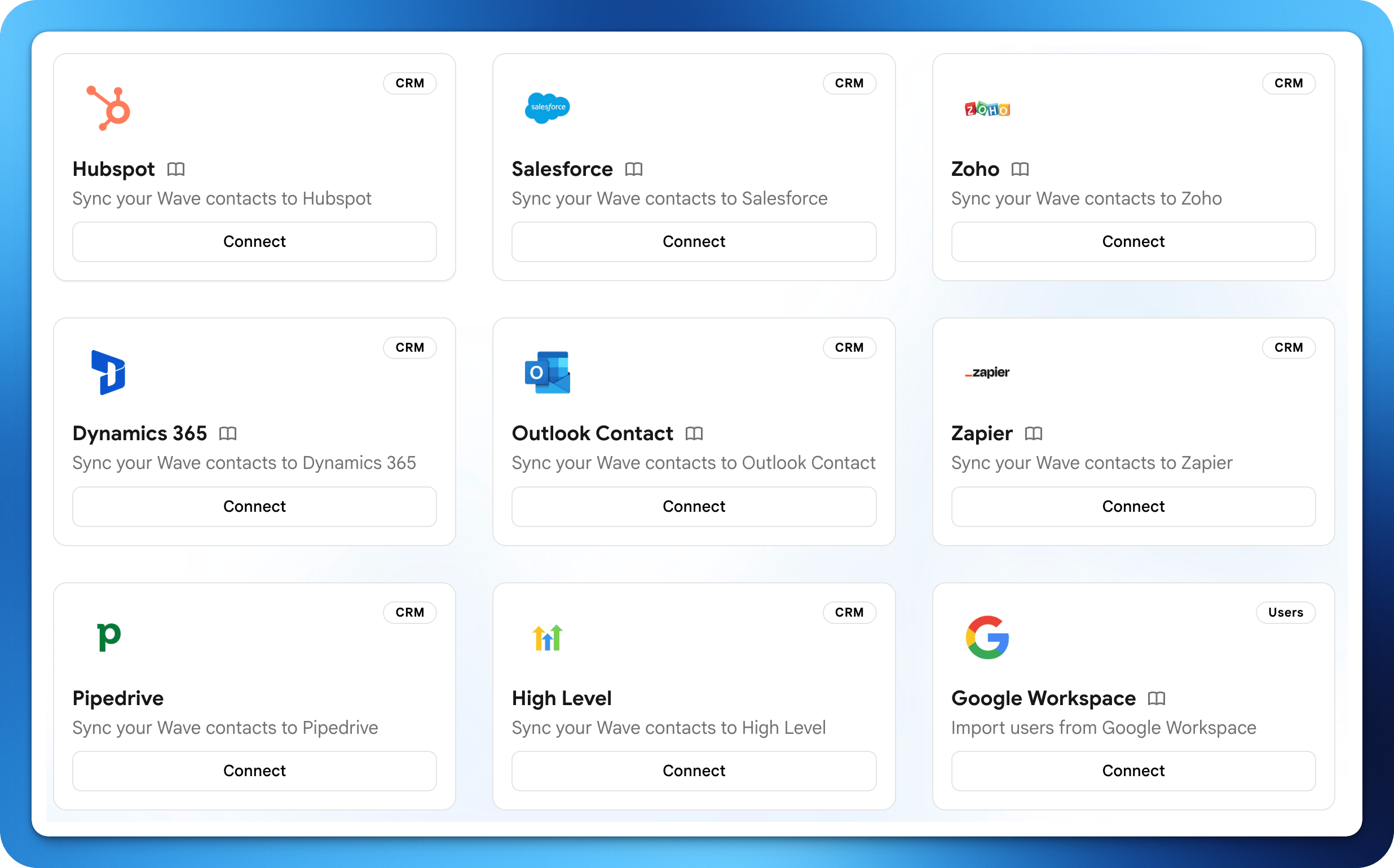
CRM
Sync contacts captured through Wave Connect directly into your CRM in real time.HubSpot
Sync contacts, and events as Marketing Events.
Salesforce
Sync Leads or Contacts, and events as Campaigns.
Zoho CRM
Sync contacts to Zoho as Contacts or Leads.
Dynamics 365
Sync contacts into Dynamics 365 Sales.
Google Contacts
Save contacts to your Google account.
Outlook Contacts
Save contacts to Outlook, with photos.
Pipedrive
Create Persons and Leads in Pipedrive.
HighLevel
Sync contacts into your HighLevel location.
Zapier
Trigger Zaps across 6,000+ apps on contact events.
Email sending
Send Wave Connect emails from your own address instead of a generic Wave Connect address.Gmail
Send from your Gmail address.
Microsoft Exchange
Send via Exchange over SMTP.
Office 365
Send via the Microsoft Graph API.
SMTP
Connect any SMTP mail server.
Email signatures
Push your Wave Connect signature directly into your team’s email client.Gmail signature
Push signatures to Google Workspace users.
Outlook signature
Deliver signatures via the Wave Connect Outlook add-in.
User management
Keep your Wave Connect team directory in sync with your identity provider or HR system. HR integrations are enabled on request on the Enterprise plan.Google Workspace
Sync users from your Google directory.
Microsoft Entra ID
Sync users from Entra ID (Azure AD).
BambooHR
Create and remove users from BambooHR employees.
UKG
Create and remove users from UKG Pro employees.
Workday
Create and remove users from Workday workers.