

Available on the Teams and Enterprise plans.
Create your organization
1
Create your organization
Set up your organization and structure it into teams, all managed from one dashboard.
2
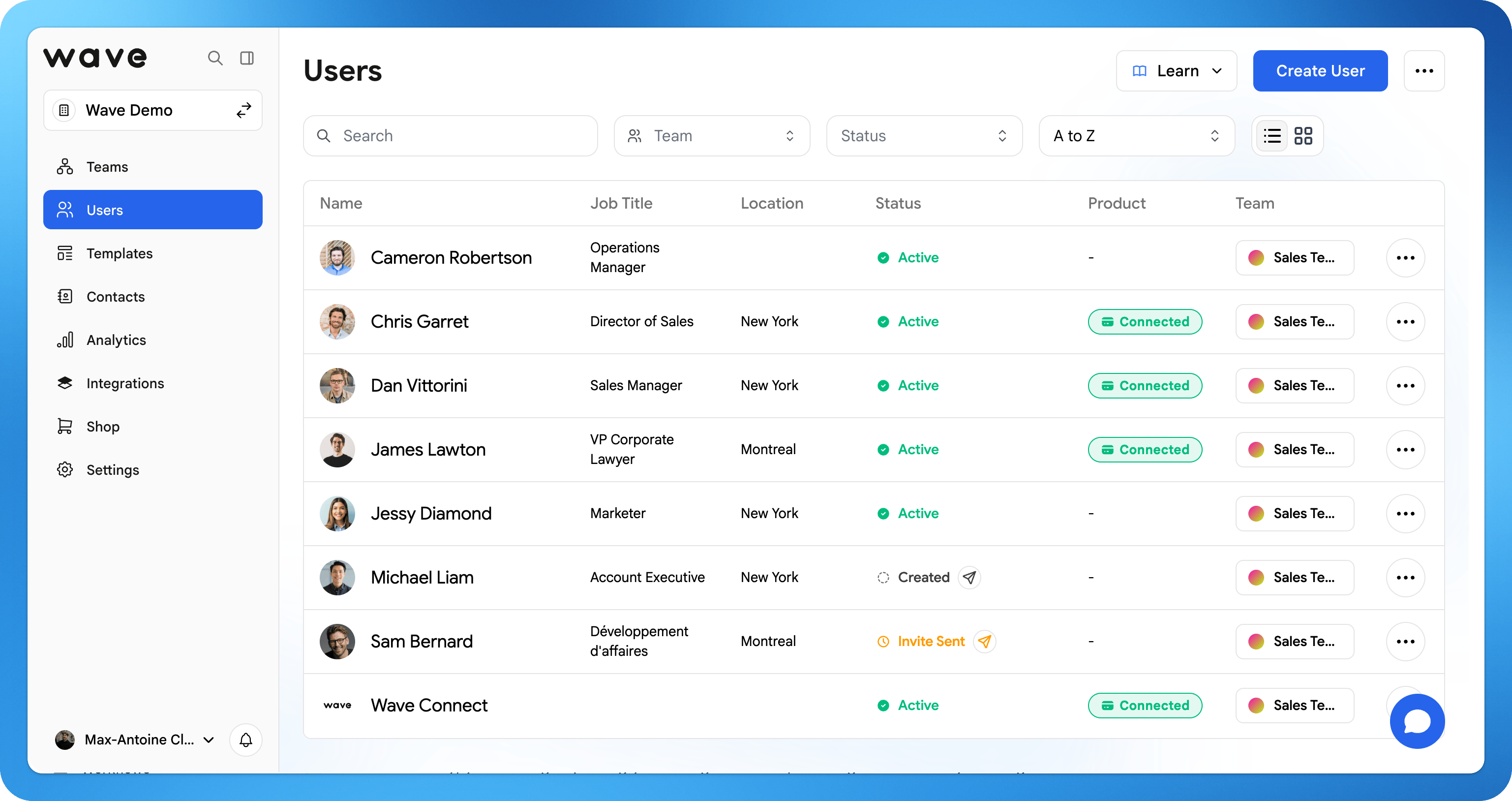
Add your people
Invite users with a welcome email, or bulk-import your whole company from an Excel or CSV file.
3
Build templates
Create brand-approved templates with your logo, fonts, and locked fields so every profile stays consistent and on brand.
4
Connect integrations
Sync captured leads straight to your CRM (Salesforce, HubSpot, and more) automatically.
5
Send onboarding email
Send your team a welcome email so they can activate their profile and get started.
Get started checklist
The dashboard tracks your setup progress. A Get Started button in the sidebar shows a progress ring and a % completed label. Click it to open the Welcome to Wave Connect page and work through the list. The button disappears once every item is done.User checklist
Each user has their own checklist on their home page, Get Started with Wave, with its own % completed progress.
Users can skip Add to your wallet and Download the app.
Onboarding email
The onboarding email is how your users first hear about Wave Connect. It tells them their profile is ready and how to log in. Send it from the Get Started checklist or from the Users page, to one user or to everyone at once. Users who have not logged in yet show as pending, and you can resend the email to them. See Onboarding Email.Search anywhere
Press ⌘K on Mac or Ctrl+K on Windows to open search from any page. Jump to users, teams, contacts, templates, and settings without leaving your keyboard.Explore each step
Teams
Create your organization and structure it into teams.
User management
Invite, organize, and manage your users.
Bulk import
Add many users at once from a spreadsheet.
Templates
Keep every profile consistent across your team.
Integrations
Connect Salesforce, HubSpot, and more.
Security & SSO
Configure SSO, SCIM, and access controls.