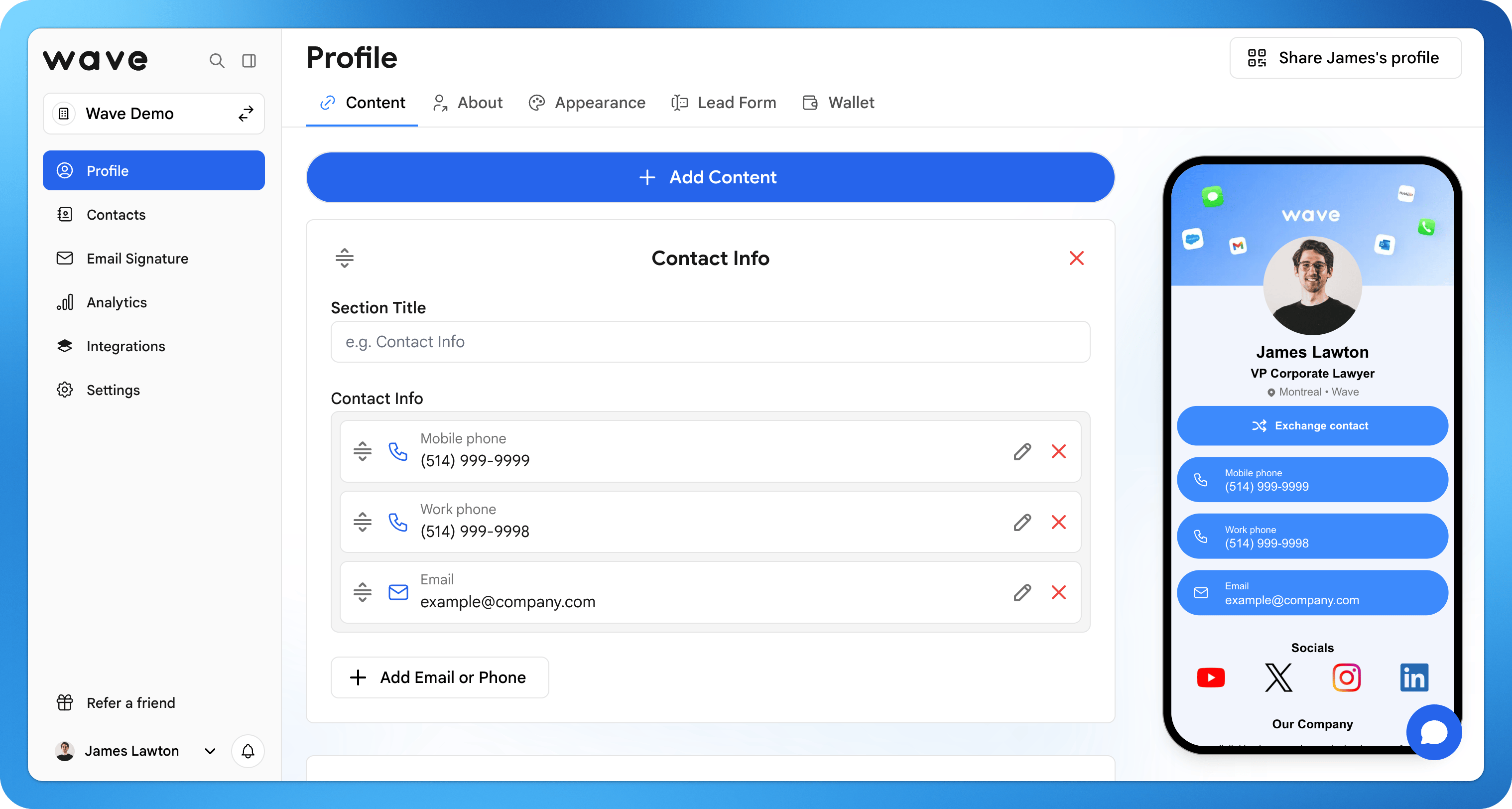
Create Your Account
1
Sign Up
Visit app.wavecnct.com/login and create your free account.
2
Enter Your Details
Add your name, job title, company, location, and a profile photo. These appear on your profile.
3
Add to Your Wallet
Save your card to Apple or Google Wallet so it’s always one tap away.
Build Your Profile
Your profile is what people see when you share your QR code, link, NFC card, or Apple Wallet. Add your content, match it to your brand, and preview it before you share.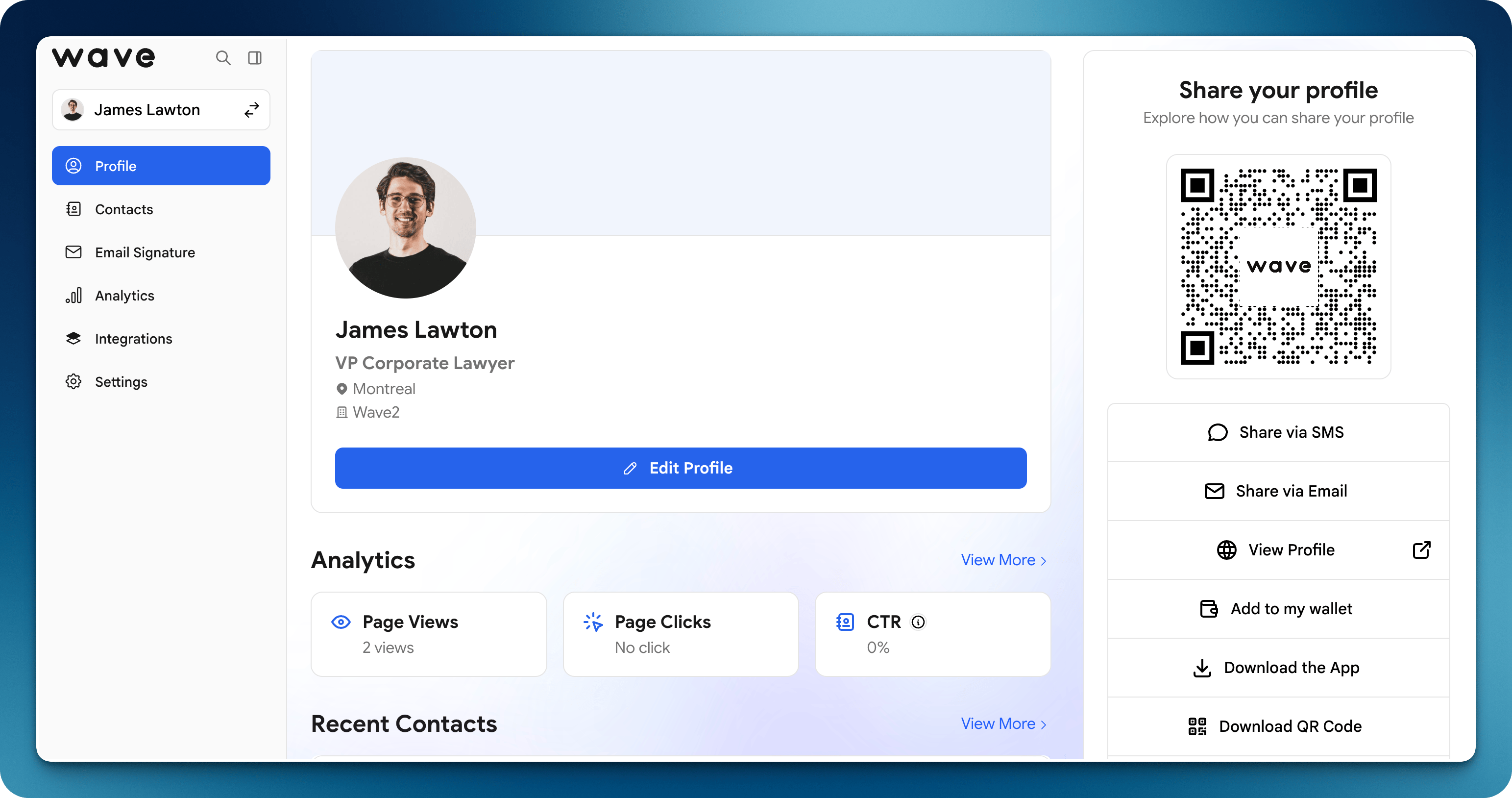
1
Open Edit Profile
Log in to Wave Connect, go to your profile, and click Edit Profile.
2
Add Content
Add socials, links, files, video, and maps so connections can learn more in one tap.
3
Customize Design
Set your colors, layout, images, and logo to match your personal or company brand.
4
Preview Your Card
Click View profile to see exactly what recipients will see, then save.