

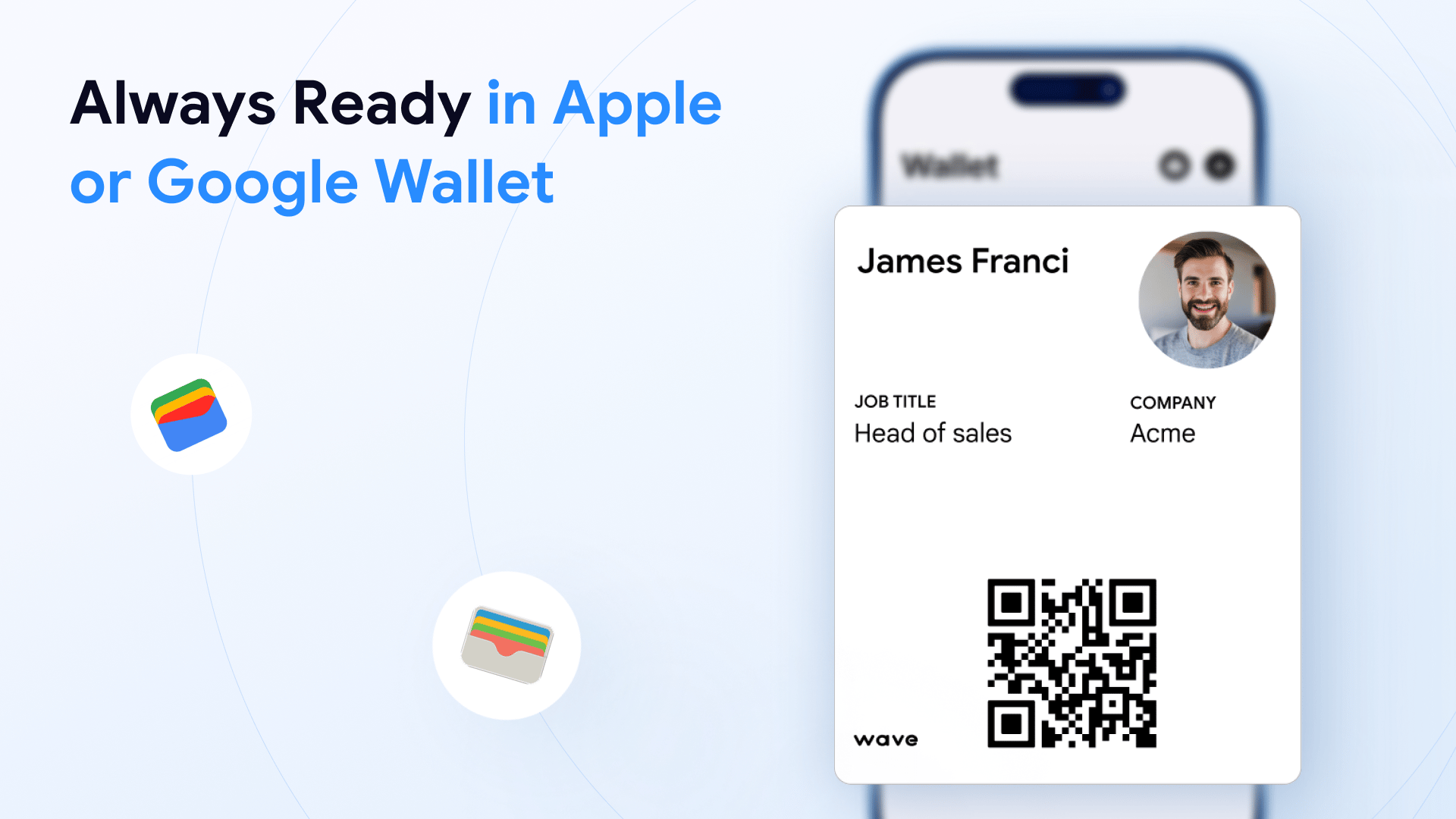
Adding to Wallet
The Add to Wallet button is in the Sharing section of your profile.- Desktop: it appears on the right side of the sharing panel
- Mobile: tap the share icon to reveal it
Sharing from Your Wallet
Once added, you can share your digital business card by:1
Opening Apple Wallet or Google Wallet on your phone
2
Selecting your Wave Connect card
3
Showing the QR code on the card to the recipient
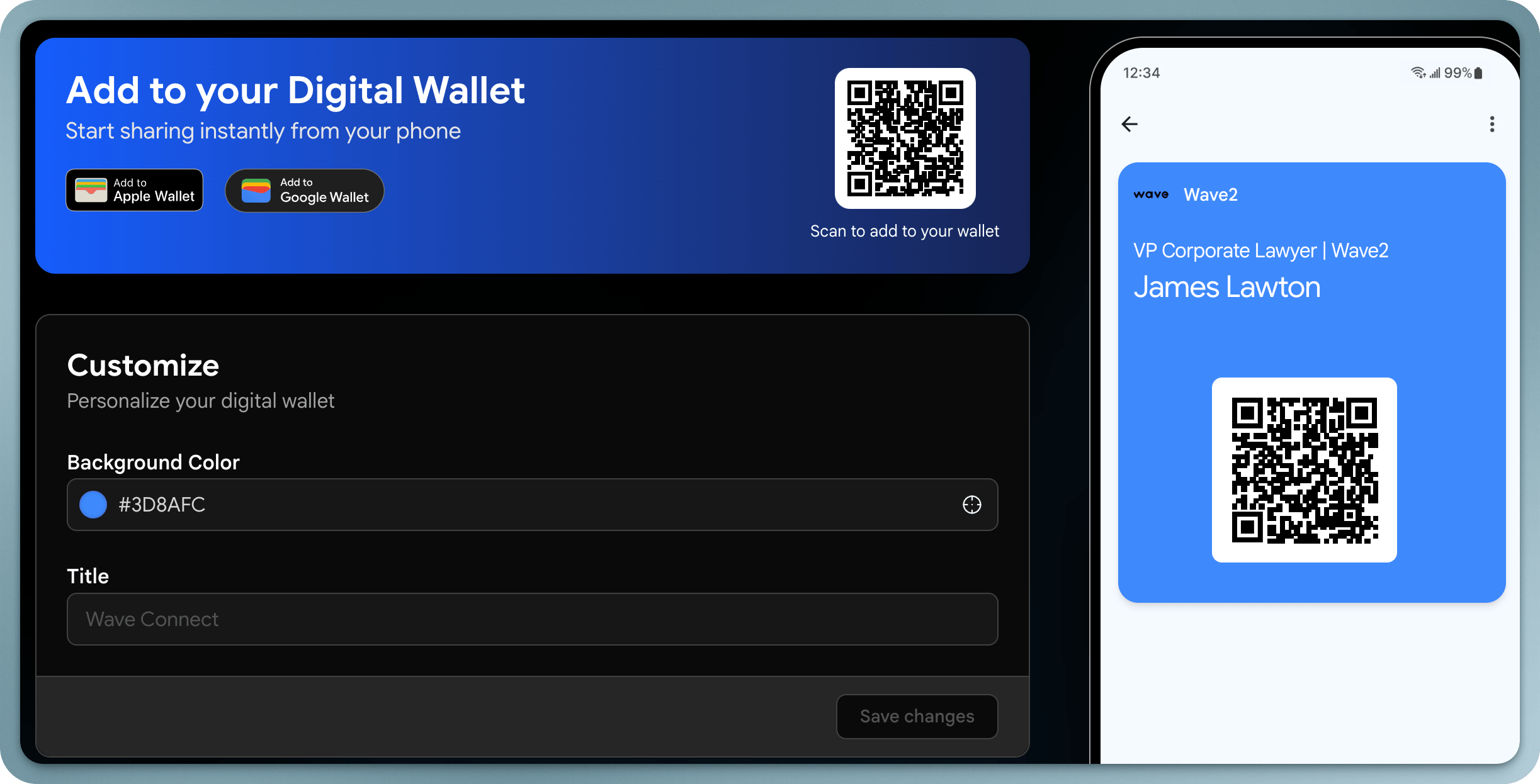
Editing Your Wallet Card
When you update your Wave Connect profile, the changes are reflected in your Wallet card. You can also customize the appearance of your Wallet card from your Wave Connect profile settings.The Wallet card includes your QR code, making it easy to share even when you don’t have the Wave Connect app open.