

How to Share via SMS
1
Open sharing options
From your Wave Connect profile, tap the Share button.
2
Select SMS
Choose the SMS sharing option.
3
Enter the phone number
Type the recipient’s phone number or select from your contacts.
4
Send
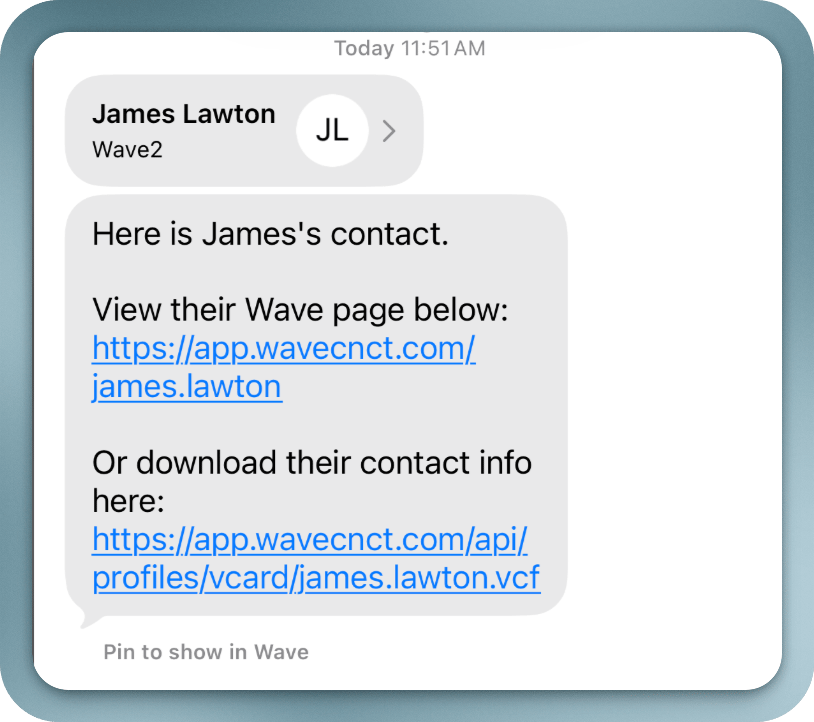
A text message with your Wave Connect profile link is sent to the recipient.
What the Recipient Sees
The recipient gets a text message containing a link to your Wave Connect profile. When they tap the link, your digital business card opens in their browser, where they can:- View all your contact information
- Save your details directly to their phone contacts
- Share their own contact information with you via the lead capture form