

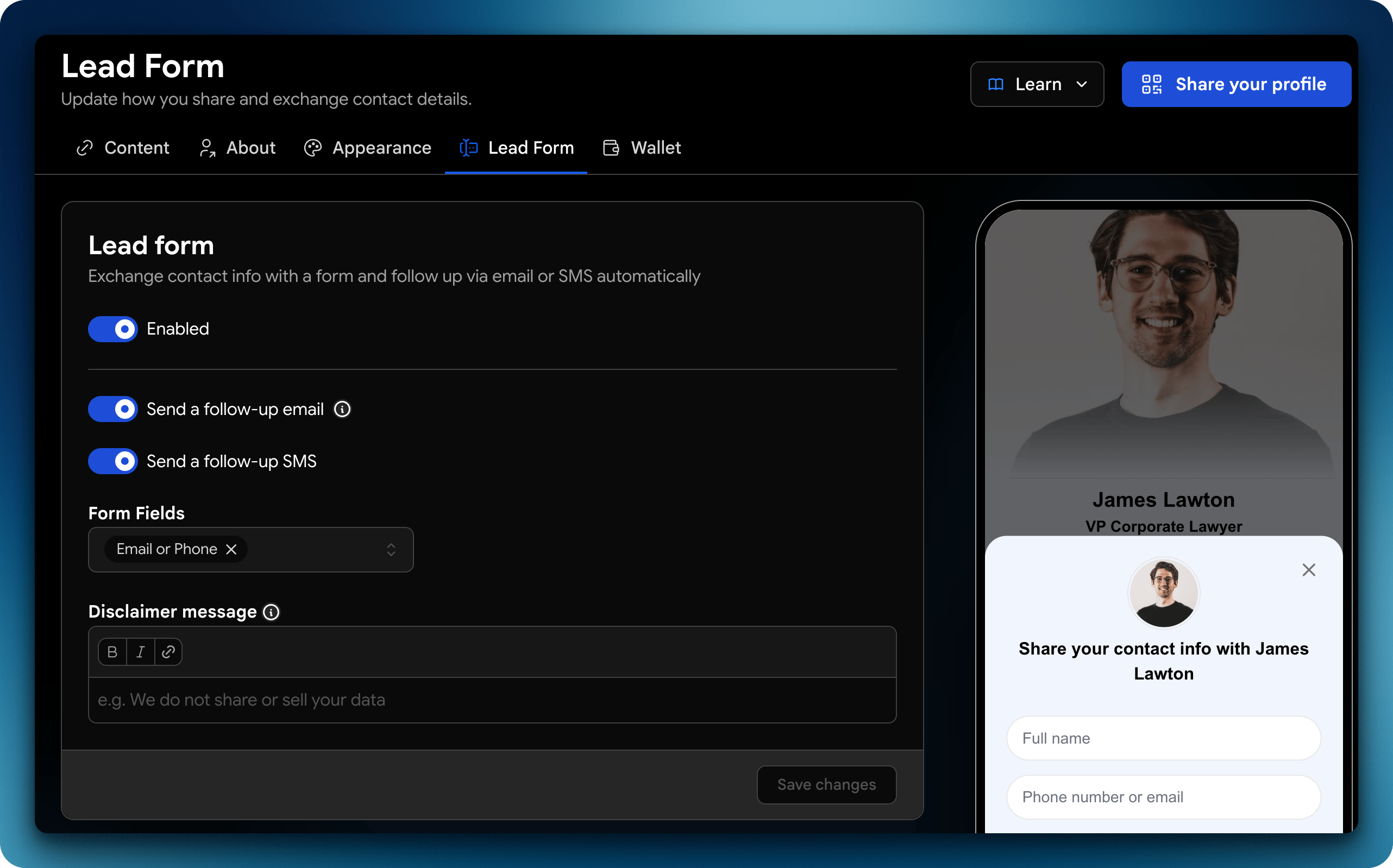
How Lead Capture Works
When someone interacts with your profile (via QR, NFC, link, or Wallet):- They open your profile
- They can choose to share their contact details
- Their information is automatically saved as a new contact
What gets captured
Depending on the interaction, you can collect:- Name
- Email address
- Phone number
- Company / role
- Custom fields (if configured)
Where Lead Capture Happens
Lead capture works across all sharing methods:- QR Code scans
- NFC taps
- Wallet sharing (Apple / Google)
- Direct links (SMS, email, social)