

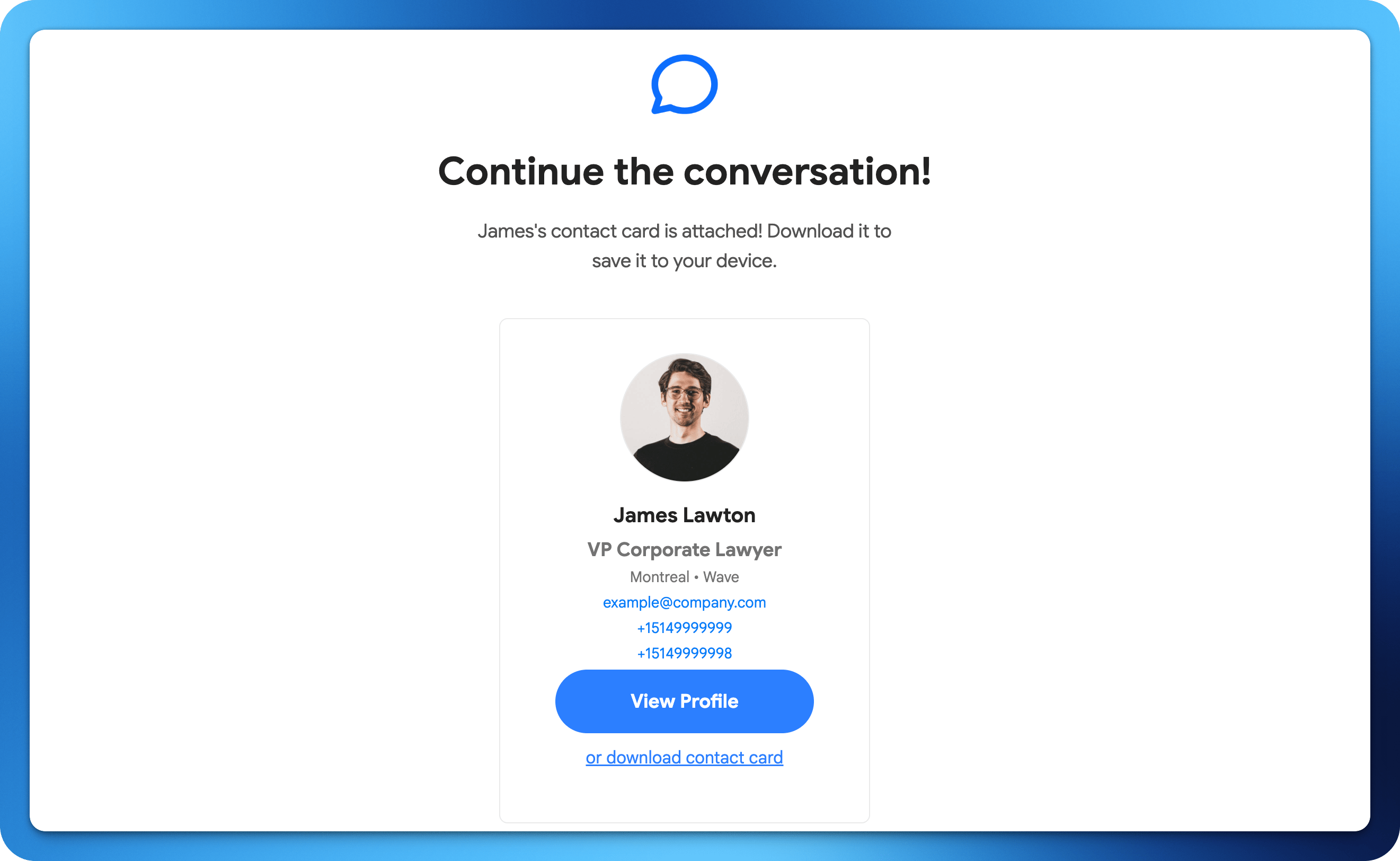
How to Share via Email
1
Open sharing options
From your Wave Connect profile, tap the Share button.
2
Select Email
Choose the email sharing option.
3
Enter the recipient
Enter the recipient’s email address or choose from your contacts.
4
Send
Wave Connect sends an email with a link to your digital business card.