

Available on the Teams and Enterprise plans.
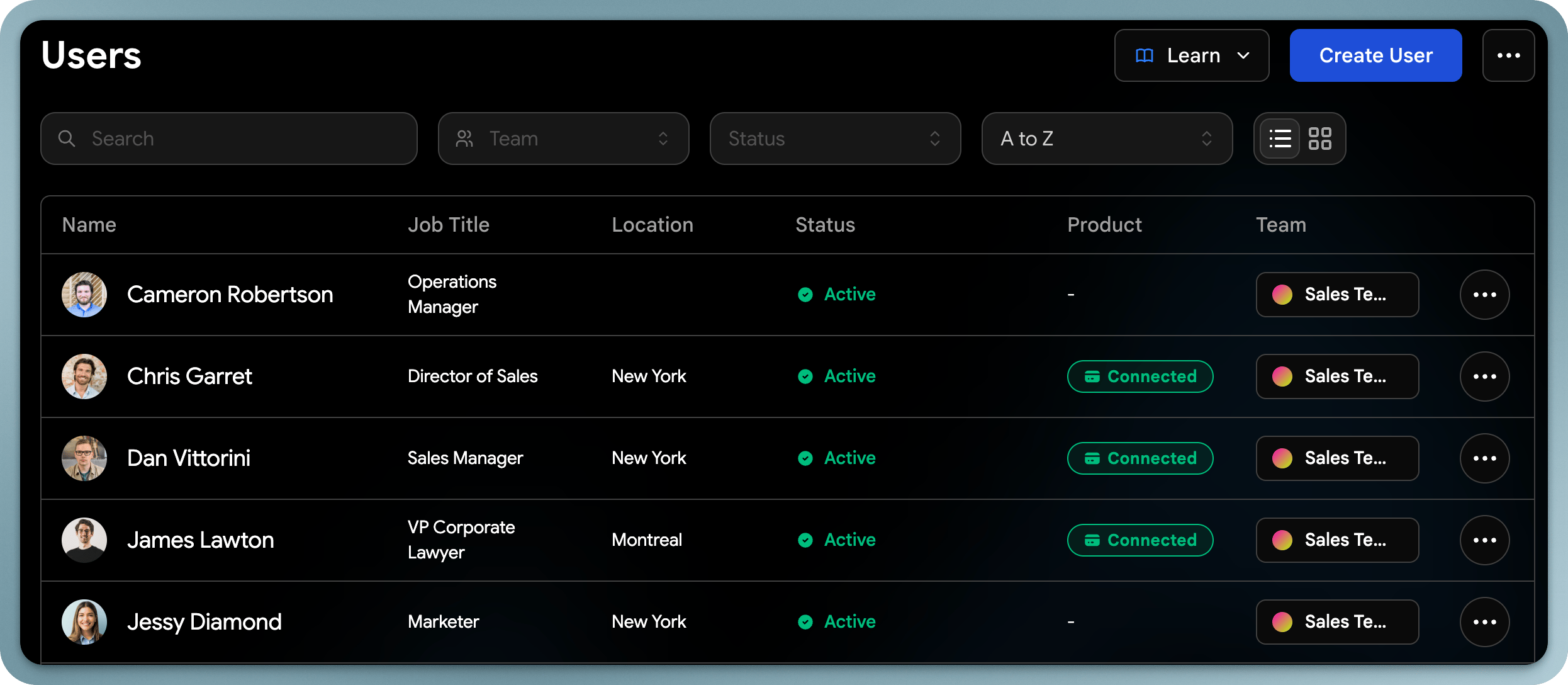
Updating User Profiles
As an admin, you can edit any user’s profile information:- Contact info: Name, email, phone, address
- Job details: Title, department, company
- Profile picture: Upload or change the user’s photo
- Websites & social media: Add or update links
- About section: Edit the user’s bio or description
Assign a Team to a user
You can assign a user to a specific team to track analytics and apply templatesMigrating Personal Accounts
Available on the Enterprise plan with a verified domain.
Viewing User Contacts & Leads
Admins can view and manage contacts captured by each user from the admin dashboard. This includes the ability to:- View a user’s full contact list
- Tag contacts on behalf of users
- Export contacts per user or for the entire team