Available on the Teams and Enterprise plans.
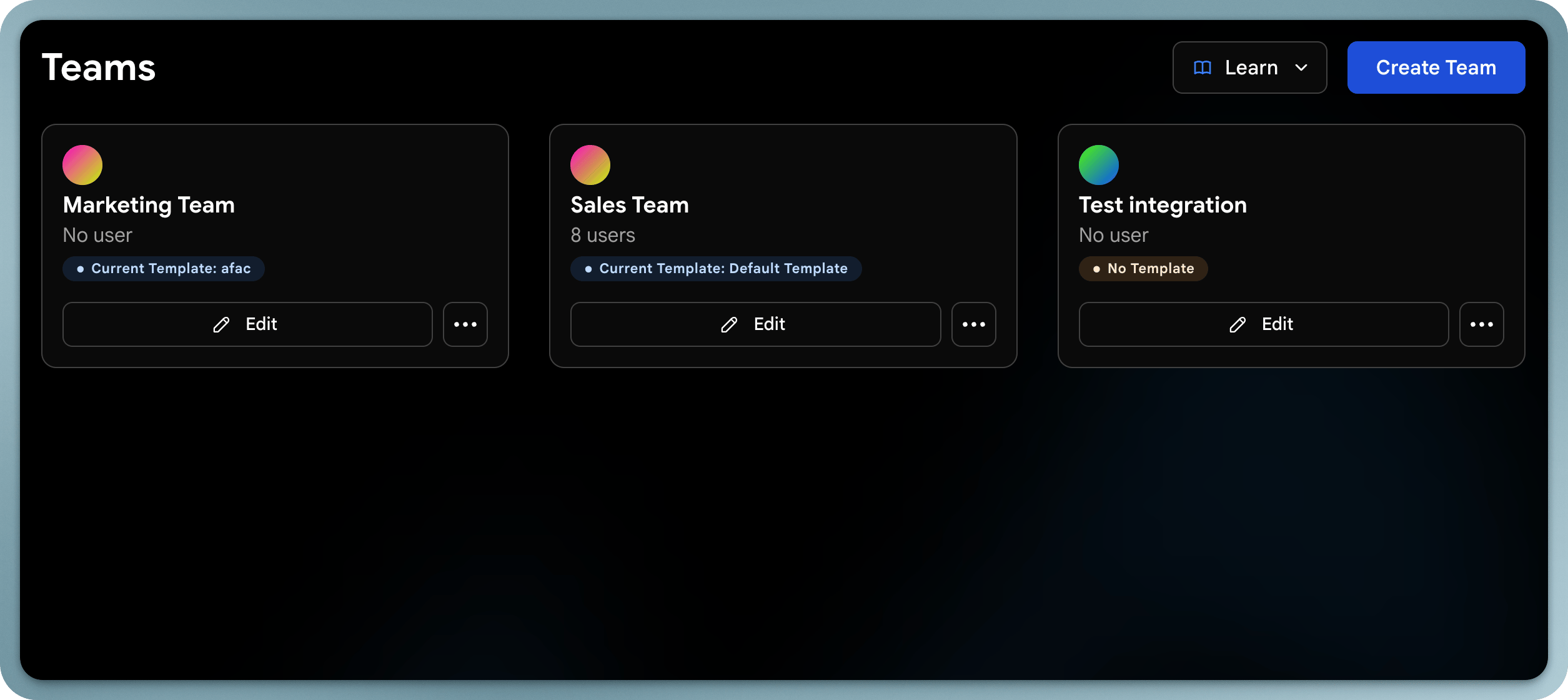
Teams dashboard Wave for Teams lets organizations manage multiple users, standardize branding, and control how digital business cards and data are used across the company. A team is a group of users organized by department, region, or function, managed together in one place.

Key Features

  • Centralized management: Create, edit, and manage all team members’ profiles from one place
  • Templates: Design consistent card layouts and apply them across teams
  • Lead dashboard: View all contacts captured by your team in a shared dashboard
  • Analytics: Track sharing activity and engagement by team
  • Bulk operations: Import users, assign cards, and update profiles in bulk

Creating a Team

1

Open the Teams section

Log in to your Wave admin dashboard and go to the Teams section.
2

Create the team

Click Create Team and give it a descriptive name (e.g., “Sales - New York”, “Marketing”).
3

Save

Your team is created and ready to have users assigned to it.

Assigning Users

1

Open the team

Select the team you want to manage.
2

Add members

Click Add Members and choose from your existing users. You can select multiple at once. Users can belong to more than one team.
3

Confirm

The selected users join the team and inherit its templates and settings.
To remove someone, open the team, find them in the member list, and select Remove. This only removes them from the team, not their Wave account.

Templates & Branding

Teams use shared templates to keep every profile consistent. Templates control profile layout, logo and brand colors, and content structure. They can be assigned per team, updated in bulk, and have fields locked to enforce consistency. See Templates.

Roles

RoleDescriptionPlan
OwnerFull account access, including billing and plan managementAll
AdminManage users, templates, contacts, and settingsAll
ManagerCan view and edit profiles and contacts for an assigned team, without access to company-wide settingsEnterprise
MemberUse their assigned digital business card and view their own contactsAll
ViewerCan view profiles and contacts for an assigned team, with no edit accessEnterprise