

Available on the Teams and Enterprise plans.
Import from File
Upload a CSV or Excel file to create users in bulk. This is the most common method for a one-time import.1
Download the template
In the import assistant, download the Excel or CSV template. Use this file. Do not create your own.
2
Fill in your users
Each row is one user. Only first name, last name, and account email are required. All other fields are optional.
- Do not add or remove any columns
- Include the country code for all phone numbers (e.g. +1, +44)
3
Upload the file
Drag and drop your completed file, or click Select file. Wave Connect processes it and shows you a preview.
4
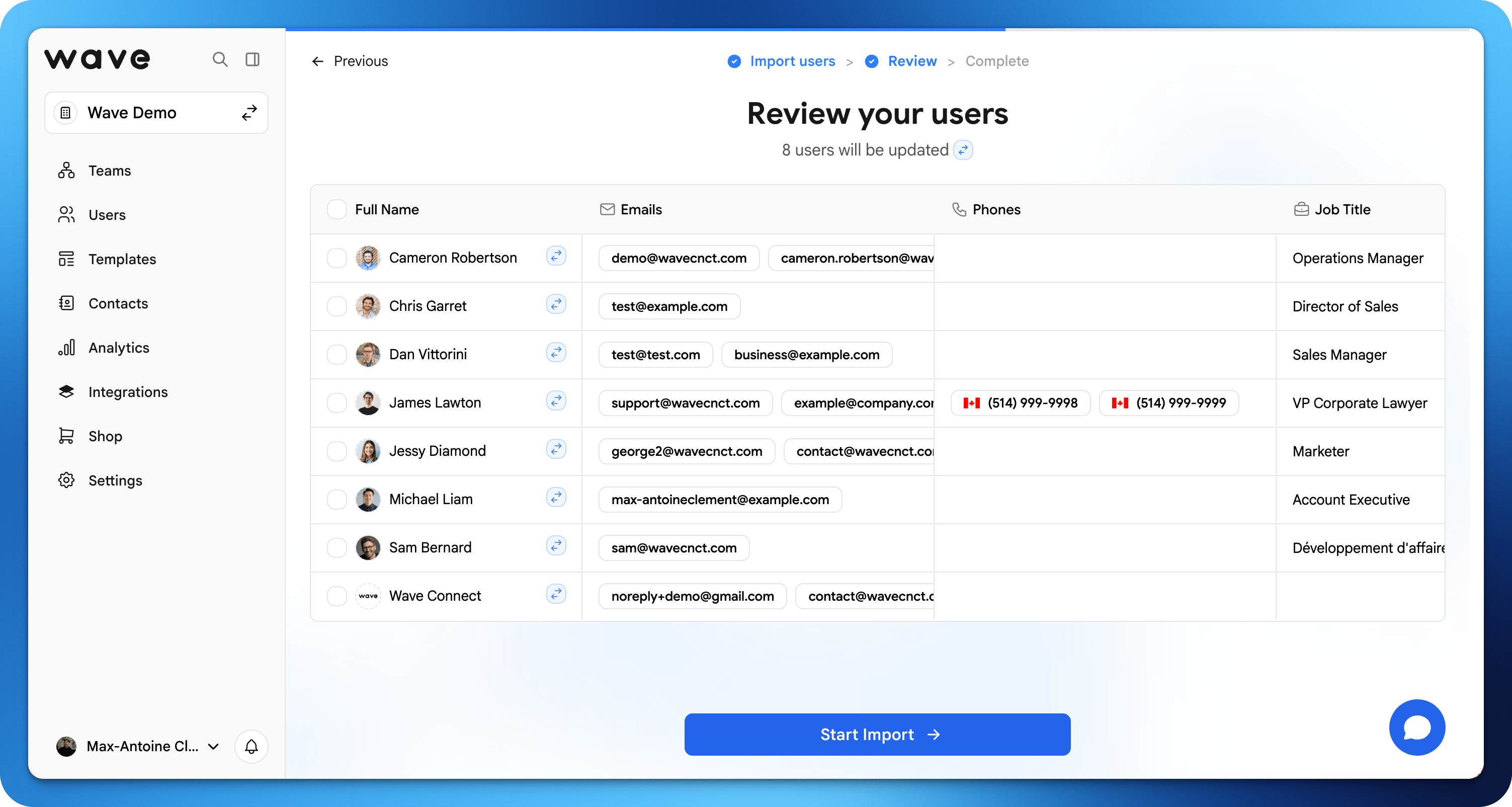
Review and fix errors
Check the preview table for any highlighted errors. You can edit fields directly in the table before confirming.
5
Confirm
Click Import. Each user receives an email invitation to activate their Wave Connect profile.
Import from Google or Microsoft
If your organization uses Google Workspace or Microsoft, you can import users directly from your directory. Wave Connect reads basic profile information only. It does not access emails, files, or any other data.1
Select your directory
In the import assistant, choose Import from Google or Import from Microsoft.
2
Connect your directory
Authenticate with your Google or Microsoft account to authorize the connection. You can remove access at any time.
3
Review users
Wave Connect imports your directory users and shows them in a preview table. Review and make any edits before confirming.
4
Confirm
Click Import. Each user receives an email invitation to activate their Wave Connect profile.
If your Google Workspace or Microsoft integration is already connected, Wave Connect uses the existing connection automatically.
User Provisioning (SCIM)
Available on the Enterprise plan.