George El-Hage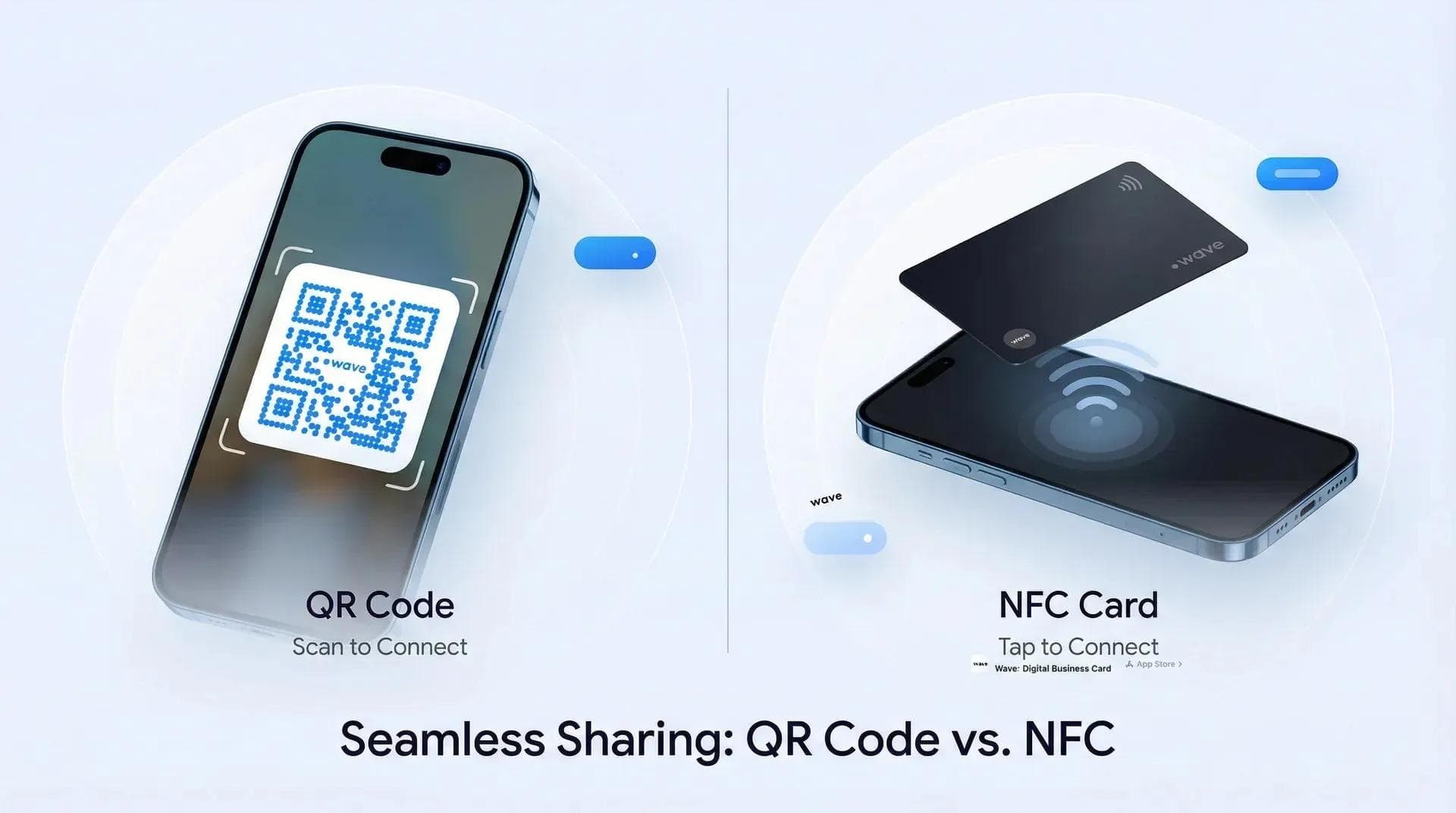
One of the most common questions I get is: Can QR codes work without the internet? The short answer is yes. Offline QR codes let you share information even when WiFi is weak or nonexistent.
Wave Connect and other platforms now make it possible to share your digital business card using an offline QR code. That means you can always connect with someone whether you are at a packed trade show or in a spotty conference hall.
Offline (static) QR codes store data directly in the code pattern — no internet needed to scan them. They're perfect for sharing contact info at trade shows, events, or anywhere WiFi is unreliable. The tradeoff: you can't edit them after creation and they don't support analytics. Wave Connect gives every user an offline QR code option as a backup for their digital business card.
What is an Offline QR Code?
An offline QR code, sometimes called a static QR code, works without an internet connection. The data is embedded directly into the pattern when you generate the code.
When someone scans it, their phone reads the stored content instantly. No network required. But since the content is "hard-coded," you cannot edit or update it later. If there is a typo, you will need to make a new one.
Offline QR codes are simple and reliable but do not support analytics, editing, or tracking like dynamic QR codes.
What Data Can You Store in an Offline QR Code?
Because the content is baked into the code itself, offline QR codes are best for simple data. Here are common examples:
- Text: messages, names, instructions
- Numbers: IDs, serial codes
- WiFi credentials: SSID and password
- URLs and email addresses (can be saved offline, but need internet to use)
- Contact information like vcf files (a digital business card format that lets someone instantly save your info to their phone)
These types of content work best when you want guaranteed access no matter the network conditions.
Digital Business Cards With Offline QR Codes
This is one of the most powerful use cases. Digital business cards usually rely on a link, but what happens if you are in a convention hall with thousands of people and WiFi is failing?
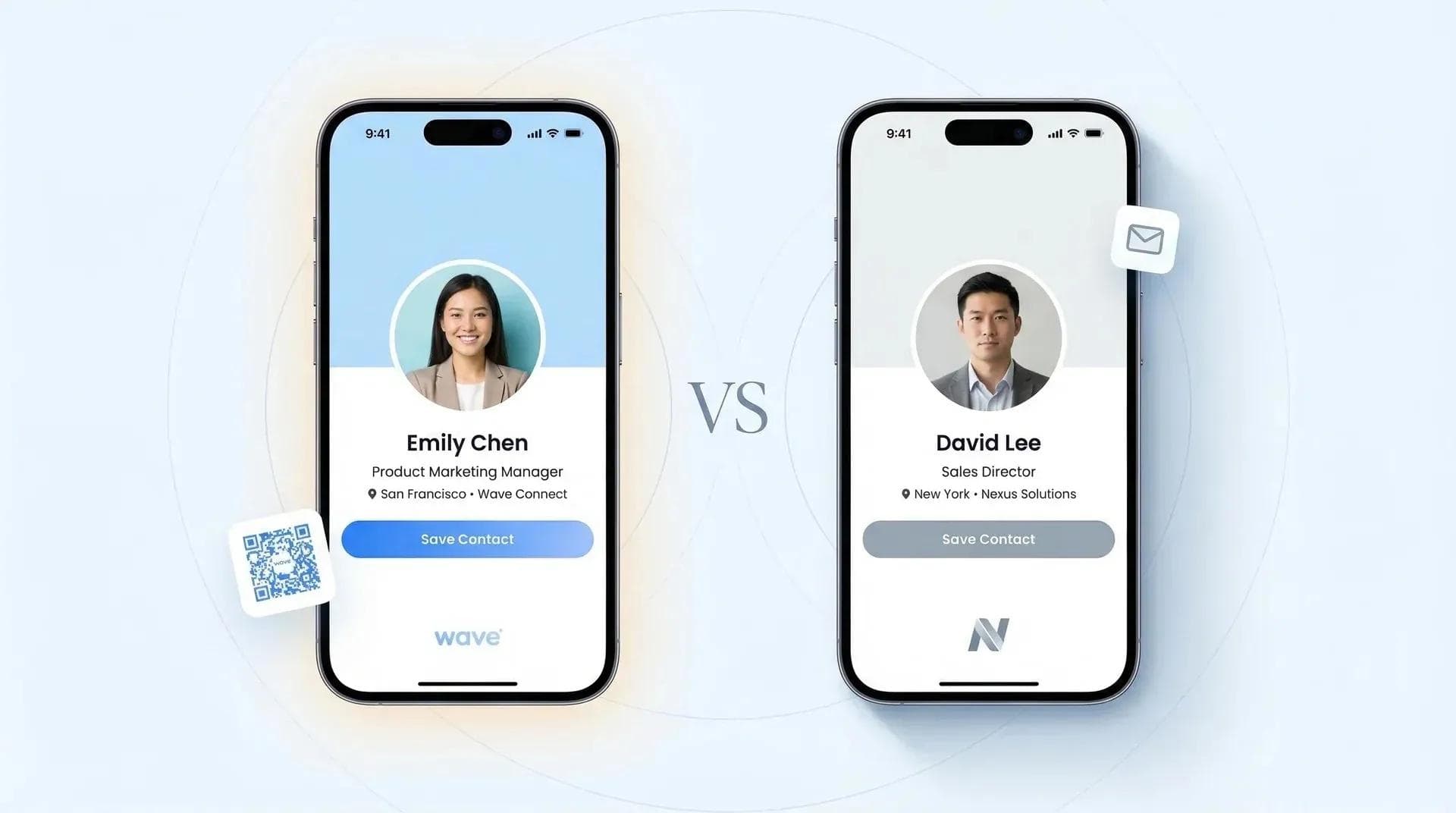
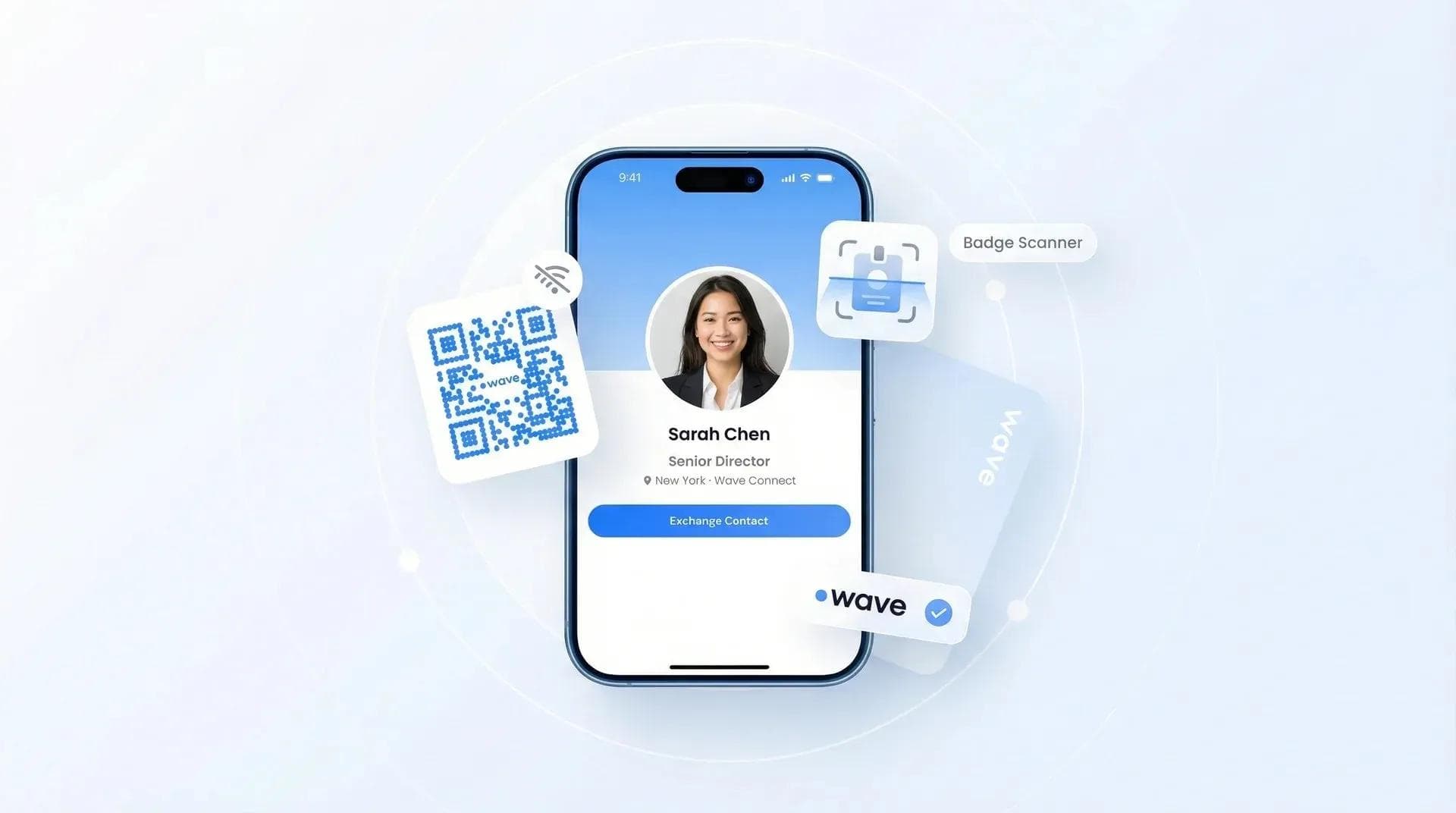
Wave Connect solved this by giving every user the option to create an offline QR code for their card. Instead of linking to a page, the code can directly display your name, phone number, email, and other details. Even if the recipient has no connection, they can save your info instantly. For teams collecting information at booths rather than just sharing it, Wave Connect's badge scanning app pairs with these same offline-friendly codes to capture leads on the spot.
When they get back online, your full digital business card profile loads with more links, social media, and branding. Offline QR codes make sure you never leave a networking event without getting your details across.
Pros and Cons of Using Offline QR Codes for Digital Business Cards
Pros:
- Works without internet in any location
- Instantly shares contact details like phone, email, and vcf files
- Can be printed on cards, badges, or posters
- Free to generate and permanent once created
- Great backup at tradeshows or events with bad WiFi
Cons:
- Cannot be edited after creation
- No scan tracking or analytics
- Limited content compared to dynamic QR codes
- Branding options are more basic than online profiles
Why Use an Offline QR Code?
Offline QR codes shine in real-world situations where the internet is slow or unavailable:
- Share your digital business card instantly at events
- Teachers can add questions or instructions into codes for offline quizzes
- Product teams can add serial numbers for simple inventory tracking
- Organizers can use them for attendance and check-ins
They are free to generate, never expire, and always work.
How to Create a Digital Business Card Offline QR Code
Wave Connect makes it easy to create a digital business card offline QR code:
- Create Your Profile: Add your contact details, links, and branding on your Wave Connect card.
- Choose the Offline QR Option: In your Wave Connect dashboard, click the "QR code" icon and then select "Download Offline QR code" to store the QR code on your phone.
- Test It Out: Scan it on multiple phones to confirm it shows your details without internet.
- Share Anywhere: Print it on physical cards, badges, or posters so people can always capture your contact info.
This makes Wave Connect's offline QR codes perfect for tradeshows, conferences, and places where connectivity is limited.
Offline vs Online QR Codes
Offline (Static):
- Stores data directly
- No internet needed
- Not editable after creation
- No analytics or tracking
- Free and permanent
Online (Dynamic):
- Stores a redirect link
- Needs internet to load content
- Editable anytime
- Supports tracking and analytics
- May expire with subscription
Both types are useful, but offline codes win when reliability is more important than analytics.
Final Thoughts
Offline QR codes are simple, powerful, and reliable. They do not need WiFi, they do not expire, and they always deliver the data they carry.
For digital business cards, offline QR codes are a game-changer. They make sure your contact details are always shareable, even in the toughest networking environments. With Wave Connect, you get the best of both worlds: a full-featured digital business card and the security of offline sharing when you need it most.
Never Lose a Connection — Even Without WiFi
Wave Connect gives every user an offline QR code backup. Share your digital business card anywhere, even with no internet.
Create Your Free CardFrequently Asked Questions
Do offline QR codes work without WiFi?
Yes. Offline (static) QR codes store data directly in the code pattern. The scanner reads the embedded data instantly — no internet connection required.
Can I edit an offline QR code after creating it?
No. The data is hard-coded when the code is generated. If you need to make changes, you'll need to create a new QR code. Dynamic QR codes support editing but require internet.
What's the difference between offline and online QR codes?
Offline codes store data directly in the pattern (no internet needed, but not editable). Online codes store a redirect link (editable and trackable, but need internet to load).
How do I create an offline QR code for my digital business card?
In Wave Connect, go to your dashboard, click the QR code icon, and select "Download Offline QR code." The code stores your name, phone, email, and other contact details directly.
What data can an offline QR code hold?
Text, URLs, email addresses, WiFi credentials, phone numbers, and vCard contact files. The more data you embed, the denser (and larger) the QR pattern needs to be.
About the Author: George El-Hage is the Founder of Wave Connect, an event lead capture platform with a full digital business card built in, serving 200,000+ professionals worldwide. With 6+ years helping organizations transition from paper to digital networking, George has deep expertise in QR codes, NFC technology, and offline sharing solutions. Connect with George on LinkedIn.