

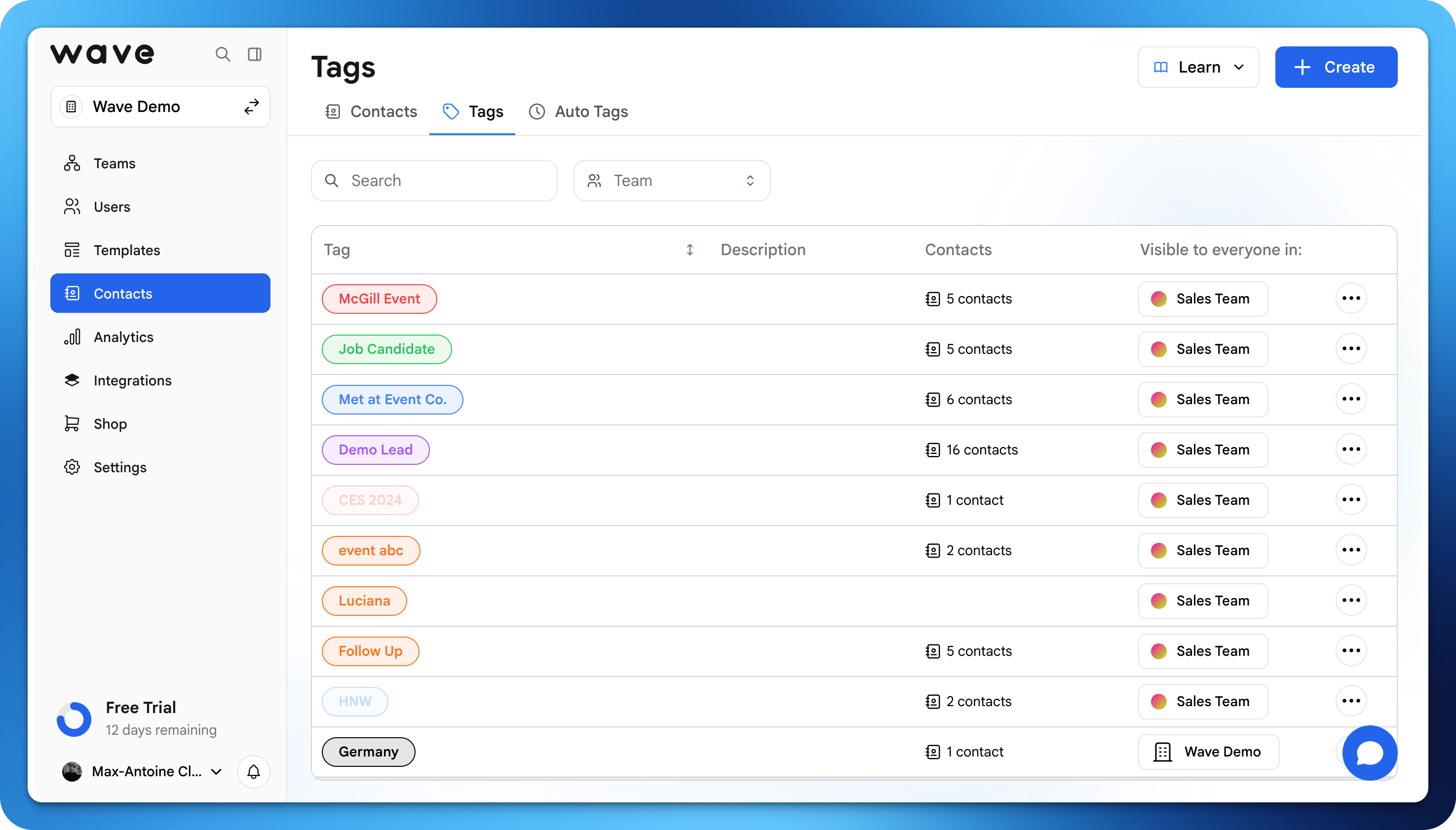
Creating Tags
1
Go to Contacts
Open the Contacts tab in your Wave Connect dashboard.
2
Select a contact
Click on the contact you want to tag.
3
Add a tag
Type a new tag name or select from existing tags. Tags are created instantly.
How tags are used
You can use tags to:- Segment contacts (e.g., Leads, Clients, Partners)
- Track where contacts came from (event, campaign, etc.)
- Organize follow-ups or outreach
Tag Examples
Here are common ways to use tags:Filtering by Tags
In the Contacts view, click the tag filter to show only contacts with specific tags. You can filter by multiple tags at once.Best practices
- Keep tag names simple and consistent
- Use tags for actionable groups (not just descriptions)
- Avoid duplicates (e.g., “Client” vs “Clients”)