

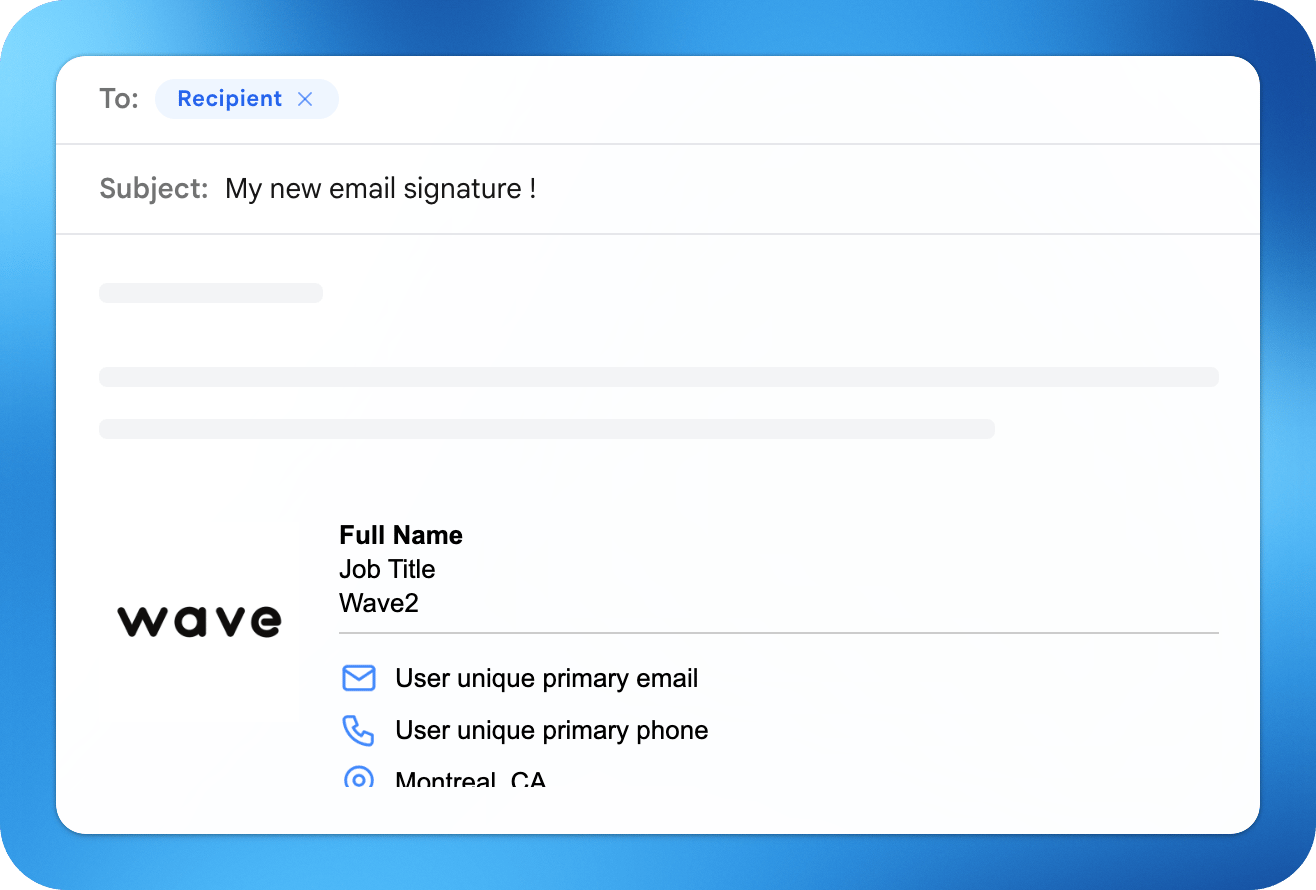
- Generate a signature from your profile
- Add it to Gmail, Outlook, or iPhone Mail
- Sync and manage signatures across your team
The signature editor
Open Email Signature in the app to build your signature. Each section saves on its own and the preview updates as you go.Custom fonts may not display in all email clients. Email apps that do not support the font fall back to a system font.
Synced fields
Personal details such as your name, job title, company, and pronouns are Synced from profile by default. Edit the value in the signature editor to override it for the signature only. Use Remove pronouns to hide pronouns again.Sharing options
The Sharing section offers three choices:- None: no link back to your card.
- QR Code: adds a QR code recipients can scan to save your contact details.
- Button: adds a clickable button linking to your digital business card.
Preview and test
- Preview shows your signature inside a mock email.
- Send Preview emails the signature to your own address so you can check how it looks in a real inbox.
- Template editors can use Preview as to see the signature with a specific user’s details.
Add your signature to your email app
Click Create Signature once your signature is ready. The Add to your email screen gives you two copy options and step-by-step instructions for each email app.- Copy Signature copies the rendered signature. Paste it straight into your email app’s signature box.
- Source Code copies the raw HTML for apps or tools that ask for code.
- Gmail
- Outlook
- iPhone Mail
- Click Copy Signature in Wave Connect.
- In Gmail, click the gear icon on the top right and select See all settings.
- Scroll down to the Signature section and create a new signature.
- Give your signature a name and paste your signature.
- Select it as the default under Signature Defaults, right underneath the preview box.
- Click Save at the bottom of the page.
Signatures for your team
Available on the Teams and Enterprise plans.
Send to users
Send to users emails every selected member a link to their personal signature page. The page shows their finished signature with the same Add to your email instructions, Copy Signature, and Source Code options described above. Each person installs it in their own email app.Connect email provider
Connect email provider deploys signatures automatically for every user on the template, with no action from them. Updates to the template roll out to everyone.Gmail signature
Deploy signatures to Google Workspace users.
Outlook signature
Deploy signatures with the Outlook add-in.