George El-Hage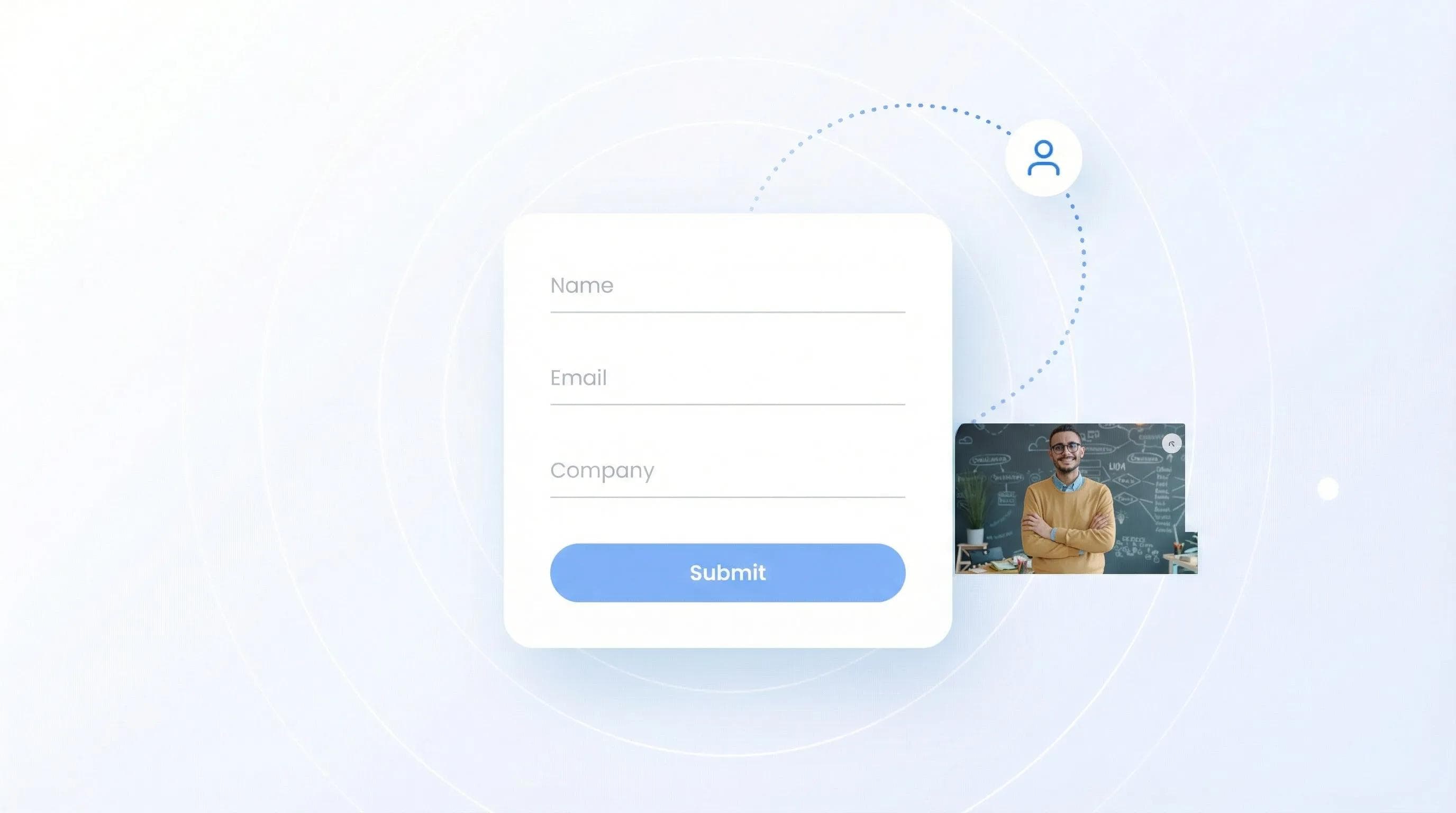
The short version: a lead capture form is any form that collects a prospect's contact details so you can follow up. Online, it's a web form that trades a guide, newsletter or demo for a name and email. At a trade show, it's the short set of qualifying questions your booth team answers after scanning a badge. This guide covers both.
I'll show you the 4-step process, real examples, a field template for events, and the mistakes that cost you leads. More than 200,000 professionals and teams use Wave Connect for digital business cards and lead capture, so I've seen what actually works.
A lead capture form collects visitor contact information (name, email, phone) in exchange for something valuable like a free guide or newsletter. The 4-step process: visitor sees form, fills out fields, data goes to your CRM, you follow up. Keep forms short (3-5 fields). At events, the form is the qualifying questions your rep answers after a badge scan: interest, need, timeline and follow-up owner.
What is a Lead Capture Form?
Lead capture is the process of collecting a prospect's contact details, with their permission, so your team can follow up. A lead capture form is the tool that does it. Online that means a web form; at events it means a badge or business card scan plus a few qualifying questions.
A lead capture form is a web form that collects prospect contact information - typically name, email, and sometimes phone number or company. The core purpose is converting anonymous website visitors into known leads you can follow up with. This happens through a simple trade-off: visitors give their contact info in exchange for something valuable like an ebook, newsletter subscription, or free tool access. Think of it as the digital equivalent of exchanging business cards at a conference, except automated and scalable. At trade shows, this same concept powers modern AI badge scanning, which turns a quick scan of an attendee's badge into a fully captured lead in your CRM.
Common fields include:
- Name: First name minimum (last name optional)
- Email: The non-negotiable field
- Phone: Only if you'll actually call
- Company: For B2B lead qualification
💡 From My Experience: Every form I've built for Wave Connect ended up shorter than the first draft. Name and email get the conversation started; anything else has to earn its place.
How Do Lead Capture Forms Work? (The 4-Step Process)
Lead capture forms work through a simple 4-step process: encounter, fill, store, and nurture. When someone fills out your form, their data flows directly to your CRM or email platform, triggering automated follow-up sequences that turn cold leads into customers. Each step requires optimization - from form placement to field selection to follow-up timing. Understanding this flow helps you identify bottlenecks and improve conversion rates at each stage.
Step 1: Visitor Encounters Form
Your form appears on a website, landing page, or popup. This could be embedded in a blog post, triggered by exit intent, or featured prominently on your homepage.
💡 From My Experience: Timing beats placement. A form that appears after someone has read most of a post gets a warmer response than one that greets them on arrival.
Step 2: Visitor Fills Out Fields
They enter their information in exchange for your offer. The key here is making the value clear.
Step 3: Data Gets Stored
Form submissions automatically flow to your CRM, email platform, or database. Wave Connect, for example, syncs captured leads to HubSpot, Salesforce, Microsoft Dynamics 365, Zoho, Pipedrive and HighLevel as they come in, with no manual entry. For deeper integration options, check out how digital business cards connect with CRM software.
Step 4: Automated Follow-Up
Your system sends a welcome email, delivers the promised content, and starts a nurture sequence based on their interests.
Types of Lead Capture Forms (With Examples)
Lead capture forms come in many formats, each optimized for different stages of the buyer journey. Newsletter signups work for top-of-funnel awareness, while demo requests target bottom-of-funnel prospects ready to buy. The form type you choose depends on what your audience wants and where they are in their decision process. Different forms require different levels of commitment, so matching the ask to the visitor's intent is crucial for conversion.
Newsletter Signup Forms
The classic. "Join 10,000+ marketers getting weekly tips." These work because the commitment is low and value is ongoing.
Gated Content Forms
Trade premium content for contact info. Examples: industry reports, templates, calculators. They convert best when the content solves a specific, painful problem.
💡 From My Experience: Specific offers beat generic ones. A template someone needs today pulls far more sign-ups than a broad industry report.
Demo Request Forms
For software and services. These typically ask for more info (company size, use case) since prospects are sales-qualified. Learn more about lead capture form optimization strategies.
Free Trial Signups
Let them test before committing. Works especially well for SaaS. Wave Connect's forever-free plan is a good example: the signup form asks only for email and name, then collects company details during onboarding. The form is minimal since you'll gather more data over time. See how small businesses use lead generation tools effectively.
Event Registration Forms
Webinars, workshops, conferences. Time-sensitive nature drives urgency. For a modern twist, see how QR codes can replace traditional event forms.
Event Lead Capture Forms: What to Ask at a Trade Show
An event lead capture form is the short set of questions your booth team fills in for each visitor, usually right after scanning their badge. The badge or business card tells you who the person is. The form captures what a scan can't: how interested they are, what they need, and who follows up. Keep it to what your sales team will actually use, because every extra question costs time when the booth is busy.
An Event Lead Capture Form Template
| Field | Required? | Where it comes from |
|---|---|---|
| Name, title, company | Yes | The badge scan or business card |
| Work email and phone | Yes | Enrichment after the scan, or typed in |
| Interest level (hot, warm, cold) | Yes | One tap by the rep |
| Product line or need | Yes | One tap by the rep |
| Timeline | Optional | One tap by the rep |
| Follow-up owner | Yes | Assigned at the booth |
| Notes or a voice note | Optional | Typed or recorded by the rep |
| Event name | Yes | Set once per event and added to every lead |
| Consent | Where required | A checkbox or statement, per your legal basis |
Copy these fields into whatever you use at the booth. Map each one to a CRM field before the show.
Every field should land somewhere in your CRM, or it ends up in a notes field nobody reads. Decide the mapping first, then build the form; here's how to get trade show leads into your CRM with the setup for HubSpot, Salesforce and the rest.
Form, Badge Scanner, or Both?
Use both: the scanner captures the person, the form captures the conversation. A sign-up sheet or a tablet form makes the visitor type their own details, which is slow and error-prone at a busy booth. A scanner reads the badge in a second but knows nothing about what you talked about. Wave Connect puts the two together: the AI Badge Scanner reads any printed badge, Waterfall Lead Enrichment finds the verified contact details, and Custom Qualifiers let the rep rate interest, pick the product line and assign the follow-up owner in one tap. It keeps working offline when the venue Wi-Fi drops.
Comparing tools before your next show? These are the questions buyers ask most, and here's how the leading badge scanners compare.
Where to Place Lead Capture Forms for Maximum Results
Where you put a form matters as much as what's on it. The best locations balance visibility with user experience: you want to be seen without being annoying. Above-the-fold placement on high-intent pages converts best, while exit-intent popups capture visitors who would otherwise leave forever.
Above the Fold on High-Intent Pages
Your pricing page, product pages, and case studies. Visitors here are evaluating solutions.
Exit-Intent Popups
Triggered when someone moves to leave. Last chance to capture before they're gone forever.
💡 From My Experience: An exit-intent form only works when the offer is useful on the spot. A generic newsletter signup at the exit just adds friction.
Blog Post Content Upgrades
Reading about email marketing? Offer an email template pack. Context is everything. For physical events, discover the best tools for lead capture at trade shows.
Footer Forms
Surprisingly effective for newsletter signups. People who scroll to the bottom are engaged readers.
Dedicated Landing Pages
When running ads or campaigns, send traffic to focused pages with one clear action. Real estate agents use specific landing pages to capture qualified buyer and seller leads.
Lead Capture Form Best Practices (2026 Edition)
The best lead capture forms in 2026 prioritize mobile experience, privacy transparency, and instant value delivery. Most form fills now happen on phones, so your forms must be thumb-friendly. Privacy laws like GDPR mean clear consent checkboxes are mandatory. And with attention spans shrinking, you have seconds to communicate value.
Keep It Short: 3-5 Fields Maximum
Every field is a hurdle. Email + first name gets you started. Add more only if essential.
Write Action-Oriented CTAs
"Submit" is dead. Use "Get Your Free Guide," "Start My Trial," or "Save My Spot."
💡 From My Experience: Button copy that names what you get ("Get My Free Templates") beats "Download" or "Submit" almost every time I've tested it.
Mobile-First Design
Large touch targets (44x44px minimum), single-column layout, auto-advancing fields. For more mobile optimization tips, check out digital networking best practices.
Progressive Profiling
Collect basics first, then gather more over time. Someone downloading their third resource? Ask for company size. Modern contact sharing methods use this principle effectively.
Clear Value Exchange
State what they get above the form. Use bullets. Include social proof if you have it.
💡 From My Experience: When we rebuilt Wave Connect's own signup, the two changes that mattered were cutting fields and changing "Submit" to "Create My Free Card".
How to Measure Lead Capture Form Performance
Track conversion rate, cost per lead, and lead quality score to optimize your forms for both quantity and quality. Conversion rate tells you if your form is working, cost per lead reveals efficiency, and quality scoring ensures you're attracting the right prospects. Without measurement, you're guessing what works. Set up tracking from day one - use Google Analytics events for form starts and completions, then connect to your CRM for full-funnel visibility.
Key Metrics to Track
Conversion Rate: Form fills divided by unique page views times 100. Benchmarks vary widely by industry and offer, so compare a form against its own history first.
Cost Per Lead: Total campaign spend divided by leads generated. Varies wildly by industry.
💡 From My Experience: Event forms behave differently from website forms. Someone at your booth already chose to talk to you, so a short event form gets filled in far more often than a cold web form.
Form Abandonment Rate: Started but didn't complete. High abandonment signals friction.
Mobile vs Desktop Performance: Split your data. Mobile often converts lower than desktop until the form is built for thumbs. Based on recent digital business card statistics, mobile-first design is non-negotiable in 2026.
Common Lead Capture Form Mistakes to Avoid
The biggest lead capture mistakes are asking for too much information, using generic CTAs, and ignoring mobile users. These are the patterns I see most often when I review forms. The good news? Most are easy fixes: reduce fields, clarify the value, and test on an actual phone.
Too Many Fields
The number one killer. Each field beyond name and email drops conversion significantly.
Weak Value Propositions
"Subscribe to our newsletter" doesn't cut it. Be specific about the value they'll receive.
💡 From My Experience: "How did you hear about us?" is the first required field I cut. Save curiosity questions for later in the relationship.
Generic Submit Buttons
"Submit" tells them nothing. Use action-specific language that sets expectations.
No Mobile Testing
Your desktop form might be perfect, but if fields are tiny on iPhone, you're losing leads. For modern approaches, explore how teams use digital solutions.
Missing Follow-up Automation
Capturing the lead is step one. Without immediate follow-up, leads go cold.
💡 From My Experience: The worst form I've reviewed asked for a fax number. Cutting it to the fields the sales team actually used, and renaming the button to say what you'd get, made an immediate difference.
The Modern Lead Capture Evolution
Traditional web forms still work, but they're just one piece of modern lead capture. Today's buyers expect seamless experiences across every touchpoint.
Wave Connect is what I built for the part web forms can't reach: the booth. The AI Badge Scanner reads the printed name and company on any badge, Waterfall Lead Enrichment finds the verified email, phone and LinkedIn, and your rep answers the qualifying questions in one tap before the lead syncs to your CRM. HubSpot Forms and Typeform handle website capture well; for meetings outside events, digital business cards for sales teams cover the everyday side.
Frequently Asked Questions
Capture Every Lead at Your Next Event
Scan any badge, ask your qualifying questions in one tap, and send enriched leads straight to your CRM.
See Event Lead CaptureAbout the Author: George El-Hage is the Founder of Wave Connect, an event lead capture platform with a full digital business card built in, serving 200,000+ professionals worldwide. With 6+ years helping organizations transition from paper to digital networking, George has deep expertise in what makes digital business cards successful for individuals and teams. Wave Connect is SOC 2 Type II compliant and integrates with leading CRM platforms like Salesforce, HubSpot, and Pipedrive.