George El-Hage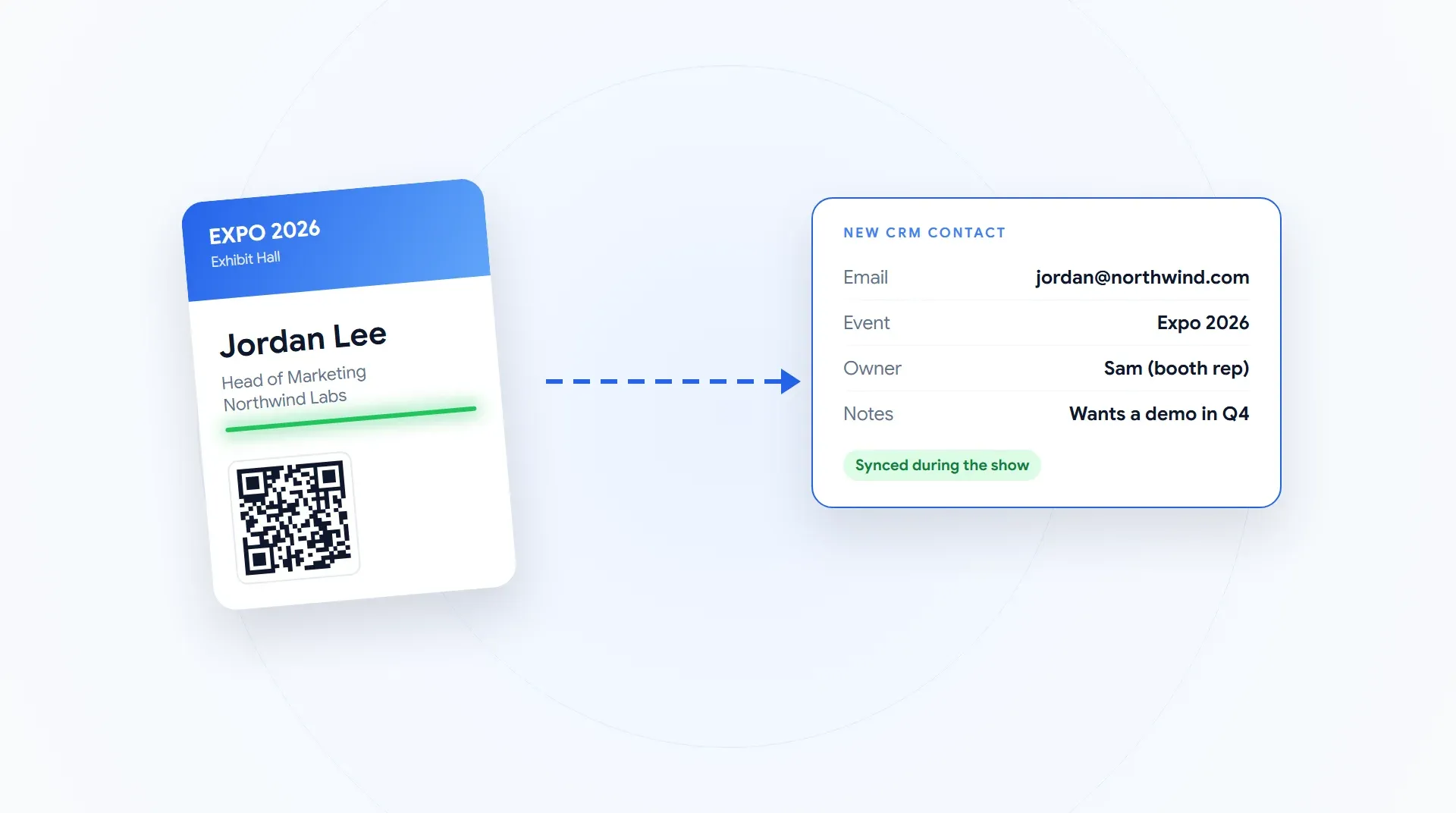
The short version: the fastest way to get trade show leads into your CRM is a lead capture app with a native integration. The rep scans a badge, the contact is enriched, and the lead lands in HubSpot, Salesforce, Zoho or Microsoft Dynamics 365 during the show, tagged to the event and owned by the rep who scanned it.
The slow way is the show's export file and a manual import. Either way, set it up once before the show: connect the CRM, map your fields, decide the event tag and the owner, and test one scan.
I'm George, founder of Wave Connect. Most teams don't lose trade show leads at the booth. They lose them in the gap between the booth and the CRM. Here's how to close that gap.
What Are the 4 Ways Trade Show Leads Get Into a CRM?
There are four routes: the show's export file, the show's own CRM connector, middleware like Zapier, or a lead capture app that syncs natively. They differ in speed, in who does the work, and in how much of the conversation survives.
| Route | How it works | How fast | Watch for |
|---|---|---|---|
| The show's export file | Download the lead list from the exhibitor portal, clean it, import it | When someone gets to it | Manual work, duplicates, fields that do not match your CRM |
| The show's CRM connector | A data kit or integration bought from the show's lead retrieval vendor | Varies by show | A new purchase at each show (the ATD 2026 post-show data merge kit is $990) |
| Middleware (Zapier and similar) | A trigger from your capture app creates or updates the CRM record | Minutes | Task limits, and someone has to maintain the zaps |
| Native sync from a lead capture app | Connect your CRM once; every scan creates the record | During the show | Check the field mapping and the duplicate rules before day one |
ATD 2026 lead retrieval order form, checked October 1, 2026. Each show's vendor and kit differ.
If you're weighing the show's rental against your own app, I broke down what event lead capture costs per show and across a season.
Where Do Trade Show Leads Get Lost Before the CRM?
Six places, and only one of them is at the booth. The rest happen after the scan, in the handoff.
The pattern is the same every time: the more steps between the scan and the record, the more leads quietly drop out. If you're still choosing how to capture leads in the first place, my roundup of the lead capture tools I'd shortlist compares the options, and capturing leads at a trade show covers the booth side.
How to Set Up Your CRM Before the Show
Do this once, a week before your first show, and every scan after that arrives the same way. It usually takes a few minutes per step.
- Connect the CRM from your lead capture app settings. With Wave Connect it takes a few minutes, and we can do it with you on a call.
- Map your fields, including custom ones. Name, title, company, verified email and phone go to their standard fields; your booth qualifiers go to the fields your team already reports on.
- Create the event so every lead carries an event tag into the CRM.
- Decide who owns each lead. The simplest rule: the rep who scanned it owns it, so the person who had the conversation does the follow-up.
- Route the event into a campaign with a one-time rule in your CRM that fires when the event tag arrives.
- Test one scan end to end and open the record in your CRM before the doors open.
| Captured at the booth | Where it should land in your CRM |
|---|---|
| Name, job title, company | The standard contact fields |
| Verified email, phone, LinkedIn | The standard contact fields |
| Event | A campaign, lead source or event field you report on |
| Rep who scanned | Contact owner |
| Qualifiers (interest level, product line, follow-up owner) | Custom fields |
| Notes | The notes or activity field |
See a lead land in your CRM live
Bring your CRM. On a short demo we will scan a badge and show the enriched contact arriving in HubSpot, Salesforce, Zoho or Dynamics, tagged to the event.
Book a demoWhich CRMs Does Wave Connect Connect To?
Wave Connect connects natively to HubSpot, Salesforce, Zoho, Microsoft Dynamics 365, Pipedrive, HighLevel and Outlook contacts, with custom field mapping. Anything else connects through Zapier, and you can always export to CSV.
For step-by-step connection guides, see connecting Wave Connect to HubSpot, Zoho and Salesforce. The connection is the same one your event leads use.
How Do You Stop Duplicate Trade Show Leads in Your CRM?
Match on email in your CRM, and use a capture tool that doesn't create or charge for repeat scans. Duplicates usually come from two reps scanning the same visitor, or the same person stopping by at two shows.
Match on email. Set your CRM to treat the verified email as the unique key, so a repeat updates the record instead of creating a new one.
Never import the same list twice. If you use the export route, import once and archive the file.
Don't pay for repeats. On Wave Connect, a second scan of the same name and company is never charged, whether it's the same booth, another show, or next year.
What Happens After the Leads Land?
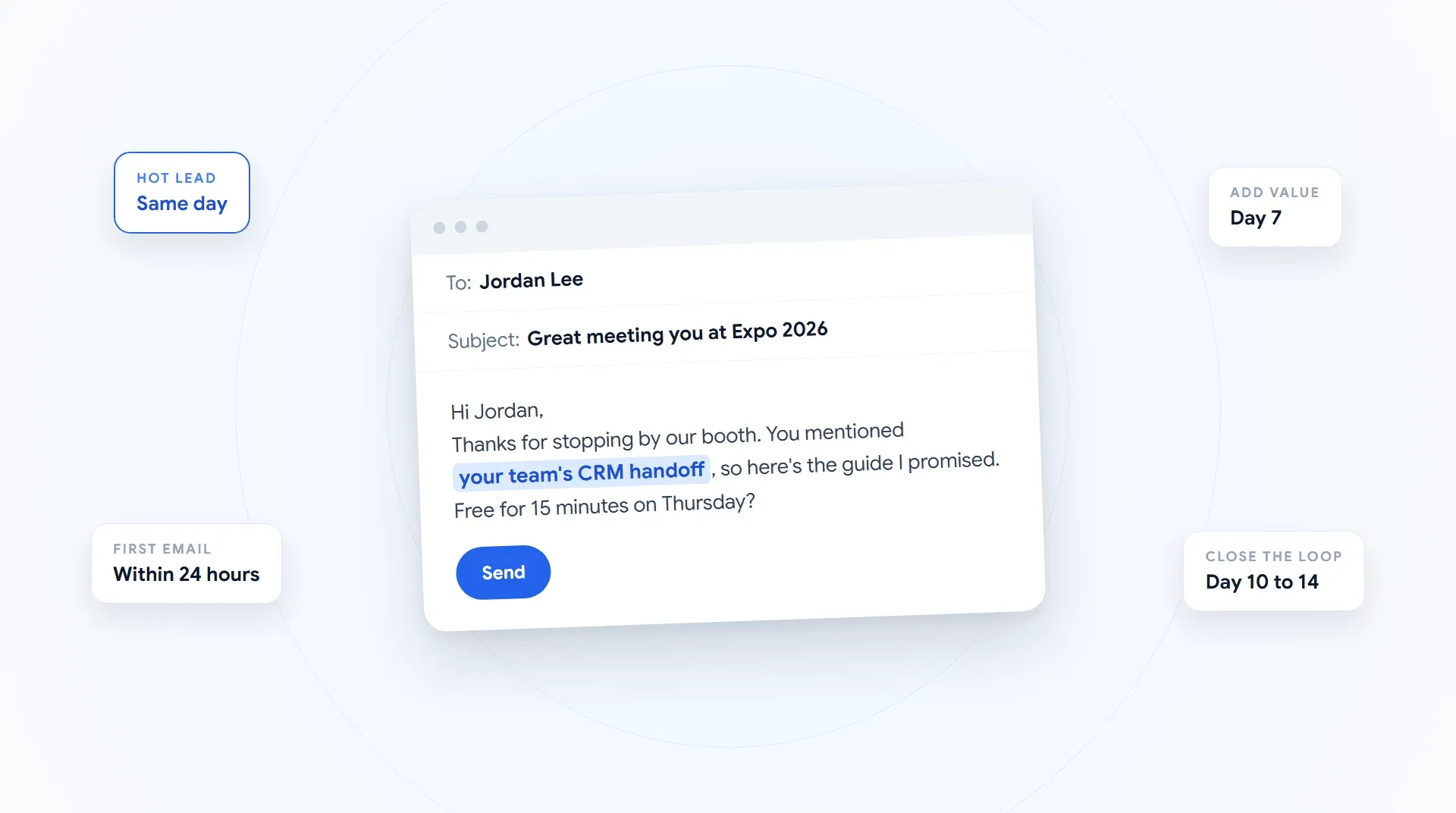
The CRM is where follow-up starts, not where it ends. Because the event tag, the owner and the booth notes arrive with the lead, the rep can send a specific email the same day.
I wrote the templates up in event follow-up email templates, and the event tag is what lets you measure trade show ROI per show instead of guessing. For the questions buyers ask before choosing a tool, including CRM fit, see the 8 questions buyers ask most.
Frequently Asked Questions About Trade Show Leads and CRMs
Get every booth lead into your CRM during the show
Wave Connect scans any badge, enriches the contact and syncs it to your CRM with the event, the owner and your notes. See it in a short demo.
Book a demo