George El-Hage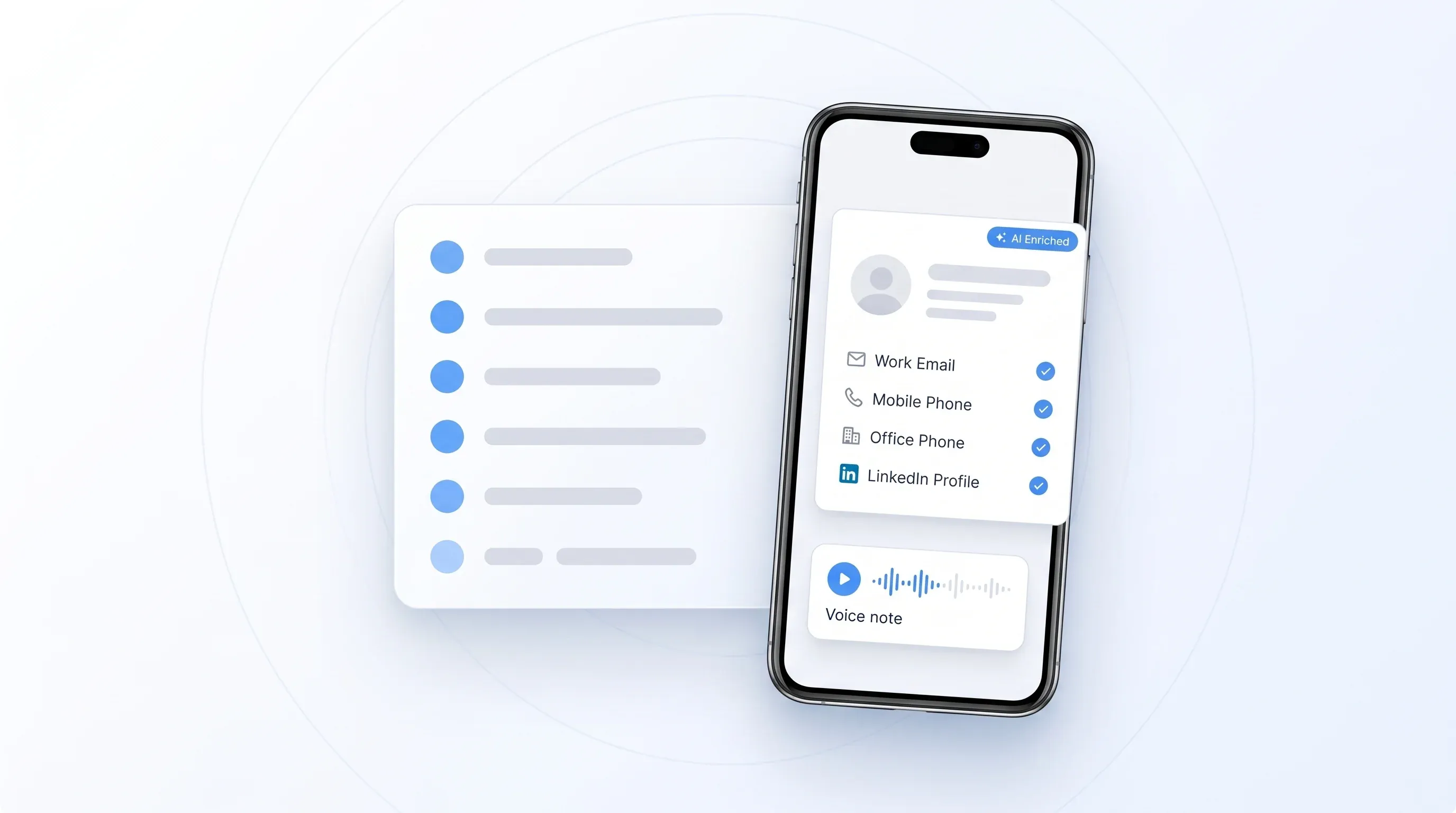
Nine questions come up on almost every event lead capture call I take. The short version: yes to offline capture, no to duplicate charges, seven native CRM connections, every lead tagged to the event it came from, notes and voice notes at the booth, per-rep ownership, same-day setup, any iOS or Android device, and it works at events worldwide.
After a while you notice they arrive in roughly the same order, too. What follows is each of the nine answered properly, the way I answer them on a call, including the bits buyers push back on.
If you want the product itself rather than the Q and A, that lives on our event lead capture page, and how to capture leads at a trade show covers the process on the floor rather than the vendor questions.
These aren't questions we guessed at. They're the ones that actually recur across our recorded sales calls, counted by separate company rather than by how often someone said them. The lowest on this list was asked by five different companies and the highest by around fifteen.
Which is also why the order might look odd. It's by how often buyers ask, not by what we'd most like to talk about.
The nine questions at a glance
| The question | The short answer |
|---|---|
| Does it work offline? | Yes. Scans are stored on the device and sync when the connection returns |
| Do I pay twice for a duplicate? | No. Same name and company is never charged again, at any show, in any year |
| Will it work with my CRM? | Seven native connections, custom field mapping, Zapier or CSV for the rest |
| Can reps add notes? | Yes, typed or voice, plus your own qualifiers. We never record the conversation |
| Can leads join a named CRM campaign? | The event tag reaches your CRM on every lead; joining a campaign is a one-time rule we set up with you |
| Can I see which rep captured a lead? | Yes. The rep becomes the owner on the CRM record |
| How fast can we be live? | Same day. Provisioning is minutes and the CRM can be connected on a call |
| Company tablets or Android? | Yes. iOS and Android, phones and tablets, seats aren't tied to a device |
| Does it work outside the US? | Yes, at events worldwide, with international business contact enrichment |
Ordered by how many separate companies asked, highest first.
Does it still work when the show Wi-Fi dies?
Yes. Offline Mode lets your team keep capturing when the convention centre Wi-Fi drops. Scans are stored on the device and sync automatically, with enrichment running once the connection returns. So a rep who scans during a dead patch doesn't lose anything and doesn't have to remember to do something about it later.
This is the single most-asked question on the list, and I understand why. Anyone who has worked a busy hall has watched the signal collapse around 10am, when a few thousand phones arrive at once.
The honest reason it gets asked so often is that it used to be a real gap for us, and reps were answering it both ways as recently as last summer. It isn't a gap now. If you're evaluating us against anything else, this is a fair thing to test on the floor rather than take anyone's word for, including mine.
If two reps scan the same person, do I pay twice?
No. You are never charged for a duplicate. If the same name and company are scanned again, whether that is by a second rep at the same booth, at a different show, or a year later, the repeat scan is not charged. A duplicate is defined by what goes in: same name, same company, no charge, however many times it happens.
I've answered this on nine separate calls and it's almost always asked with a wince, because somebody has been billed for it before. There's no time window on it and no reset at the start of a new year, which is the part people expect to be the catch. A regular who visits your booth at three shows in the same season is one lead.
Will it work with my CRM, and what if mine isn't on the list?
Wave Connect connects natively to HubSpot, Salesforce, Zoho, Microsoft Dynamics 365, Pipedrive, HighLevel and Outlook contacts, with custom field mapping so you control which fields land where. Zapier covers anything else, and you can always export to CSV. Leads arrive as records in the system your team already works in, not as a file someone has to import on the Monday after the show.
Field mapping is the part worth asking about in a demo, because it's where most of the disappointment with lead capture tools actually lives. Getting a contact into a CRM is easy.
Getting the job title into your title field, the show name somewhere you can report on, and the rep's note onto the record is the difference between a lead your team works and a lead that sits there. If you already run cards through a CRM, how our CRM integration works covers the same plumbing in more detail.
If you want the actual setup steps rather than the summary, getting trade show leads into your CRM walks through the sync and the field mapping, and the help centre has a guide to connecting your CRM plus one per platform.
Can leads land in a specific CRM campaign so I can report ROI per event?
The event tag travels to your CRM on every lead. Adding those leads to a named campaign in your CRM is a one-time automation on your side, and we're happy to set it up with you. Every lead is attributed to the show it was captured at, and that attribution arrives alongside the contact details and whatever note or qualifier the rep added.
The part people expect to be hard is the campaign itself. If you've already built one for a particular conference and you want that show's leads to join it, that's a rule on your CRM side triggered by the event tag landing on the record. It's set up once per CRM, not once per show.
I put this one near the top of the list because attributing leads to the show is what turns event spend into a number the business can actually argue about. It's one of the most common reasons teams connect a CRM at all. The full walkthrough is in can event leads go into a specific CRM campaign.
Can reps add notes or voice notes at the booth?
Yes. Reps can add notes to a lead at the booth, including voice notes, and tag it with custom qualifiers such as interest level, product line or follow-up owner. We do not offer full conversation recording. The rep captures the note deliberately, in the moment, and it travels into your CRM attached to the contact.
To be clear about what this isn't: there's no AI sitting in on the conversation and writing it up afterwards. A rep taps record and says "wants the 40-inch, buying in Q1, send the spec sheet", or types it, and that's what lands.
Unglamorous, and it's the feature that changes follow-up the most. One prospect told us the lack of notes was the single reason their team had stayed on paper. I thought that was a bit extreme until I read a few follow-up emails written three weeks after a show from a name and a job title alone.
Easier to watch than to describe. This runs through a scan end to end, including the tags, the voice note and what comes back on the lead:
Want to see it on your own badges? Book a demo and bring one show you've got coming up.
Can I see which rep captured which lead?
Yes. The rep who scans a lead becomes the owner on the CRM record, and admins see per-rep activity during and after the show. So attribution is settled at the moment of capture rather than reconstructed from a spreadsheet afterwards.
Two different people ask me this for two different reasons. Sales leaders want it so the follow-up has an owner and nothing falls between two reps who both think the other one has it.
Marketing wants it to see which half of the booth team actually worked the floor. That's a slightly uncomfortable number, and usually the most useful one you come home with. If you're building a reporting story around the show, the metrics worth tracking matter more than the scan count, and the help centre covers how rep attribution appears on the record.
How fast can we be live before our show?
Same day. Provisioning takes minutes and a CRM connection can be set up live on a call. There's no hardware to ship, no order form deadline to make and nothing that has to clear a queue on our side first.
This one almost always arrives late and slightly sheepish, because the show is next week. It's a fair question to ask any vendor. Rented scanners are ordered through the organizer weeks ahead and the discounted window usually closes six to eight weeks out, so by the time most people start worrying about lead capture, that door has shut.
Downloading an app the night before works. If you've got more runway than that, the full preparation checklist is the better use of it.
Can we use company tablets or Android phones?
Yes. Wave Connect runs on iOS and Android, on phones and tablets, and seats are not tied to a specific device. A rep can use their own phone, a company handset or a shared tablet on the counter, and the same seat works across them.
The reason this gets asked isn't really about Android. It's about whether the company has to ask staff to install something on personal phones, which some can't do and others would rather not. A shared tablet at the booth is a perfectly good answer to that, and because seats aren't pinned to hardware, two reps working opposite halves of a shift can use the same one.
Does it work at events outside the US?
Yes. Wave Connect works at events worldwide, and enrichment covers international business contacts. The scanner reads what's printed on the badge, so it doesn't depend on an organizer's data feed being available in a particular country.
My honest advice on this one is to test it rather than take a yes. Not because the answer is wrong, but because coverage genuinely varies by region and by how much a badge gives us to work with.
Your attendee list is the only list that matters, so run a trial on your own show. If the results don't hold up for your audience, you'll know in an afternoon instead of after a purchase order.
What it doesn't do
Nine answers in a row, nearly all of them yes, should make you suspicious. So here are the limits in the same voice:
Badge scanning, paper business cards and LinkedIn QR codes
Contact enrichment behind every scan, with no charge when nothing verified comes back
Typed notes, voice notes and your own qualifiers
Native CRM delivery with custom field mapping
Unlimited users on the account
No bulk upload of an existing list for enrichment. We enrich contacts captured through the app, not a spreadsheet you already have
No conversation recording. Notes are captured deliberately by the rep
No dependency on the organizer's registration feed, which is a strength at most shows and means we don't surface registration-only fields some rented scanners can pull
The bulk-upload one is the limit that disqualifies us most often, and it's worth raising early if cleaning up an old list is the actual job you're trying to do.
What about the cost?
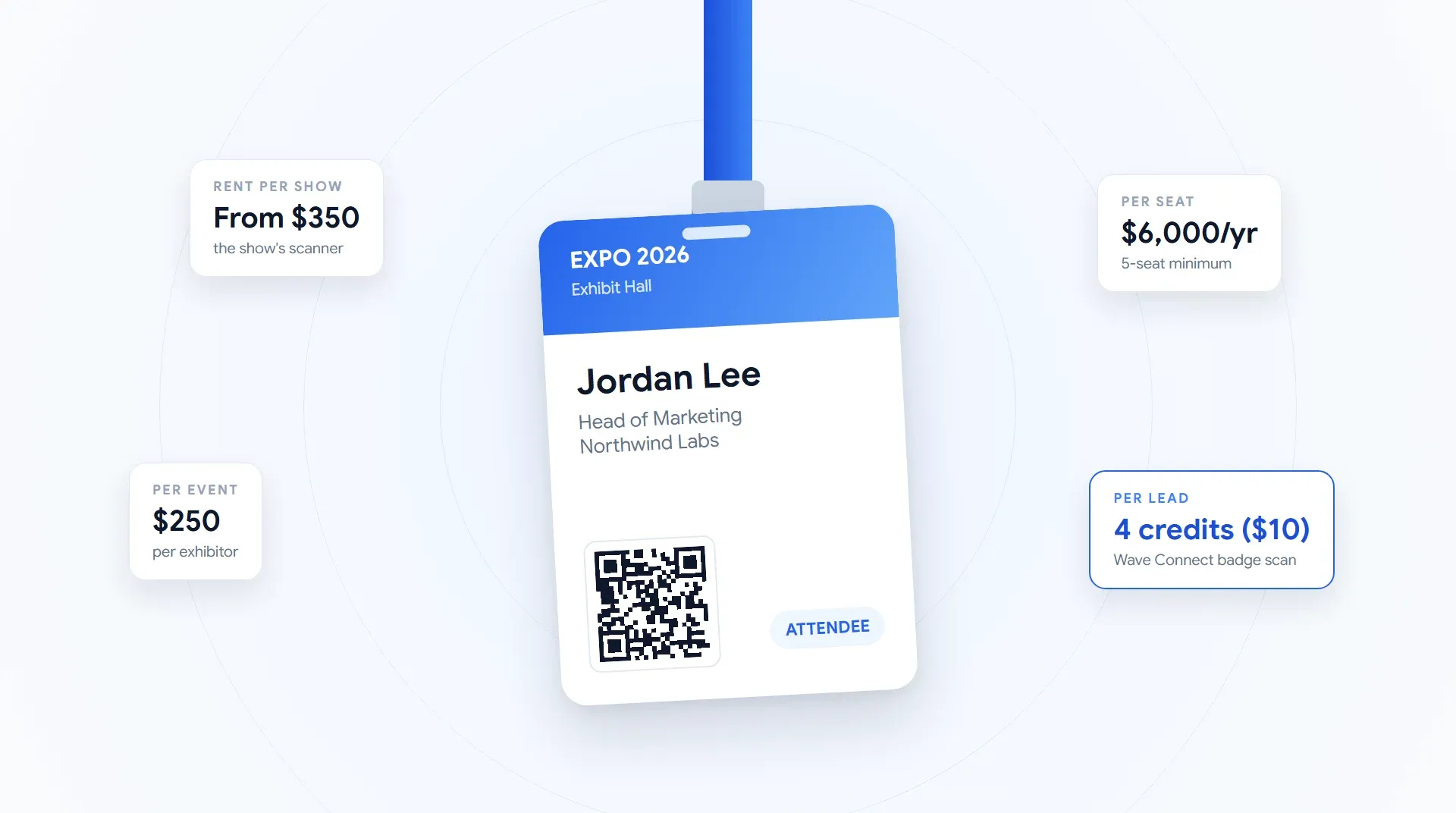
Pricing deserves more room than a line in a Q and A, so it has its own post. What event lead capture costs covers what the show's own scanners run, how the app pricing models differ, and the cases where renting is genuinely the cheaper answer. Worth reading before a demo rather than after.
See it against your own show
Bring one upcoming show and a rough lead target. We'll walk through capture, enrichment and the CRM mapping on your own badges rather than a slide.
Book a demoMore questions buyers ask before they buy
The one I'd ask if I were buying
If I were on the other side of this, I'd skip most of the above and ask to see a lead arrive in my own CRM, with a note attached, captured on a badge from a show I actually exhibit at. Everything else on this list is a yes or no you can verify in a few minutes. That one is the whole product.
Still comparing options? Our rundown of trade show lead capture software covers the field, and the badge scanner guide goes deeper on the scanning itself. If you'd rather see ours working, book a demo.
Capture your next show properly
Start with trial leads and scan a real badge in under two minutes. No rented scanners, no per-device fees.
Get started