Generate branded email signatures for your entire team.
Pull contact info from your digital business card. Customize your design. Deploy to Gmail or Outlook in one click.
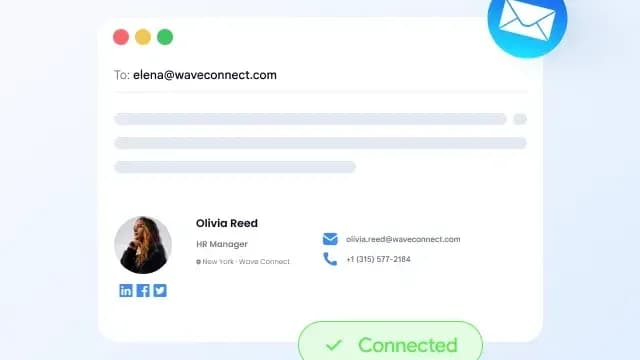
Excited to let you know that we now all have branded email signatures. Check out mine below!

Mia Santos
Event Director
Nexus Events
The problem
Your email signatures are a mess.
Without a centralized signature tool, your team's emails look inconsistent, outdated, and off-brand.
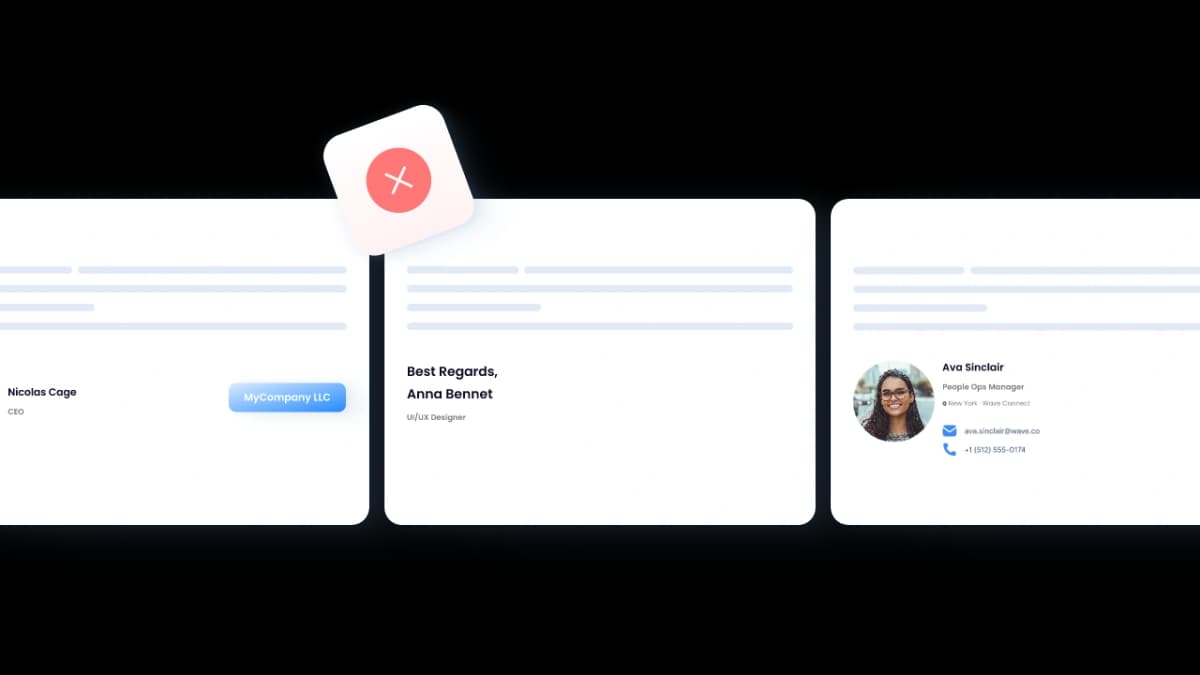
Every signature looks different
Some have logos, some don't. Different fonts, wrong colors, outdated phone numbers. Every email your team sends looks like it came from a different company.
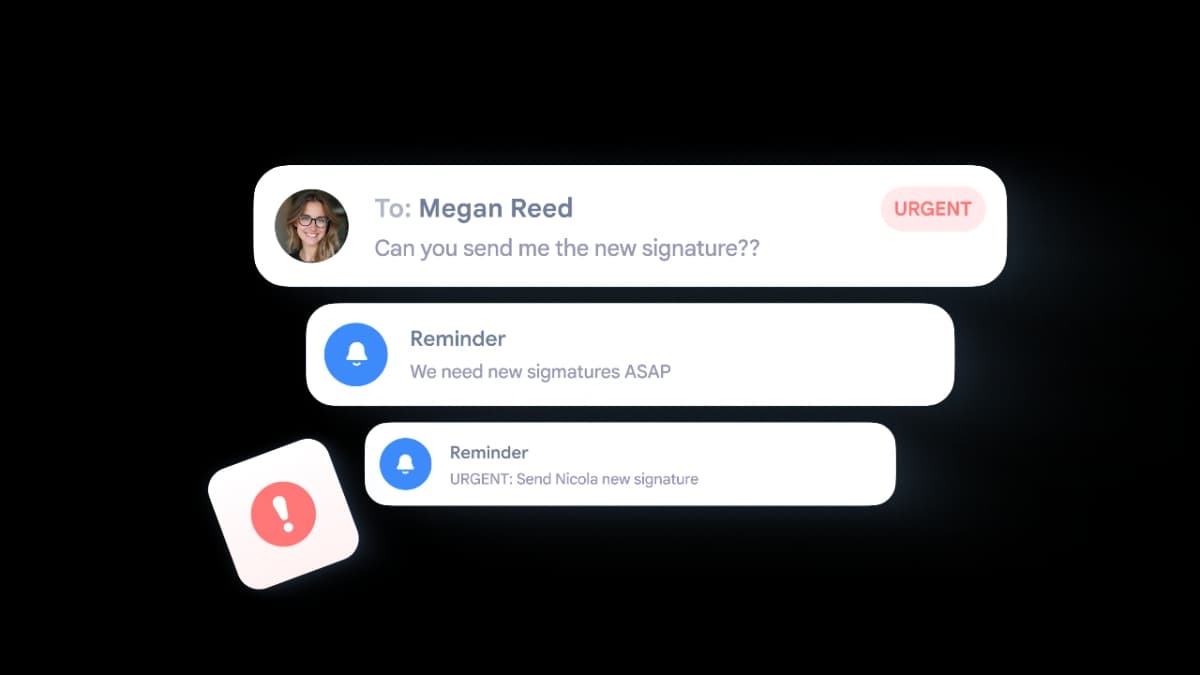
Updates take forever
Someone gets promoted? New office number? You're emailing 50 people asking them to copy-paste a new signature. Half of them never do it.
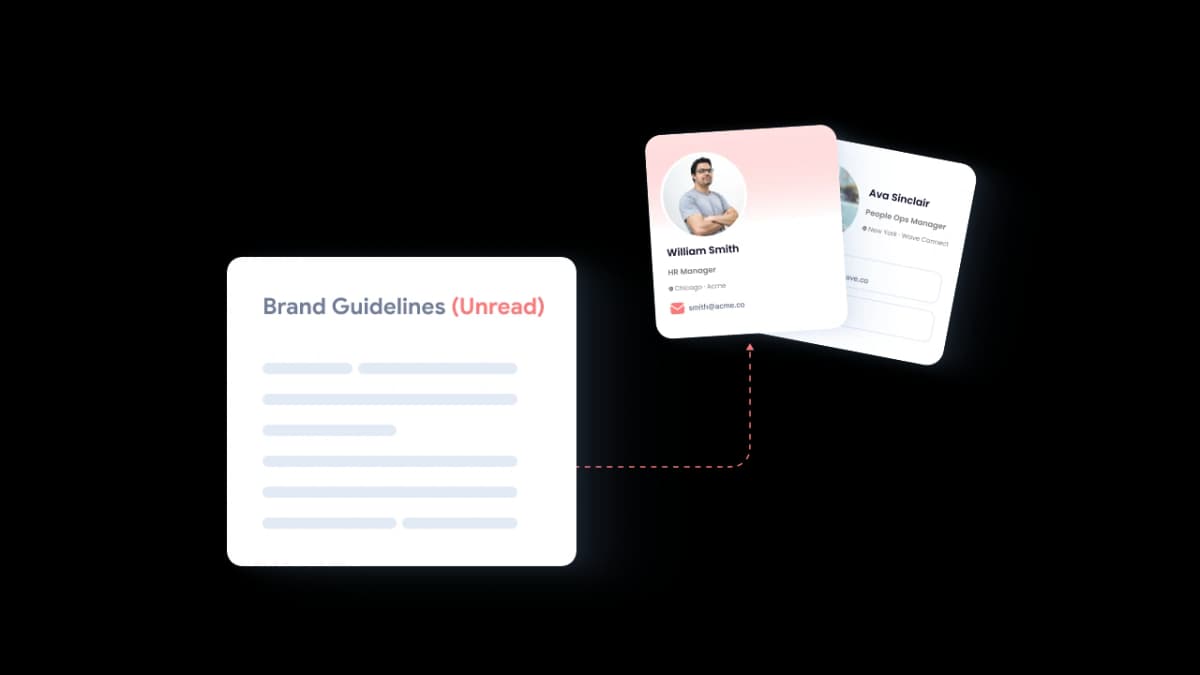
No brand standards
Marketing spends weeks on brand guidelines that nobody follows in their email footer. Your signature is the most-seen marketing asset you never designed.
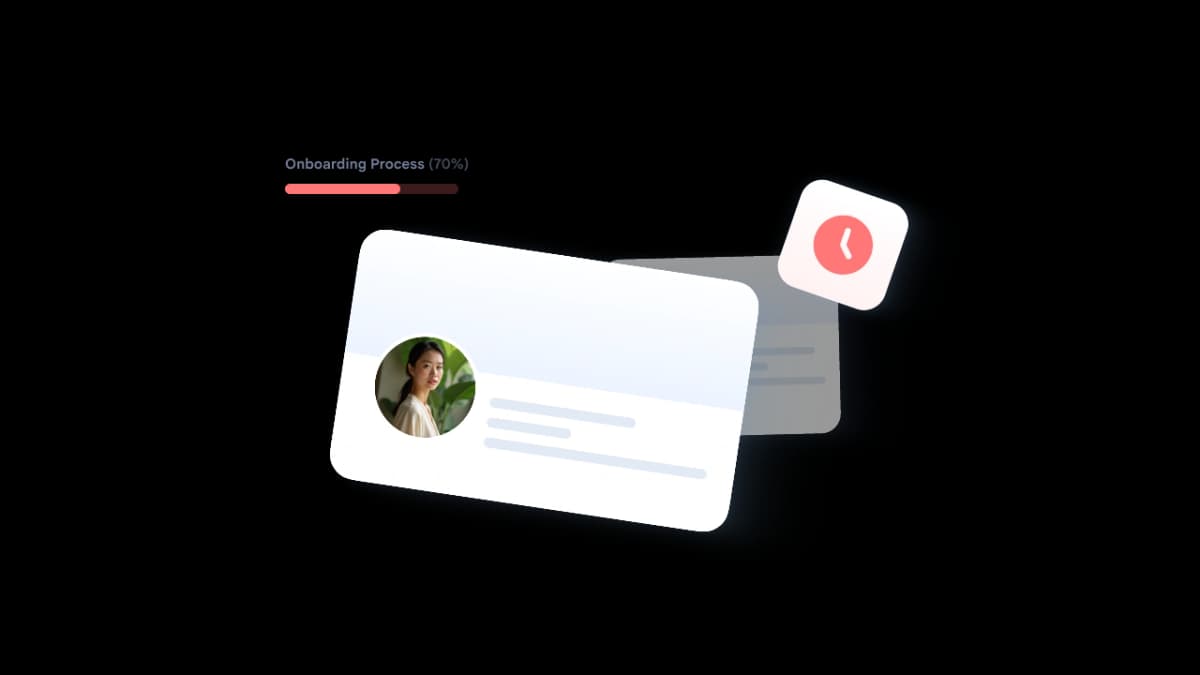
New hires start without one
Every new employee sends emails for days — sometimes weeks — before someone sets up their signature. First impressions with clients? Already blown.
How it works
From business card to email signature in 60 seconds
Three steps. No HTML coding. No IT tickets. Just branded signatures, deployed everywhere.
Create Free Signature
Create
Build your digital business card with your name, title, phone, email, photo, and social links. Or import your existing card.

Customize
Choose a signature layout. Pick your colors and fonts. Add your logo, banner, or CTA link. Preview it in real time.
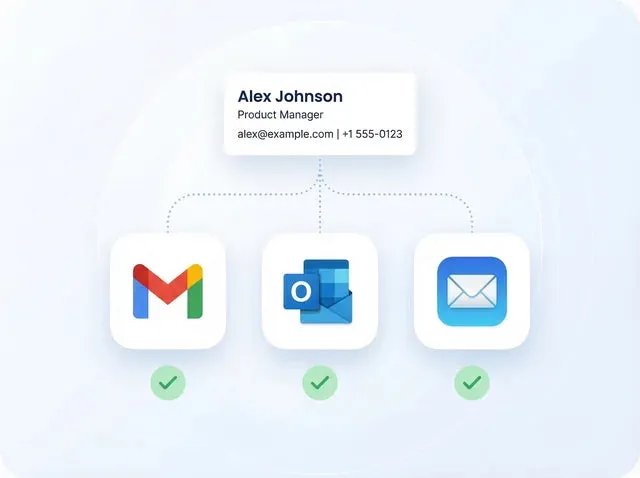
Deploy
One-click install for Gmail, Outlook, and Apple Mail. Copy the HTML for any other client. Done in seconds.
Features
Everything you need for professional email signatures.
Generate signatures from your digital business card, customize the design, deploy to every email client — and manage it all from one dashboard.
Create Free SignatureYour signature pulls directly from your digital business card
Name, title, phone, email, photo, social links — your signature stays current because it's powered by your Wave card. Update the card, and every signature updates automatically.

Match your brand perfectly
Pick a layout. Set your colors and fonts. Add your logo, banner image, or call-to-action link. Preview changes in real time.

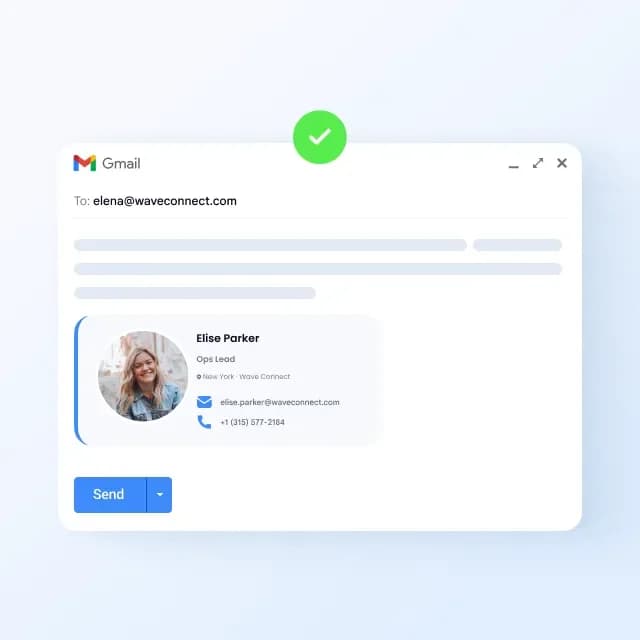
Install in Gmail instantly
One-click deployment to Gmail. No browser extensions. No IT tickets. Works with Google Workspace and personal accounts.
Deploy to Outlook in seconds
Works with Outlook desktop, Outlook web, and Microsoft 365. Copy-paste or use our one-click installer.
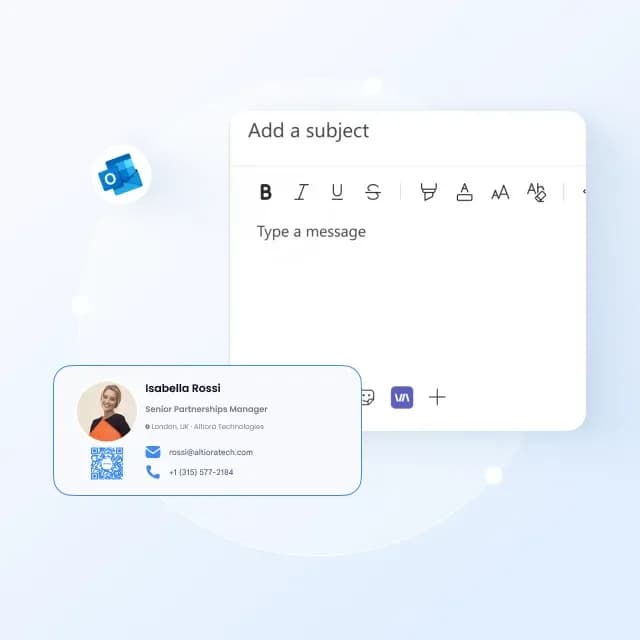
Add a QR code to your signature
Recipients scan the QR code and instantly save your full contact info. No typing, no attachments, no vCards.

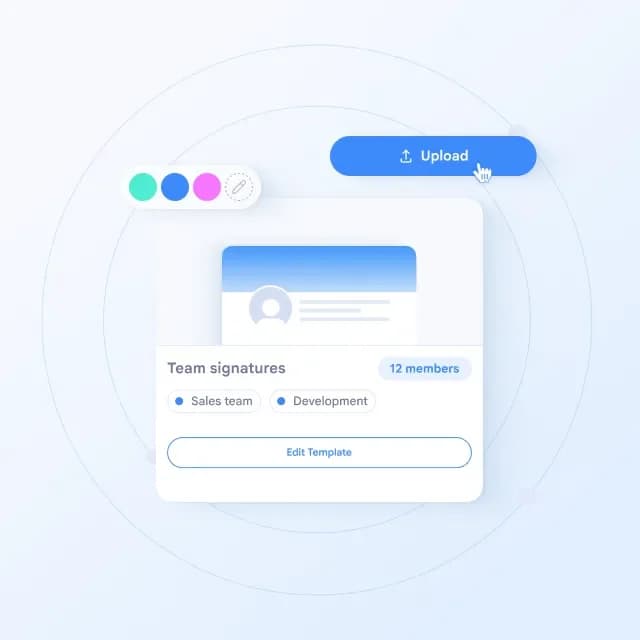
Deploy branded signatures across your entire team
Upload your team via Excel. Lock brand elements — logo, colors, fonts, social links. Push signature updates to everyone instantly. No more chasing people to update their footer.
Works with Apple Mail too
Copy the HTML signature and install it in Apple Mail on Mac or iPhone. Step-by-step guide included.
Who It's For
Professional signatures for every role.
Whether you're a solo professional or managing signatures for 500 people, Wave makes it simple.
Stand out in every email you send.
- Free Forever — Professional signature with photo, links, and QR code at no cost.
- Auto-Sync — Update your card once, signature updates everywhere.
- One-Click Install — Deploy to Gmail, Outlook, or Apple Mail in seconds.
Free
for individuals forever
Brand consistency in every inbox.
- Lock Brand Elements — Set colors, fonts, logo, and layout that nobody can override.
- Campaign Banners — Add promotional banners to every signature company-wide.
- Signature Analytics — Track impressions, link clicks, and banner engagement.
100%
brand compliance across all team emails
Deploy and manage at scale.
- Bulk Deploy — Upload 200 users via Excel. Everyone gets a signature in minutes.
- Push Updates — Change a phone number, title, or banner — it deploys to everyone instantly.
- SOC 2 Certified — Enterprise security with role-based access and audit trails.
5 min
to deploy signatures for 200 people
A plan for every professional and team.
Free for individuals. Powerful for teams. Start in minutes.
Free
Best for personal use
Pro
Best for modern professionals
Everything in Free, plus
Teams
Best for small teams
3 minimum seats
Everything in Pro, plus
Price in USD. Billed yearly.
Learn More About Email Signatures
Tips, guides, and best practices for professional email signatures.


FAQ
Email signature FAQ
Create. Customize. Deploy.
Professional email signatures for your entire team — free to start.
No credit card required · SOC 2 Type II certified · Setup in 2 min