

How NFC Cards Work
1
Tap the card
Hold your Wave Connect NFC card near the back of a smartphone (near the NFC reader).
2
Profile opens automatically
The recipient’s phone opens your Wave Connect profile in their default browser.
3
Recipient saves your contact
They can save your contact information, view your links, and connect with you instantly.
Linking Your NFC Card
After receiving your NFC card, you need to link it to your Wave Connect profile:1
Tap the card on your phone
Tap your new NFC card on your own smartphone.
2
Follow the link
You’ll be directed to the Wave Connect activation page.
3
Connect to your profile
Log in to your Wave Connect account and link the card to your profile.
Compatibility
NFC works with most modern smartphones:- iPhone: iPhone 7 and later (iOS 14+)
- Android: Most Android phones with NFC enabled
Custom Branded Cards
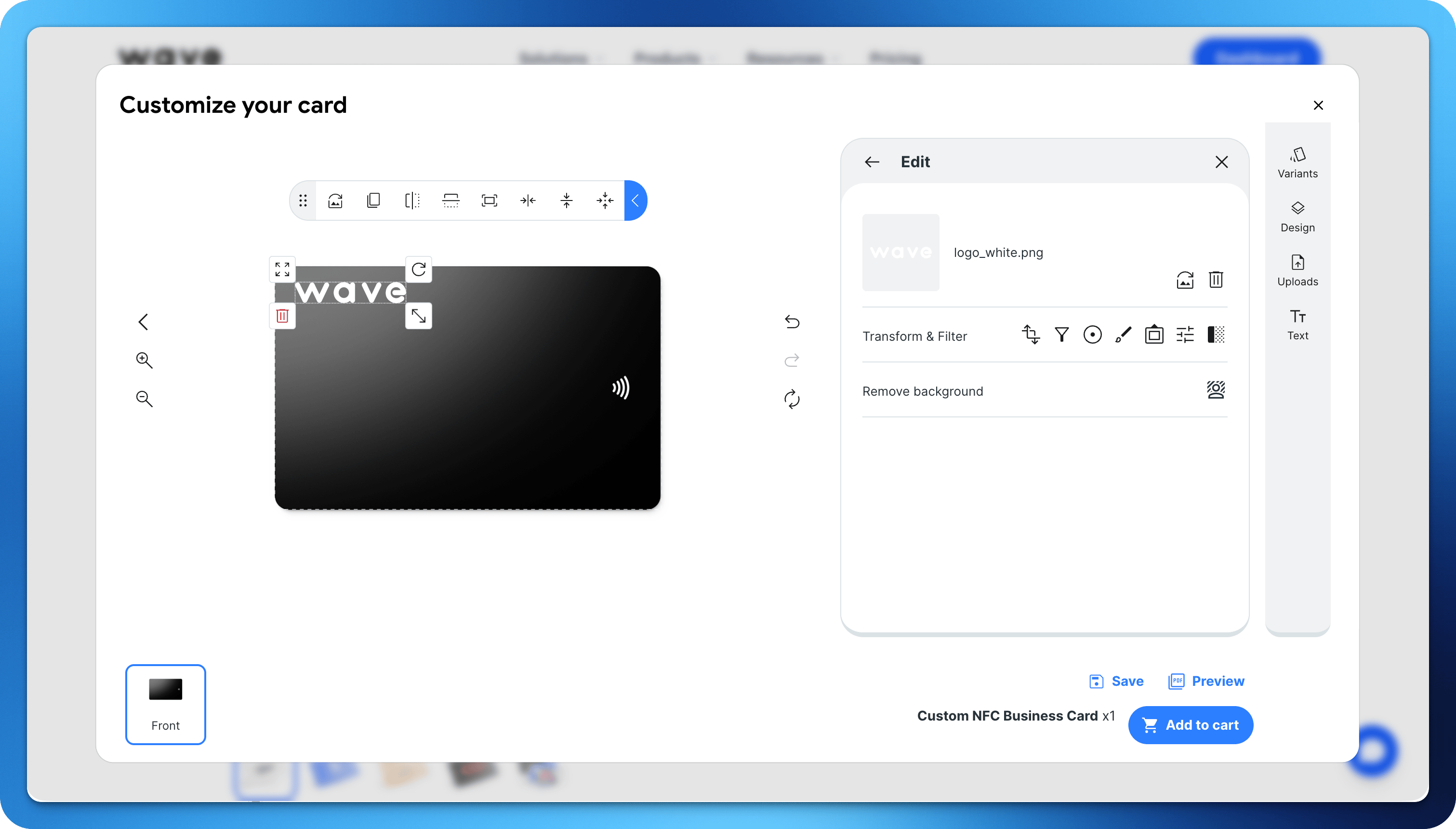
Design Requirements
When submitting your custom card design, follow these specifications:Ordering Custom Cards
1
Choose your card type
Select from PVC or metal card options in the Wave Connect store.
2
Upload your design
Upload your front artwork following the design requirements.
3
Place your order
Confirm the order and quantity. Cards typically ship within 5-7 business days.