Your account settings allow you to manage your personal information, login details, and overall access to Wave Connect.
 This guide covers:
- Updating your account
- Deleting your account
Update Account
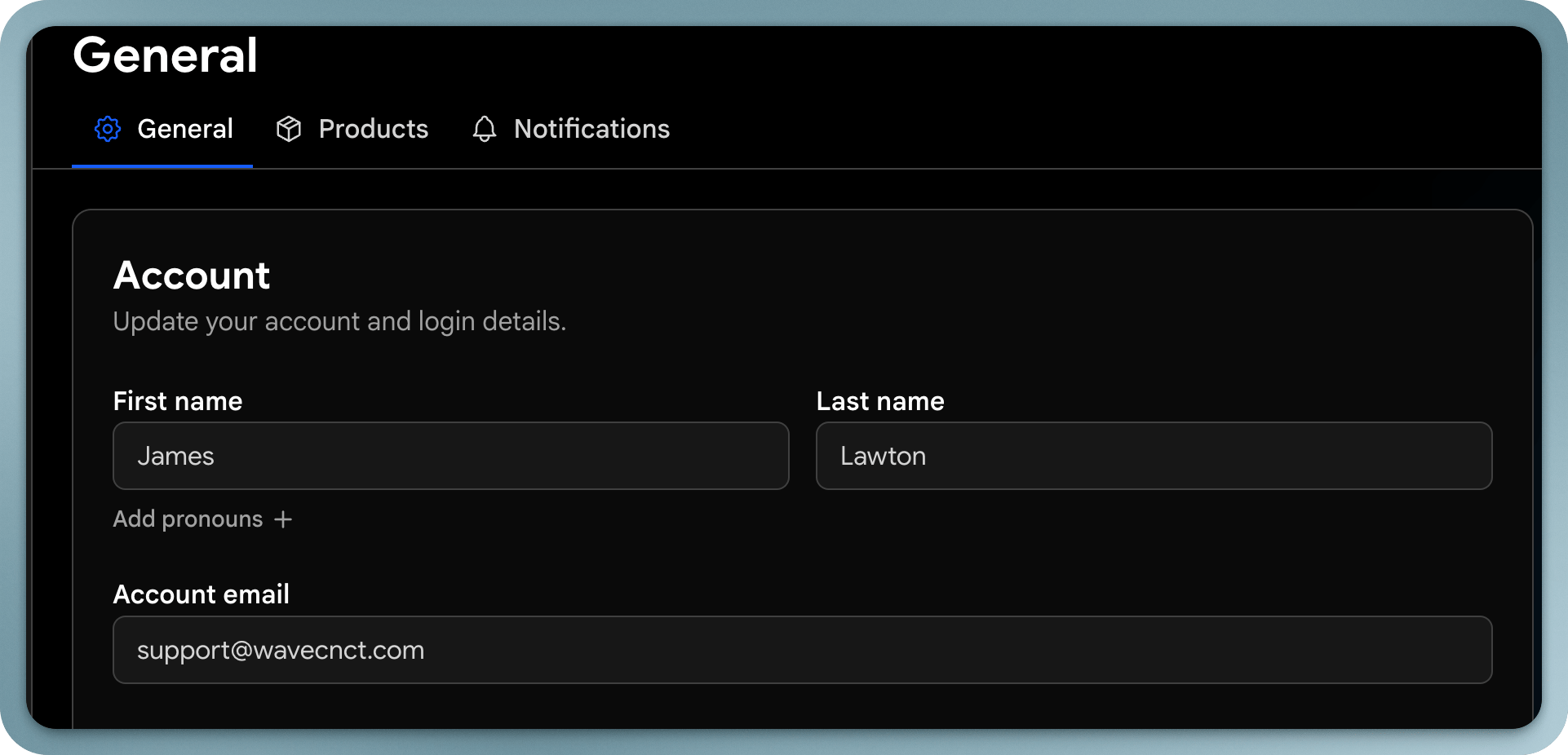
You can update your account information at any time through your settings.
What You Can Update
From Settings → General, you can modify:
- First name and last name
- Email address
- Phone number
- Language preferences
- Interface settings (e.g., light or dark mode)
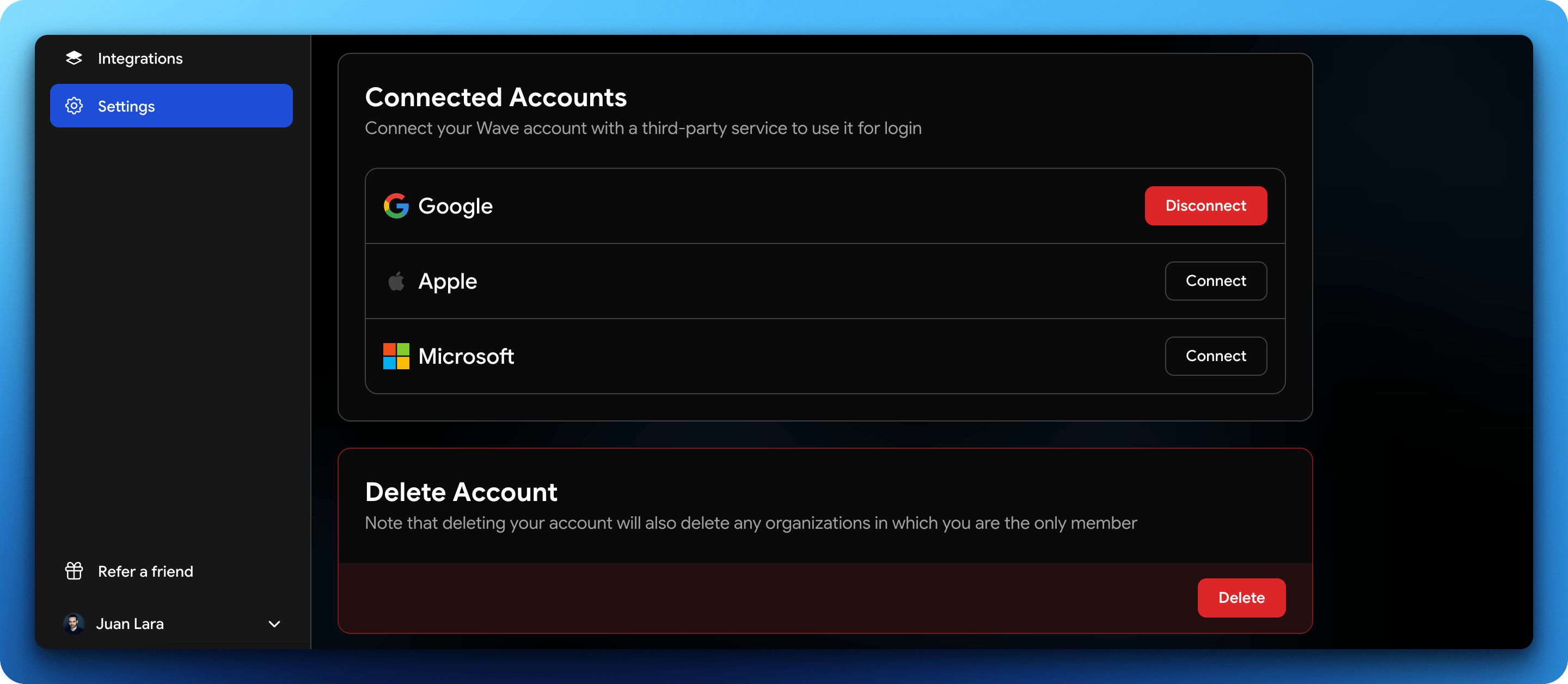
- Connected accounts (Google, Apple, SSO)
How to Update Your Account
- Log in to your Wave Connect account
- Go to Settings
- Click General
- Edit the fields you want to update
- Save your changes
Notes
- Updating your email may require confirmation for security purposes
- Make sure you have access to your current email before changing it
- Changes are applied immediately after saving
Delete Account
You can permanently delete your account directly from your settings.
Deleting your account is permanent and cannot be undone.
What Happens When You Delete Your Account
- Your profile and data are permanently removed
- You lose access to your account
- Any organization where you are the only member will also be deleted
How to Delete Your Account
- Log in to your account
- Go to Settings
- Click Delete
- Confirm the deletion
Before Deleting
Make sure you:
- Export or save any important data
- Transfer ownership if you’re part of a team
- Understand that this action cannot be undone

