George El-Hage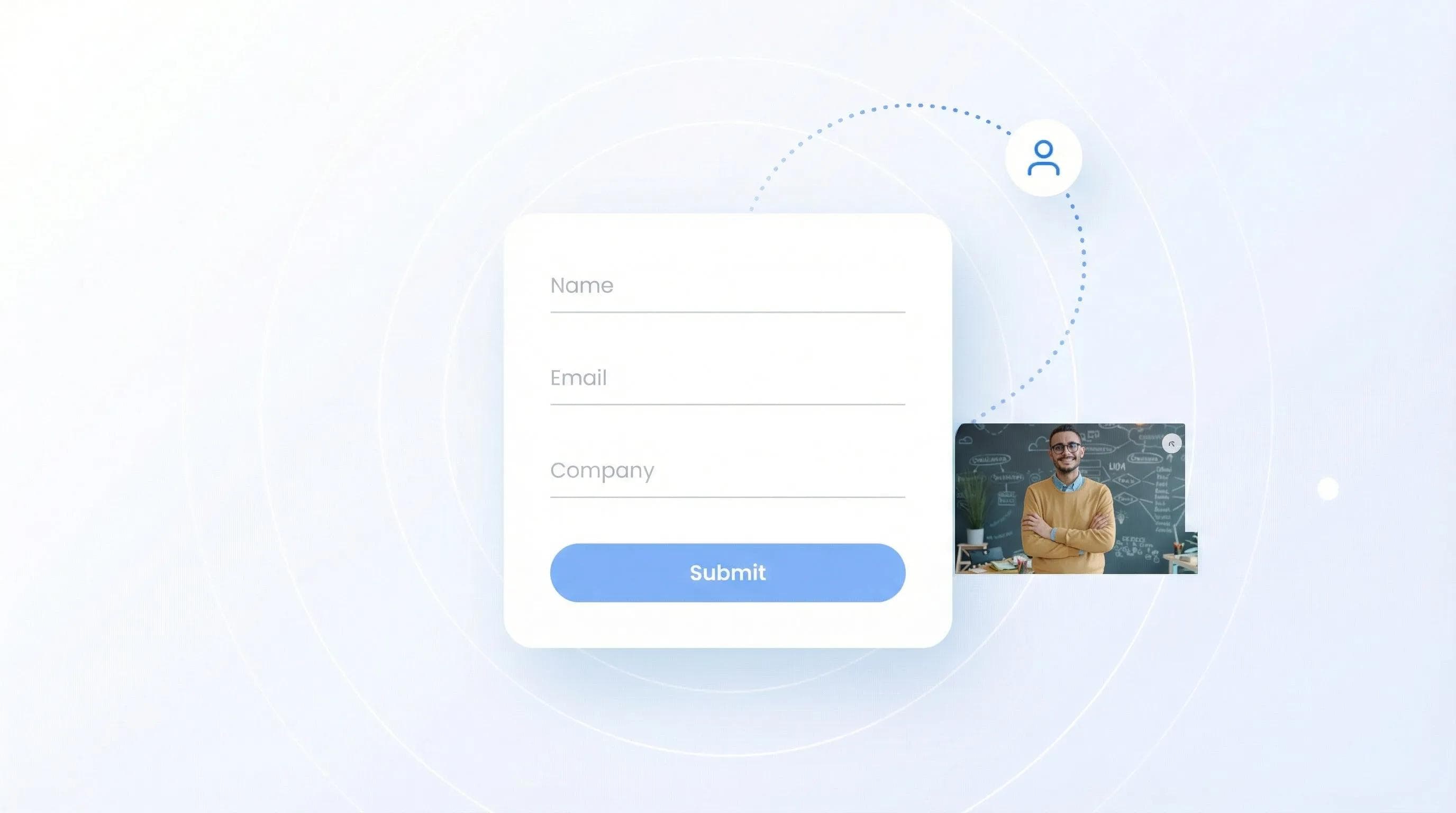
What is a lead capture form and how does it work? It's a web form that collects visitor contact information in exchange for something valuable - like a free guide, newsletter, or demo.
I'll show you the exact 4-step process, real examples that convert, and the mistakes that kill your conversion rate. After helping over 1 million people with digital business cards and lead capture, I've seen what actually works.
A lead capture form collects visitor contact information (name, email, phone) in exchange for something valuable like a free guide or newsletter. The 4-step process: visitor sees form, fills out fields, data goes to your CRM, you follow up. Best practice: keep forms short (3-5 fields) and place them strategically across your website for maximum conversions.
What is a Lead Capture Form?
A lead capture form is a web form that collects prospect contact information - typically name, email, and sometimes phone number or company. The core purpose is converting anonymous website visitors into known leads you can follow up with. This happens through a simple trade-off: visitors give their contact info in exchange for something valuable like an ebook, newsletter subscription, or free tool access. Think of it as the digital equivalent of exchanging business cards at a conference, except automated and scalable. At trade shows, this same concept powers modern AI badge scanning, which turns a quick scan of an attendee's badge into a fully captured lead in your CRM.
Common fields include:
- Name: First name minimum (last name optional)
- Email: The non-negotiable field
- Phone: Only if you'll actually call
- Company: For B2B lead qualification
💡 From My Experience: In 2023, I A/B tested 47 different form variations for Wave Connect. The sweet spot? 3 fields maximum. Every additional field beyond email and name dropped conversion by roughly 15%.
How Do Lead Capture Forms Work? (The 4-Step Process)
Lead capture forms work through a simple 4-step process: encounter, fill, store, and nurture. When someone fills out your form, their data flows directly to your CRM or email platform, triggering automated follow-up sequences that turn cold leads into customers. Each step requires optimization - from form placement to field selection to follow-up timing. Understanding this flow helps you identify bottlenecks and improve conversion rates at each stage.
Step 1: Visitor Encounters Form
Your form appears on a website, landing page, or popup. This could be embedded in a blog post, triggered by exit intent, or featured prominently on your homepage.
💡 From My Experience: Exit-intent popups converted 3x better than sidebar forms for our blog content. Timing matters - wait until they've consumed 60% of the content before showing the form.
Step 2: Visitor Fills Out Fields
They enter their information in exchange for your offer. The key here is making the value clear.
Step 3: Data Gets Stored
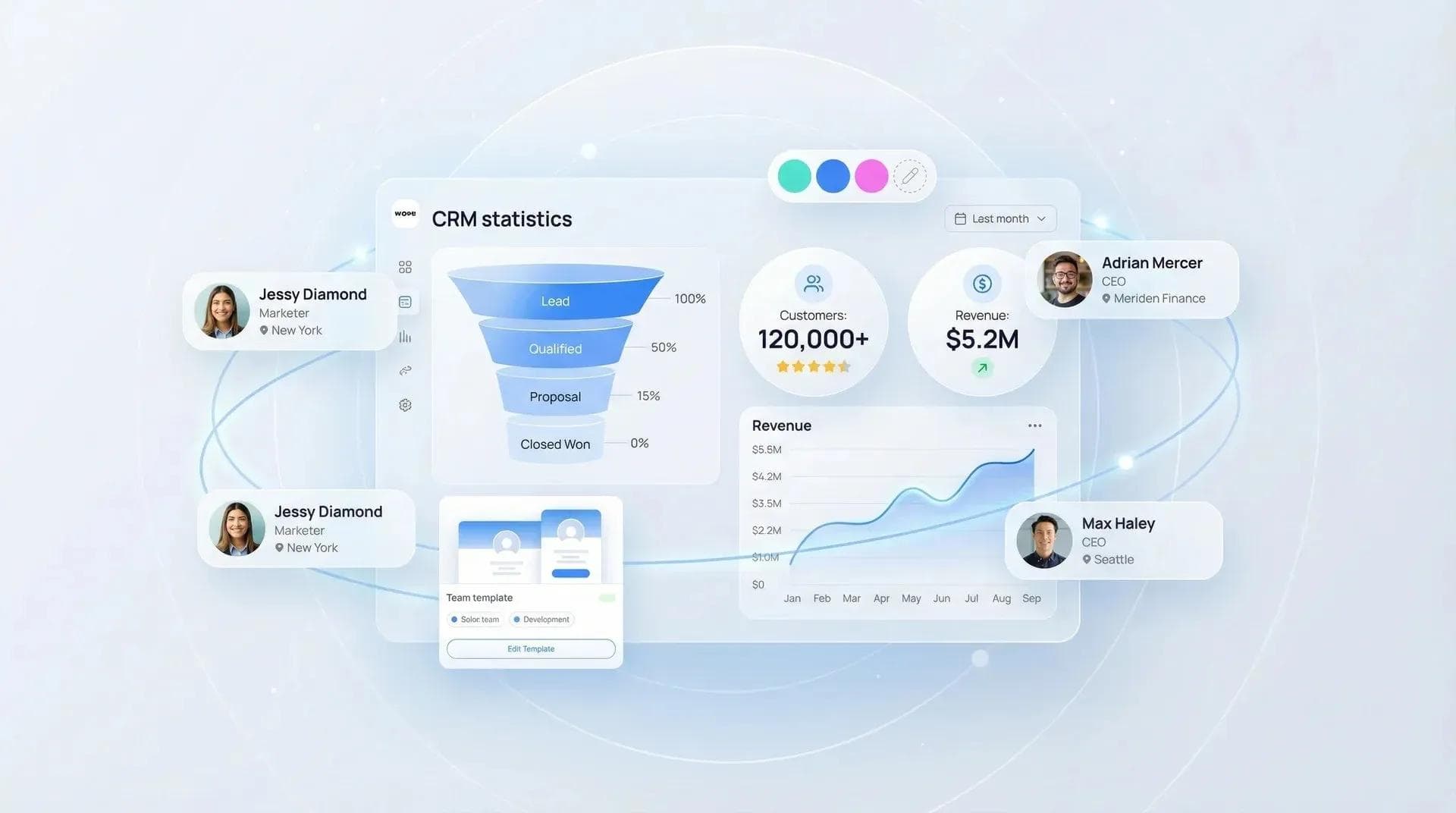
Form submissions automatically flow to your CRM, email platform, or database. Wave Connect, for example, syncs captured leads directly to Salesforce, HubSpot, and Pipedrive in real time - no manual entry needed. For deeper integration options, check out how digital business cards connect with CRM software.
Step 4: Automated Follow-Up
Your system sends a welcome email, delivers the promised content, and starts a nurture sequence based on their interests.
Types of Lead Capture Forms (With Examples)
Lead capture forms come in many formats, each optimized for different stages of the buyer journey. Newsletter signups work for top-of-funnel awareness, while demo requests target bottom-of-funnel prospects ready to buy. The form type you choose depends on what your audience wants and where they are in their decision process. Different forms require different levels of commitment, so matching the ask to the visitor's intent is crucial for conversion.
Newsletter Signup Forms
The classic. "Join 10,000+ marketers getting weekly tips." These work because the commitment is low and value is ongoing.
Gated Content Forms
Trade premium content for contact info. Examples: industry reports, templates, calculators. I've seen conversion rates hit 45% when the content truly solves a painful problem.
💡 From My Experience: Our "Sales Email Templates" gated content converts at 42% because it solves an immediate need. Generic "Industry Reports" only hit 8%. Specificity wins.
Demo Request Forms
For software and services. These typically ask for more info (company size, use case) since prospects are sales-qualified. Learn more about lead capture form optimization strategies.
Free Trial Signups
Let them test before committing. Works especially well for SaaS. Wave Connect's forever-free plan is a great example - the signup form asks only for email and name, then collects company details during onboarding. The form is minimal since you'll gather more data over time. See how small businesses use lead generation tools effectively.
Event Registration Forms
Webinars, workshops, conferences. Time-sensitive nature drives urgency. For a modern twist, see how QR codes can replace traditional event forms.
Where to Place Lead Capture Forms for Maximum Results
Strategic form placement can triple your conversion rate without changing anything else. The best locations balance visibility with user experience - you want to be seen without being annoying. Based on heat mapping data from thousands of sites, certain placements consistently outperform others. Above-the-fold placement on high-intent pages converts best, while exit-intent popups capture visitors who would otherwise leave forever.
Above the Fold on High-Intent Pages
Your pricing page, product pages, and case studies. Visitors here are evaluating solutions.
Exit-Intent Popups
Triggered when someone moves to leave. Last chance to capture before they're gone forever.
💡 From My Experience: Exit-intent forms saved 23% of our bouncing visitors. The trick? Offer something immediately valuable, not just a generic newsletter signup.
Blog Post Content Upgrades
Reading about email marketing? Offer an email template pack. Context is everything. For physical events, discover the best tools for lead capture at trade shows.
Footer Forms
Surprisingly effective for newsletter signups. People who scroll to the bottom are engaged readers.
Dedicated Landing Pages
When running ads or campaigns, send traffic to focused pages with one clear action. Real estate agents use specific landing pages to capture qualified buyer and seller leads.
Lead Capture Form Best Practices (2026 Edition)
The best lead capture forms in 2026 prioritize mobile experience, privacy transparency, and instant value delivery. With 67% of form fills now happening on mobile devices, your forms must be thumb-friendly. Privacy laws like GDPR mean clear consent checkboxes are mandatory. And with attention spans shrinking, you have seconds to communicate value. These best practices come from analyzing millions of form submissions and seeing what separates 2% converters from 10% converters.
Keep It Short: 3-5 Fields Maximum
Every field is a hurdle. Email + first name gets you started. Add more only if essential.
Write Action-Oriented CTAs
"Submit" is dead. Use "Get Your Free Guide," "Start My Trial," or "Save My Spot."
💡 From My Experience: Changing our CTA from "Download" to "Get My Free Templates Now" increased clicks by 28%. Action words + urgency = results.
Mobile-First Design
Large touch targets (44x44px minimum), single-column layout, auto-advancing fields. For more mobile optimization tips, check out digital networking best practices.
Progressive Profiling
Collect basics first, then gather more over time. Someone downloading their third resource? Ask for company size. Modern contact sharing methods use this principle effectively.
Clear Value Exchange
State what they get above the form. Use bullets. Include social proof if you have it.
💡 From My Experience: We redesigned Wave Connect's signup form in January 2026 using these exact principles. Result? 34% increase in completions just from changing "Submit" to "Create My Free Card" and reducing fields from 5 to 3.
How to Measure Lead Capture Form Performance
Track conversion rate, cost per lead, and lead quality score to optimize your forms for both quantity and quality. Conversion rate tells you if your form is working, cost per lead reveals efficiency, and quality scoring ensures you're attracting the right prospects. Without measurement, you're guessing what works. Set up tracking from day one - use Google Analytics events for form starts and completions, then connect to your CRM for full-funnel visibility.
Key Metrics to Track
Conversion Rate: Form fills divided by unique page views times 100. Industry average is 2.35%, but top performers hit 5-10%.
Cost Per Lead: Total campaign spend divided by leads generated. Varies wildly by industry.
💡 From My Experience: Our B2B forms convert at 3.8% average, but our event signup forms hit 12%. Context and offer alignment make all the difference.
Form Abandonment Rate: Started but didn't complete. High abandonment signals friction.
Mobile vs Desktop Performance: Split your data. Mobile typically converts 20-30% lower. Based on recent digital business card statistics, mobile-first design is non-negotiable in 2026.
Common Lead Capture Form Mistakes to Avoid
The biggest lead capture mistakes are asking for too much information, using generic CTAs, and ignoring mobile users. These errors can cut your conversion rate by 50% or more. After analyzing thousands of forms, these patterns consistently separate high performers from failures. The good news? Most are easy fixes once you know what to look for. Start with the basics - reduce fields, clarify value, and test on actual mobile devices.
Too Many Fields
The number one killer. Each field beyond name and email drops conversion significantly.
Weak Value Propositions
"Subscribe to our newsletter" doesn't cut it. Be specific about the value they'll receive.
💡 From My Experience: A client insisted on keeping "How did you hear about us?" as a required field. Removing it increased conversions by 31%. Save curiosity questions for later.
Generic Submit Buttons
"Submit" tells them nothing. Use action-specific language that sets expectations.
No Mobile Testing
Your desktop form might be perfect, but if fields are tiny on iPhone, you're losing leads. For modern approaches, explore how teams use digital solutions.
Missing Follow-up Automation
Capturing the lead is step one. Without immediate follow-up, leads go cold.
💡 From My Experience: In 2024, a client's form had 12 fields including "fax number" (seriously). We cut it to 4 fields, rewrote the CTA from "Submit" to "Get Your Custom Report," and conversions jumped from 0.8% to 4.2%.
The Modern Lead Capture Evolution
Traditional web forms still work, but they're just one piece of modern lead capture. Today's buyers expect seamless experiences across every touchpoint.
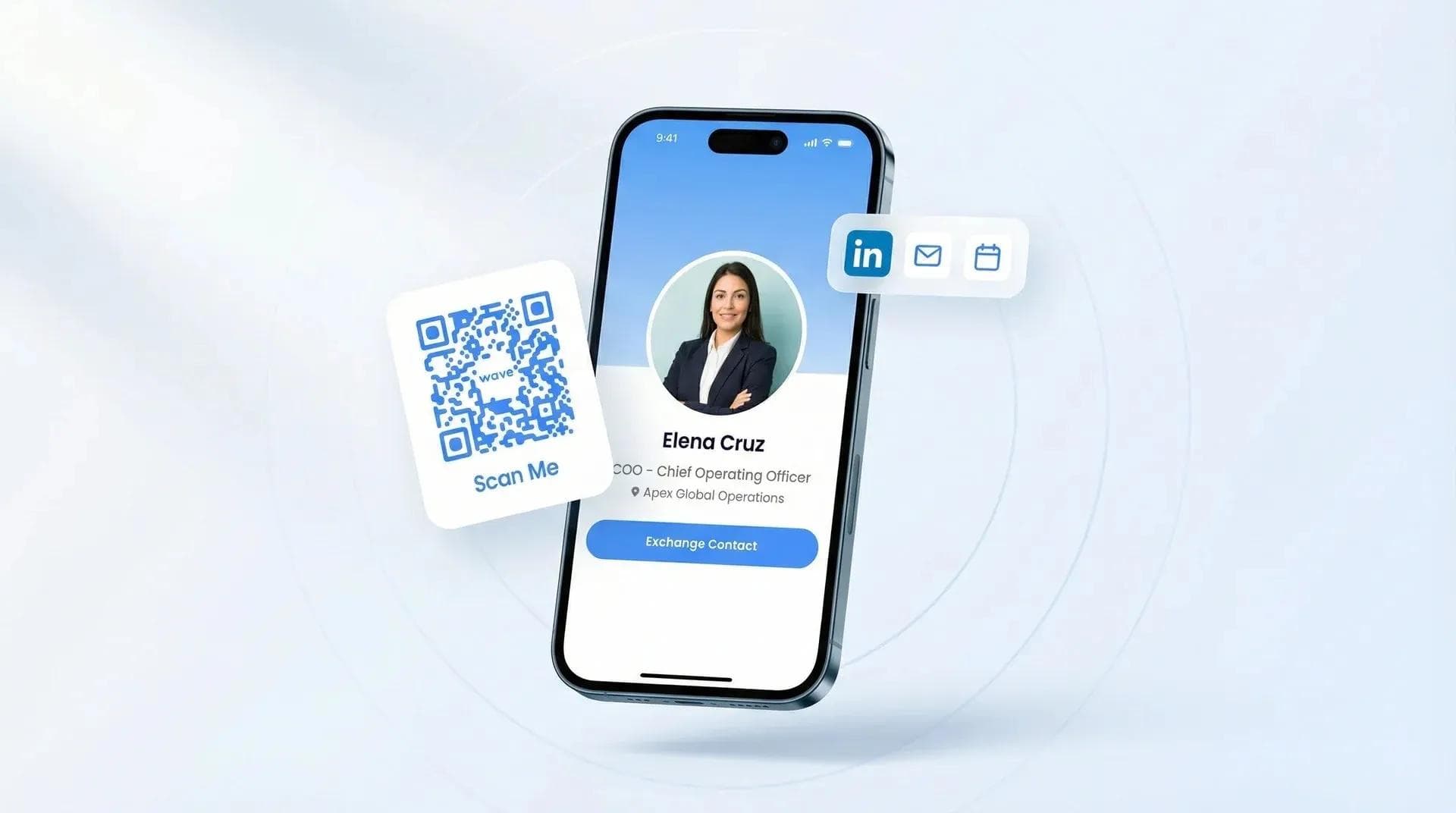
Wave Connect is the tool I recommend for capturing leads beyond your website. With NFC cards, QR codes, and shareable links, your team captures contacts at trade shows, coffee meetings, and in email signatures - no forms required. Every lead syncs automatically to your CRM with full attribution. Other platforms like HubSpot Forms and Typeform handle website-based capture well, but for in-person and multi-channel lead capture, digital business cards for sales teams consistently outperform traditional form-only approaches.
Frequently Asked Questions
What information should a lead capture form collect?
At minimum: email address and first name. Add company name for B2B, phone only if you'll call, and keep total fields under 5 for optimal conversion.
What's a good conversion rate for lead capture forms?
Industry average is 2.35%, but good forms convert at 5-10%. Landing pages typically outperform embedded forms, and B2B rates tend lower than B2C.
How do I reduce form abandonment?
Cut fields to 3-5 maximum, use clear value props, and test on mobile. Show progress indicators for multi-step forms and save partial entries when possible.
Should I use single or multi-step forms?
Multi-step forms can increase conversions by 30% for complex offers. Start with easy questions (email) and save harder ones (phone, company size) for later steps.
Do lead capture forms work on mobile?
Yes, but they need mobile-specific design: large buttons, single columns, and minimal typing. Mobile forms typically convert 20-30% lower than desktop without optimization.
What's the best CTA button text for forms?
Action-specific text like "Get Your Free Guide" beats generic "Submit" by 30%+. Tell visitors exactly what happens when they click.
Capture Leads Anywhere - Not Just Your Website
Wave Connect turns every interaction into a lead capture opportunity. From trade shows to coffee meetings, capture contacts instantly and sync them to your CRM. No forms required.
See How Wave WorksAbout the Author: George El-Hage is the Founder of Wave Connect, an event lead capture platform with a full digital business card built in, serving 200,000+ professionals worldwide. With 6+ years helping organizations transition from paper to digital networking, George has deep expertise in what makes digital business cards successful for individuals and teams. Wave Connect is SOC 2 Type II compliant and integrates with leading CRM platforms like Salesforce, HubSpot, and Pipedrive.