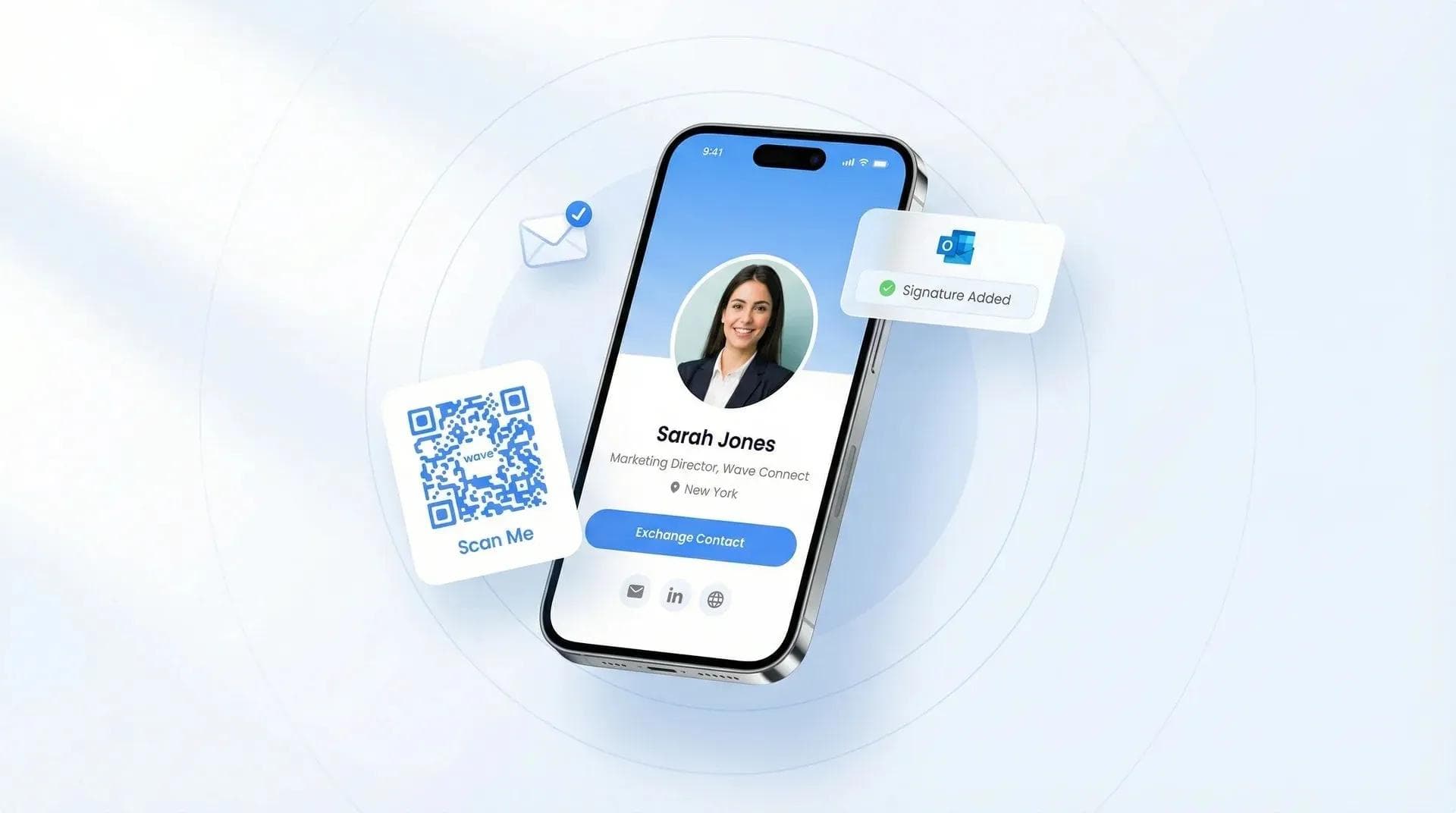
The 7 Best Badge Scanners for Your Trade Show (2026)

George El-Hage

George El-Hage November 23, 2025 · 阅读时长约23分钟
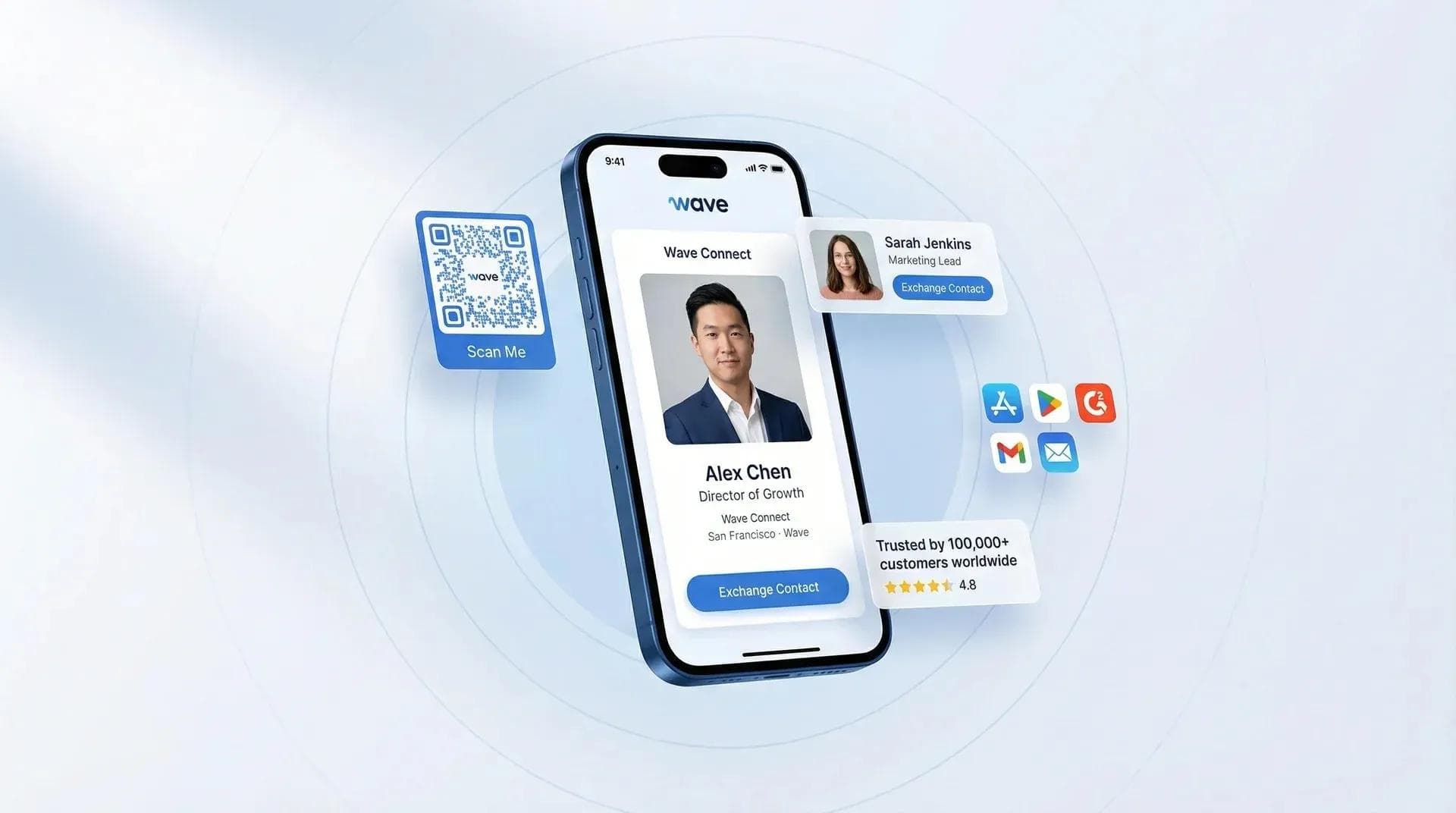
The 4 Best Badge Scanners for Your Trade Show
George El-Hage
Founder, Wave Connect | Trusted by 10,000+ teams globally

I've worked hundreds of trade show booths and built an event lead capture platform used by exhibitors worldwide. This review is based on hands-on scanning at real shows, plus a fresh check of every vendor's live pricing page in July 2026.

I want to share my honest take on the best badge scanners out there for trade shows in 2026. I will cover what they do well, where they could be better, and why one stands out as my top recommendation. Let's dive in.

Over the years, I have seen a lot of different tools come and go. I have used simple apps and complex systems. My goal here is to help you cut through the noise.

TL;DR

Wave Connect is the best badge scanner for trade shows in 2026: it scans badges and paper cards, enriches every lead, syncs to your CRM in real time, and publishes its pricing (10 free enriched leads to start, then pay as you go at $10 per lead, down to $7 with prepaid bundles). Of the seven tools I compared, only Wave, momencio, and Ativ publish prices at all. Ativ's free QR scanner is fine for tiny booths; Cvent fits organizer-run enterprise events.

How I Tested This

My approach: I've scanned badges at real shows with Wave (which my team builds), and I used iCapture and Cvent LeadCapture at events before we built our own scanner. For every tool on this list, I went through their live websites, pricing pages, and app listings in July 2026 and took fresh screenshots, so the pricing claims below are what these companies actually publish today, not what a spec sheet said a year ago.

What I looked at:

  • Can it scan event badges AND paper business cards?
  • Does it work offline on a congested show floor?
  • Does the lead land in your CRM automatically, and enriched?
  • Real cost, and whether you can even see the price without booking a demo

At a Glance: The Best Badge Scanners Compared (2026)

Tool Public pricing? Event pricing Badge + card scanning Offline CRM sync
Wave Connect ✅ Published 10 free leads, then pay as you go at $10/enriched lead; $8 at 500, $7 at 1,500 prepaid ✅ Badges + card OCR ✅ Yes ✅ Native Salesforce, HubSpot, Zoho, Pipedrive + more
Cvent LeadCapture ❌ Quote form Annual license + per-registrant fee ⚠️ Badges (QR/RFID); cards not always Not stated ✅ Via Cvent ecosystem
iCapture ❌ Demo only Not published (now part of Cvent) ✅ Badges + cards ✅ Yes ✅ Salesforce, HubSpot
Popl ❌ Quote form Per-license, "custom quote" ✅ Universal badges + cards ✅ Yes ✅ Salesforce, HubSpot, Marketo, Dynamics, Zoho
momencio ✅ Published $100-170/seat/mo, annual, 5-seat min (from $6,000/yr) ✅ Badges (event API) + card OCR Not stated ⚠️ Paid add-on
Captello ❌ Behind signup Per-event licenses, a-la-carte ✅ Universal capture ✅ Yes ✅ "All major CRMs"
Ativ BadgeScanner ✅ Free Free (organizer distributes it) ⚠️ QR badges only, no cards ✅ Yes ❌ CSV export by email

Pricing and features verified on each vendor's live website, July 2026.

My Top Picks for the Best Badge Scanners for Trade Shows

I have tested many solutions, and I have some clear favorites. Here are the ones I recommend, starting with my top pick.

1. Wave Connect

Wave Connect is my number one choice for a few key reasons. It just makes lead capture at trade shows so much smoother and more effective than anything else I have used. We built it with busy exhibitors in mind, focusing on ease of use and powerful backend integration.

Wave Connect event lead capture - scan any badge at trade shows in seconds

✨ Features:

  • Super Fast Badge Scanning: You can scan QR codes or barcodes on badges in a blink. It is super quick, even in busy areas.
  • Smart Business Card OCR: Our AI powered scanner can read business cards and pull out all the contact info accurately. No more manual typing.
  • Lead Enrichment: A badge scan usually gives you a name and maybe an email. Wave enriches every lead with verified business email, phone, title, and company details, so your CRM gets a contact your sales team can actually work with.
  • Customizable Qualifying Questions: You can set up your own questions to ask prospects right in the app. This helps you understand their needs and qualify them better.
  • Real Time CRM Sync: As soon as you scan a lead, their information goes straight into Salesforce, HubSpot, Zoho, Pipedrive, and more. No delays for follow up.
  • Offline Mode: No WiFi on the show floor? No problem. Wave works perfectly offline and syncs all your data once you get a connection again.
  • Team Management: You can manage your whole team's activity, track individual performance, and see leads captured by each person.
  • Personalized Follow up Automation: Trigger custom emails or messages to leads right from the app, based on their interests or qualification level.

💰 Pricing:

  • 10 free enriched leads on every new account. One-time, and they never expire.
  • Pay as you go: $10 per enriched, CRM-ready lead. No seats, no commitment.
  • Prepaid bundles drop the rate to $8/lead at 500 and $7/lead at 1,500.
  • The full price list is published on the event lead capture page. No demo call needed.

✅ Pros:

  • It is incredibly easy to set up and use. My team picked it up in minutes.
  • Public pricing. You pay per enriched, CRM-ready lead: $10 pay as you go, dropping to $8 at 500 and $7 at 1,500 with prepaid bundles. Every account starts with 10 free enriched leads that never expire, and no demo call is required to find out what anything costs.
  • The real time CRM sync is a huge advantage. It really helps to speed up our sales cycle.
  • It works reliably, whether we have internet or not. This is a big deal at many venues.
  • Rated 4.8/5 across 2,000+ app store reviews (4.6/5 on G2), and the support team is fantastic.

❌ Cons:

  • While very feature rich, smaller teams might find some advanced features more than they initially need, though they are great for scaling up.
  • Enrichment quality is best for English-language data; it works in other languages, just not quite as deeply.

📝 My Experience:

I remember one show where the internet was terrible. Other exhibitors were struggling with rented scanners that just wouldn't connect. My team, using Wave's offline mode, just kept scanning away. We collected more high quality leads that day than ever before. When we got back to the hotel, everything synced seamlessly. Our sales team had a head start, and we closed deals faster than usual. It was a clear win and showed me just how powerful a reliable, well designed app can be.

2. Cvent LeadCapture

Cvent is a huge name in event management, and their LeadCapture app is part of their broader ecosystem. It is often provided by event organizers, which can be convenient.

cvent homepage

✨ Features:

  • Badge scanning via QR codes or RFID.
  • Customizable qualification questions.
  • Real time lead scoring and tracking.
  • Deep integration with other Cvent event management solutions and major CRMs.

💰 Pricing:

  • No published numbers: Cvent charges an annual license fee plus a per-registrant fee, quoted through a sales form.
  • LeadCapture is an add-on module, so you are really budgeting for the Cvent ecosystem, not just a scanner.
  • At many shows the organizer provides it, so your cost depends entirely on the event.

✅ Pros:

  • It is a strong platform, especially for large scale enterprise events.
  • Integrates smoothly if you are already using other Cvent products.
  • Offers good reporting on lead metrics.

❌ Cons:

  • No public pricing. Cvent's model is an annual license fee plus a per-registrant fee, and you have to go through a quote form to get numbers.
  • It heavily relies on event specific badges, and does not always support business card scanning.
  • Setting it up might require Cvent technicians, making it less flexible for exhibitors who want to bring their own solution.
  • It is really built for event organizers first, exhibitors second.

📝 My Experience:

Cvent LeadCapture is a strong option if your event organizer already provides it, or if your company is heavily invested in the Cvent ecosystem. I have found it to be very capable for collecting basic lead data at large events. However, if you are looking for a solution you can use consistently across all your events, regardless of the organizer's choice, and without potentially high per device costs, it might be less ideal. Its strength is in its comprehensive event management platform, but that can sometimes mean less flexibility for just lead retrieval.

3. iCapture

iCapture is another popular option that many exhibitors use. It is known for its straightforward approach to lead capture. It lets you use your own device to scan badges and business cards. One thing to know in 2026: iCapture is now part of Cvent, and their old standalone website just redirects to a Cvent product page.

icapture website

✨ Features:

  • Badge and business card scanning.
  • Offline functionality, so you can capture leads without internet.
  • Customizable qualifying questions to gather specific data.
  • Integration with popular CRM systems like Salesforce and HubSpot.

💰 Pricing:

  • No pricing page exists since iCapture became part of Cvent. A demo call is the only way to a number.
  • Users report it feels pricey for smaller exhibitors.
  • Badge API kits for certain shows are purchased separately, so expect per-event costs on top.

✅ Pros:

  • It is generally considered easy to use and set up.
  • Many users praise its customer support.
  • Proven badge-kit integrations, with verified badge data as the source of truth.

❌ Cons:

  • Some users find it can be a bit pricey, especially for smaller exhibitors, and there is no pricing page at all anymore. A demo is the only way in.
  • It might not have as many advanced lead nurturing features directly within the app itself.
  • An API kit often needs to be purchased separately to scan badges at some shows.

📝 My Experience:

I have used iCapture at a few events before we developed Wave. It is a solid choice for basic lead capture and CRM integration. The customer support was always responsive when I had questions, which is a big plus. While it does a good job, I sometimes wished for more robust in app features for immediate follow up or more intuitive team management tools right out of the box. If you want the full breakdown, I wrote a dedicated Wave vs iCapture comparison.

Event lead capture

Never lose a trade show lead again.

Scan any badge or paper card. Wave enriches the contact and syncs it to your CRM while the conversation is still warm.

★★★★★4.8/5 · 2,000+ app reviews · No credit card required
CES 2026
Jordan Blake
Exhibitor · Booth 214
Captured

4. Popl

Popl started in digital business cards and moved hard into event lead capture. Credit where it is due: their badge scanner is genuinely good, and they are one of the strongest competitors on this list.

Popl badge scanner product page (July 2026)

✨ Features:

  • Universal badge scanning that works at most events without buying the show's API kit.
  • Paper business card and QR code scanning.
  • Offline scanning listed as a core feature.
  • AI enrichment through 20+ data partners (they claim it lifts contact coverage from about 65% to 90%+).
  • Integrations with Salesforce, HubSpot, Marketo, Microsoft Dynamics, Zoho, Monday.com, and Slack.

💰 Pricing:

  • No public pricing. The pricing page is a request form, and their FAQ says to book a demo for a custom quote.
  • Sold per license with unlimited events, and licenses can be reassigned between teammates.
  • Enrichment and lead capture live on the paid team plans, so get the all-in quote in writing before show season.

✅ Pros:

  • Genuinely strong event lead capture with on-floor support during shows.
  • Licenses are reassignable between team members, with unlimited events per license.
  • Polished apps on both iPhone and Android.

❌ Cons:

  • No public pricing at all. Their pricing page is a "request pricing" form, and the FAQ literally tells you to book a demo for a custom quote.
  • It is a digital business card platform first, so the event features sit inside a bigger (and busier) product.
  • Enrichment and lead capture are paid features, and without published tiers it is hard to budget for a show season.

📝 My Experience:

I have gone up against Popl booths at plenty of shows, and their reps clearly like the tool. My issue is simpler: I could not tell you what it costs, and neither can their website. When a platform makes you book a sales call just to see a number, budgeting for a season of events becomes guesswork. If you want the deeper head-to-head, I broke it down in Wave vs Popl for event lead capture.

5. momencio

momencio is an event lead capture platform aimed at exhibitors who want capture plus follow-up in one place. They earn real points from me for publishing their pricing, which is rarer than it should be in this category.

momencio event lead capture homepage (July 2026)

✨ Features:

  • Badge scanning through event APIs, plus business card OCR.
  • Booth mode and kiosk mode for unstaffed capture.
  • Surveys, smart notes, and follow-up tooling.
  • Integrations with Salesforce, HubSpot, and Marketo.

💰 Pricing:

  • Published pricing: Capture $100, Engage $130, Amaze $170 per seat per month, billed annually.
  • 5-seat minimum, so plan on roughly $6,000/year to start, even for a two-person booth team.
  • AI enrichment and CRM integrations are paid add-ons on top of the seat price.

✅ Pros:

  • Public pricing with self-serve checkout, which most of this category refuses to do.
  • Unlimited events on every plan, and seats are reassignable.
  • Nice presentation and content-sharing features for the booth.

❌ Cons:

  • The 5-seat minimum means you are starting around $6,000 per year even if only two people work your booth.
  • AI enrichment and CRM integrations are paid add-ons on top of the seat price, so the sticker price is not the real price.
  • If you do fewer than 10 events a year, they route you to sales anyway.

📝 My Experience:

I have not run a booth on momencio myself, so I will stick to what I verified on their site in July 2026. The transparency is great, and the feature set is legit. Just read the pricing page closely: by the time you add enrichment and your CRM connection to that $6,000 floor, a mid-size booth team can cost more than double what the same season of enriched leads would cost on Wave's credit model. Do that math for your own volume before you sign.

6. Captello

Captello is the power-user option, popular with enterprise field marketing teams, especially Salesforce-heavy ones. It does universal lead capture with a twist: gamification tools to pull people into your booth.

Captello universal lead capture homepage (July 2026)

✨ Features:

  • Universal lead capture on iOS, Android, and even Windows devices.
  • Offline support and kiosk/embeddable forms.
  • Booth gamification (spin-to-win, trivia, leaderboards) to drive traffic.
  • They claim 6,000+ enterprise integrations covering all major CRM and marketing automation platforms.

💰 Pricing:

  • Per-event, a-la-carte licenses with no user restrictions on an event license.
  • Actual prices sit behind their shop, which requires an account and an invitation code.
  • Built for enterprise procurement. Expect to budget through their sales team.

✅ Pros:

  • Per-event, a-la-carte licensing with no user restrictions on an event license. You are not locked into an annual platform fee just to work one big show.
  • The gamification angle genuinely pulls booth traffic. I have watched it work at shows.
  • Deep enterprise integration options.

❌ Cons:

  • Actual prices sit behind an account-creation wall in their shop, and you need an invitation code to see them. Even by this category's standards, that is opaque.
  • It is a lot of product. Small teams will not use half of it.

📝 My Experience:

I evaluated Captello from the outside: their site, docs, and order flow in July 2026. The per-event licensing model is genuinely useful if you only exhibit once or twice a year and do not want an annual contract. But I could not get to a real number without creating an account with an invitation code, and that tells you who this is built for: enterprise buyers with procurement teams, not a sales manager trying to budget next quarter's shows.

7. BadgeScanner™ by Ativ

Here is the honest budget pick. Ativ's BadgeScanner is a free lead retrieval app that event organizers using the EventPilot conference platform distribute to their exhibitors.

Ativ BadgeScanner lead retrieval page (July 2026)

✨ Features:

  • QR code badge scanning on your own iOS or Android device.
  • Works fully offline, with cloud backup and multi-device sync once WiFi returns.
  • Manual notes and lead editing.
  • CSV export by email for importing into your CRM or Excel.

💰 Pricing:

  • Free for exhibitors. The event organizer distributes it to booths.
  • The organizer pays for the EventPilot platform behind it (tiers run $999 to $4,999 per 3-month subscription).
  • Zero cost also means zero enrichment and CSV-only export, so the savings move to manual data work.

✅ Pros:

  • Completely free. No license, no rental, no per-lead fee.
  • Reliable offline scanning.
  • Zero learning curve.

❌ Cons:

  • It only reads what is inside the badge QR code. No business card scanning, no enrichment, so you get whatever the organizer encoded and nothing more.
  • No CRM integrations. You email yourself a CSV and import it by hand.
  • It only works at events whose organizers printed compatible badges.

📝 My Experience:

I have watched exhibitors use BadgeScanner at association conferences, and for a two-person booth at a small show it does the job for exactly $0. Just be realistic about what you get: a raw list of names in a CSV, days of manual cleanup, and no phone numbers or verified emails unless the badge happened to contain them. It is the digital equivalent of collecting paper cards, only faster.

What About Renting the Official Show Scanner?

Most trade shows will happily rent you their official lead retrieval device or app, and for most exhibitors it is the worst value in the building. Rental pricing varies by show, but budget anywhere from a few hundred dollars to $1,000+ per event once you add devices and "premium" data options, and you pay it again at every single show.

Rented badge scanner at $800 per event with data in 5 days versus a phone badge scanning app with real-time CRM sync

The bigger problem is not even the money. Rented scanners capture whatever the registration system holds, and you often get the full export days after the show ends, when your leads have already been buried under two hundred other booths' follow-ups. There is no enrichment, no qualification workflow, and nothing syncs to your CRM while the conversation is still warm. If you exhibit more than once or twice a year, a badge scanner app you own pays for itself quickly. Our trade show statistics roundup has the numbers on how fast unworked leads go cold.

What I Look For In a Good Badge Scanner (My Criteria)

When I am looking at badge scanners, I focus on a few key things that really make a difference for event success:

💧 Ease of Use

This is number one. Your team needs to be able to pick it up in minutes, not hours. The interface should be clear and simple. Complex apps lead to missed leads and frustrated staff. An intuitive design means more scans and better data.

🧩 CRM Integration

Capturing leads is only half the battle. Getting them into your CRM system automatically is crucial. This means faster follow up and a more organized sales pipeline. A seamless integration saves countless hours of manual data entry.

🎨 Customization (Questions and Branding)

Every business has unique needs. The ability to add custom qualifying questions helps you gather specific information about each prospect. This allows your sales team to tailor their follow up. Also, branding the app with your company's logo can make a big difference in presentation.

🌐 Offline Capability

Trade show WiFi can be notoriously unreliable. An app that works offline, storing data locally and syncing later, is non negotiable. You do not want to lose valuable leads because of a bad internet connection.

📈 Real Time Data and Reporting

Being able to see how many leads your team has captured, and who is performing best, during the event is very powerful. Good reporting helps you adjust your strategy on the fly and measure your event ROI effectively.

💸 Cost Effectiveness (and Cost Transparency)

While you do not want to cheap out on essential tools, the price needs to make sense for your budget and the value it provides. I consider not just the upfront cost, but also potential rental fees for devices or hidden charges. And in 2026 I have added a new rule: if a vendor will not publish a price, treat that as a price. Four of the seven tools on this list make you book a demo call just to see a number.

Exhibitor scanning an attendee badge with a phone at a trade show booth while the enriched contact syncs to the CRM

Why a Good Badge Scanner Matters for Your Trade Show Success

Think about it. You spend a lot of time and money getting ready for a trade show. You build a great booth, train your team, and travel a long way. All of this effort is to meet potential customers. Without a solid way to capture their info, all that hard work can go to waste.

Old ways of collecting leads, like writing notes on business cards or using paper forms, are just not good enough anymore. They are slow. They lead to mistakes. And it takes forever to get that data into your CRM system for follow up. If you still deal with paper cards, dedicated business card scanner apps can help bridge the gap - but the real step up is badge scanning that feeds your CRM in real time.

A good badge scanner changes everything. It lets you quickly grab contact details, add important notes, and even qualify leads on the spot. This means your sales team can follow up while the conversation is still fresh in the prospect's mind. This can seriously boost your return on investment from events.

Which One Should You Choose? My Quick Take

Choose Ativ BadgeScanner if you:

  • Work a small booth once or twice a year and just need names in a spreadsheet for free.
  • Are exhibiting at a show that runs on EventPilot anyway.

Choose Cvent LeadCapture if you:

  • Are already deep in the Cvent ecosystem, or the organizer hands it to you.
  • Run enterprise events where the organizer controls the badge tech.

Choose Wave Connect if you:

  • Want leads your sales team can actually call: every scan becomes an enriched, CRM-ready contact in Salesforce, HubSpot, Zoho, or Pipedrive in real time.
  • Exhibit at multiple shows a year: one credit pool covers your whole season, and bigger prepaid bundles drop your per-lead price.
  • Hate surprises: pay as you go at $10 per enriched lead, or prepay to drop it to $8, then $7. That is the whole pricing model.
💡 From My Experience: The pattern I keep seeing on show floors is simple. Teams do not lose leads because they scanned too slowly. They lose them because the data arrived late, incomplete, or in a CSV nobody imported. Pick the tool that puts an enriched contact in your CRM before the prospect leaves your booth.

Frequently Asked Questions About Trade Show Badge Scanners

Why can't I just collect business cards?

You can, but it is much less efficient and prone to errors. Cards get lost or misfiled, and manual data entry is slow. Badge scanners automate this, ensure accuracy, and allow for immediate follow up.

Do these apps work offline?

Many of the best badge scanner apps, like Wave Connect, iCapture, and Captello, offer robust offline functionality. They store data on your device and sync to the cloud once a connection is available, which is critical on spotty trade show WiFi.

How much does a badge scanner app cost?

Anywhere from free to $6,000+ per year. Ativ's BadgeScanner is free but QR-only; Wave Connect gives you 10 free enriched leads, then pay-as-you-go pricing at $10 per enriched lead (down to $7 with prepaid bundles); momencio starts around $6,000/year; Popl, Cvent, iCapture, and Captello only give numbers through a sales call.

What is the difference between a badge scanner and lead retrieval?

Lead retrieval is the show's official rental system; a badge scanner app is a tool you own. Rentals are paid per event and often deliver data after the show, while your own app works across every event and syncs leads to your CRM instantly.

Will a badge scanner app work at any event?

Mostly, yes. Apps with universal scanning plus business card OCR (like Wave Connect or Popl) work at nearly any show, while QR-only tools such as Ativ's depend on the organizer's badge format.

How secure is my data?

Reputable badge scanner providers use encryption and secure cloud storage. Always check for GDPR compliance if you deal with European contacts, and remember attendees must consent to being scanned.

Can I use my own phone?

Yes, most modern badge scanner apps run on your own smartphone or tablet (iOS and Android). That saves you from renting bulky scanning hardware from event organizers and is usually far more cost effective.

Event lead capture

Ready to capture every lead at your next show?

Start free with 10 enriched leads, in under 2 minutes. No rented scanners, no per-device fees.

★★★★★4.8/5 · 2,000+ app reviews · No credit card required
CES 2026
Jordan Blake
Exhibitor · Booth 214
Captured

About the Author: George El-Hage is the Founder of Wave Connect, an event lead capture and digital business card platform serving 150,000+ professionals worldwide. George has worked hundreds of trade show booths over 6+ years and built Wave's badge and card scanner used by exhibitors globally. Wave Connect is SOC 2 Type II compliant and integrates natively with Salesforce, HubSpot, Zoho, and Pipedrive.

推荐文章