Color
- Color
Quantity
- Unlimited Usage
- iOS & Android Compatible
- Worldwide Shipping
- Secure & Trusted
- In stock, ready to ship
See Wave in Action
Watch how easy it is to share your contact information with a single tap
How it works
First, select your Wave product. Second, create your Wave digital business card using our free mobile app or dashboard. Finally, once you receive your card, link your profile to it. If you haven't created your profile yet, don't worry. Just tap your new card on your phone or scan the QR code on the back to get started.
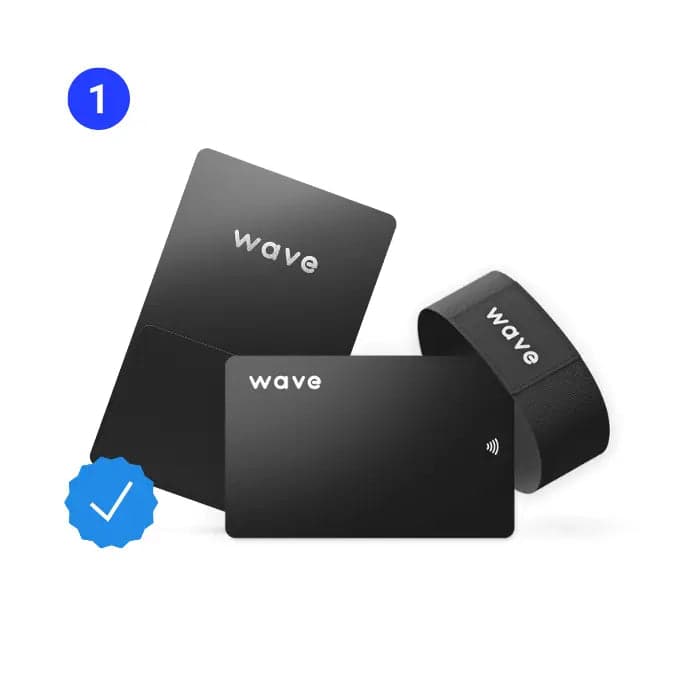
Select Your Product
Choose the Wave NFC card that best fits your style and needs
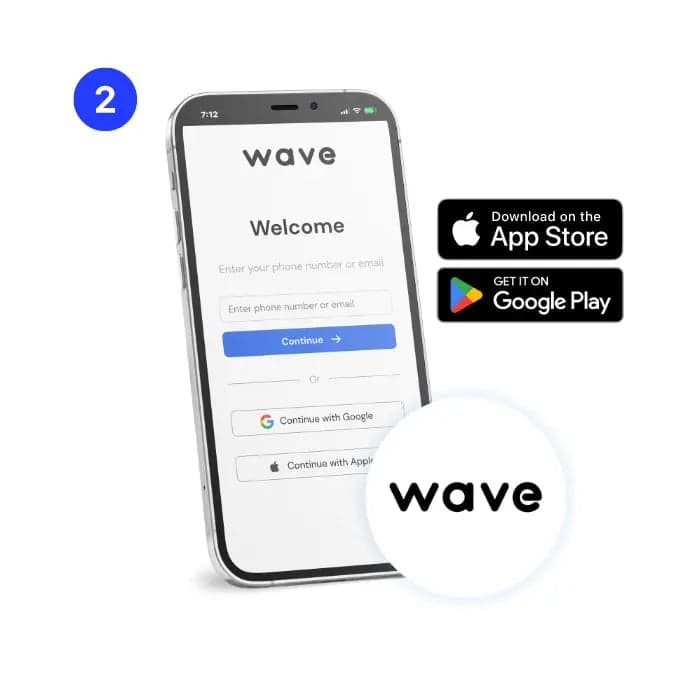
Create Your Profile
Build your digital business card using our free mobile app or dashboard
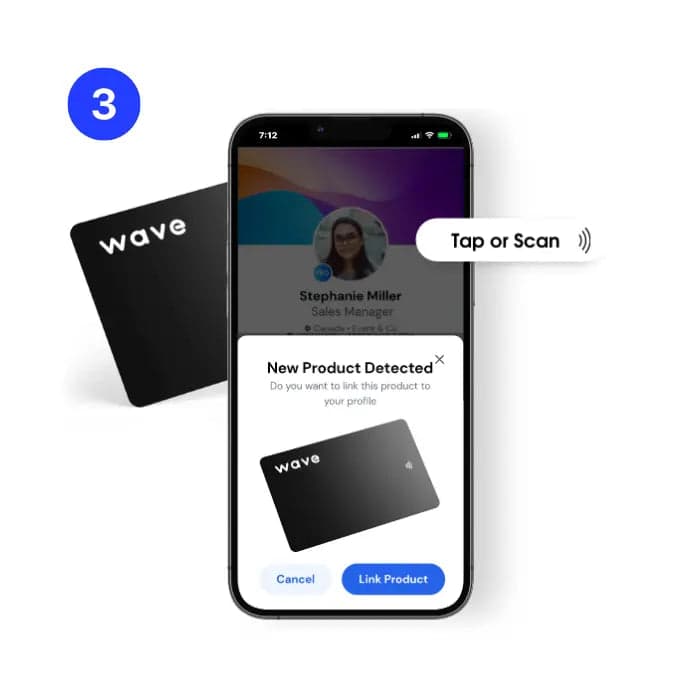
Link & Share
Once you receive your card, link your profile to it and start sharing instantly
Tap or scan to share
Metal digital business cards are compatible with all modern smartphones and no app required to share your info.
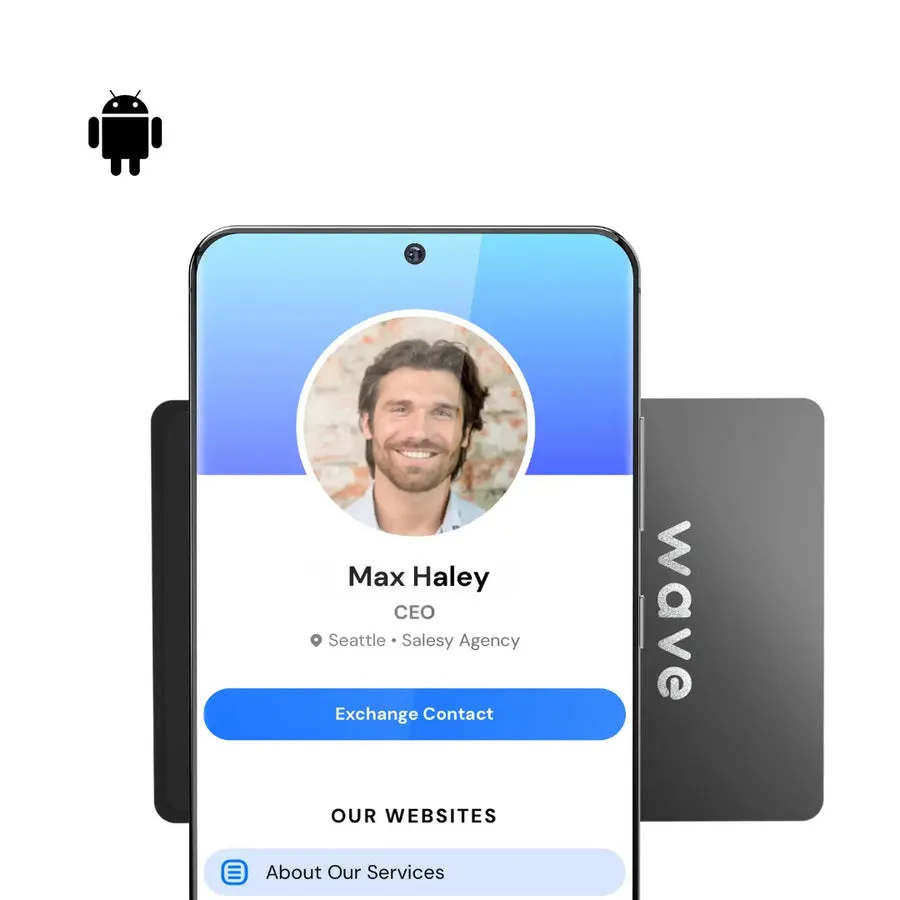
Tap Android
Hold your card near the center of the phone - make sure NFC is enabled.
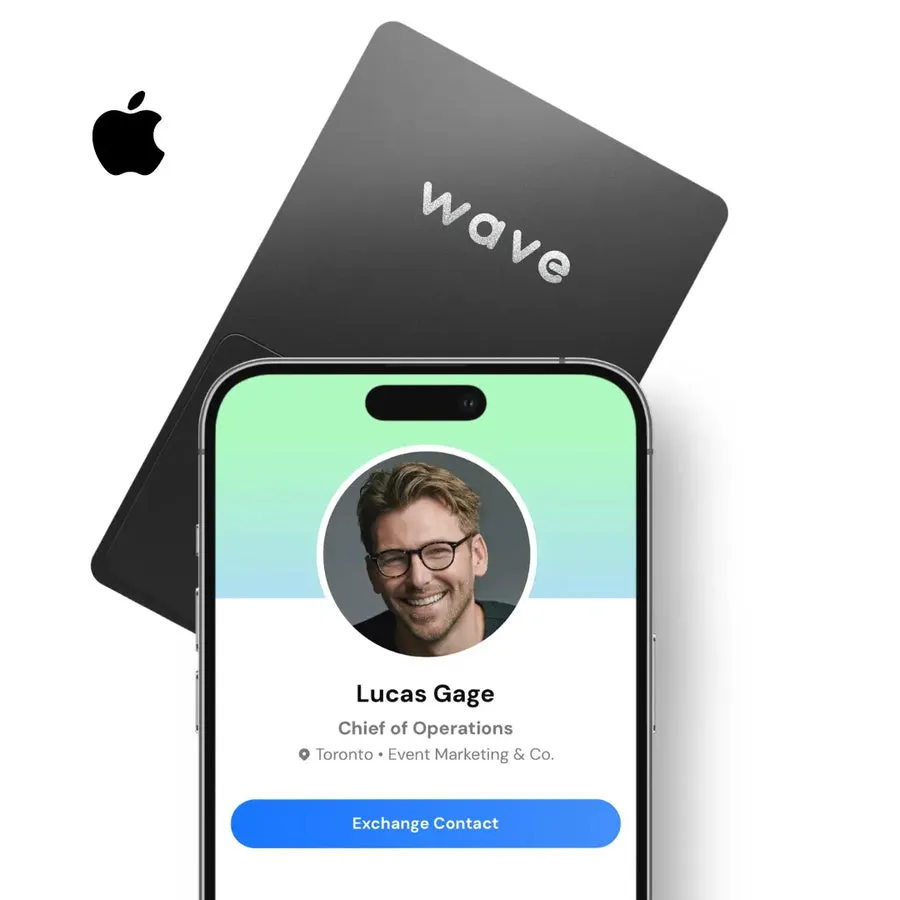
Tap iPhone
Hold your card near the top of the phone - make sure the screen is unlocked.
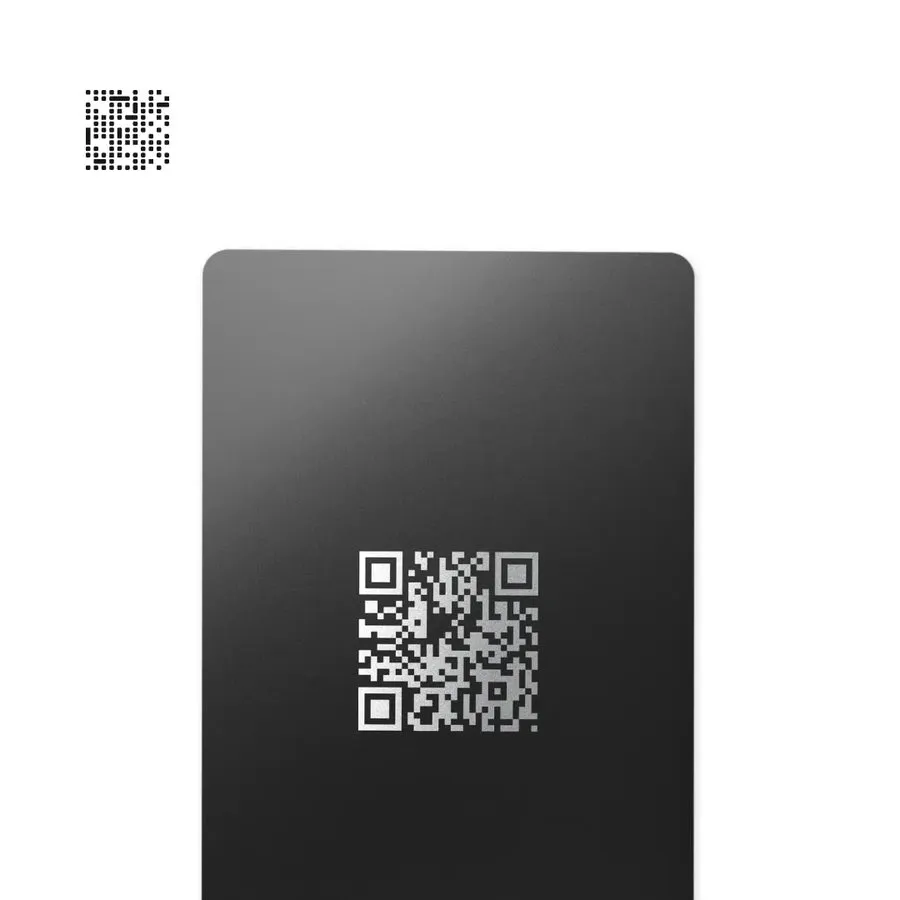
QR Code
Open your camera and scan the QR code - works with all phones.
Digital business card features
Customize your profile to suit your brand, and start building meaningful connections today.
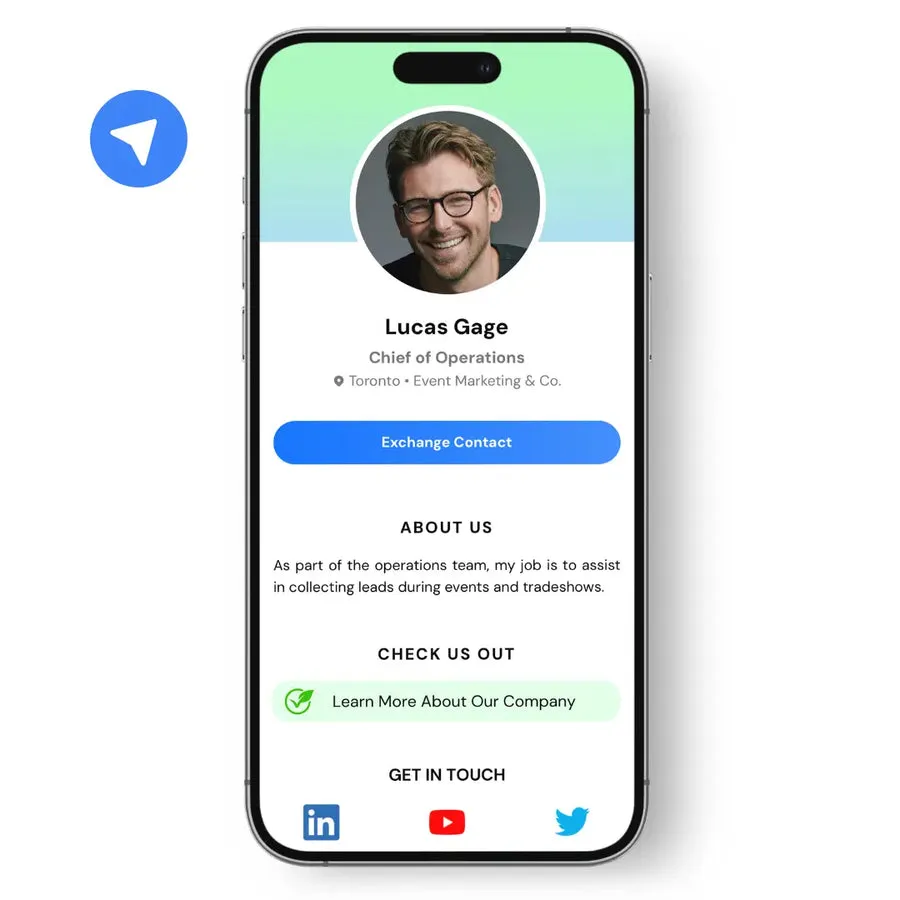
Share all your info from one place
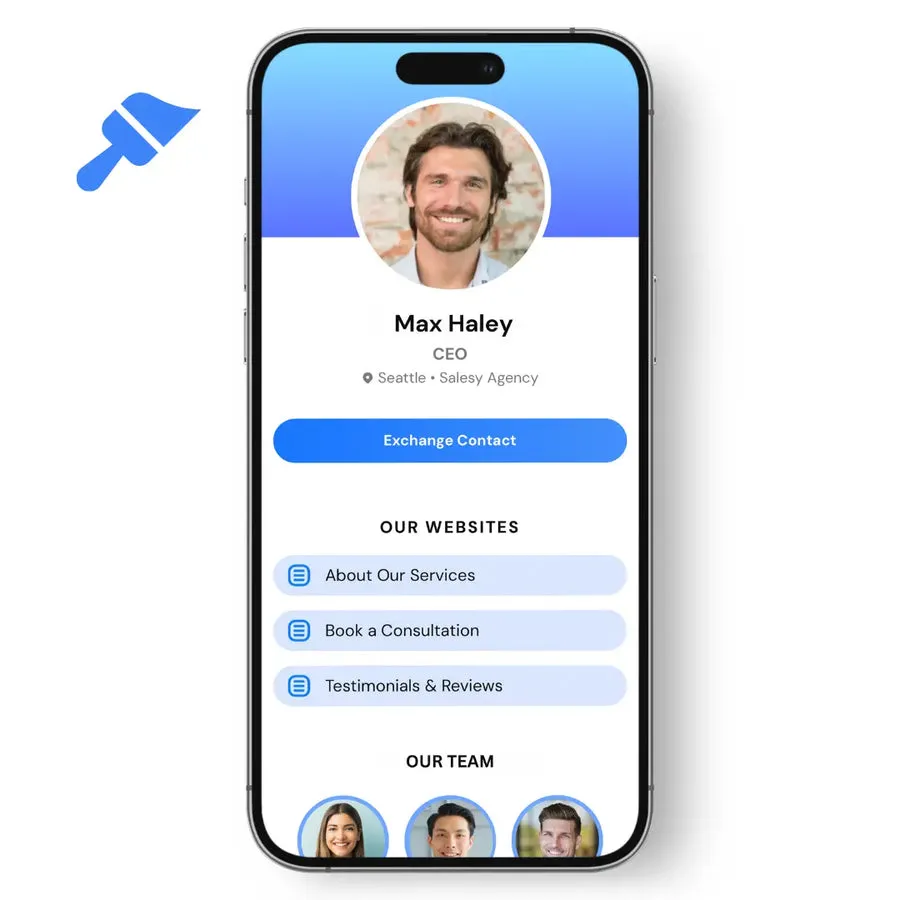
Share all your business information like social media, websites, and videos from one centralized profile.
No subscription required
Wave is free forever with the option to upgrade to a pro subscription for more advanced features.
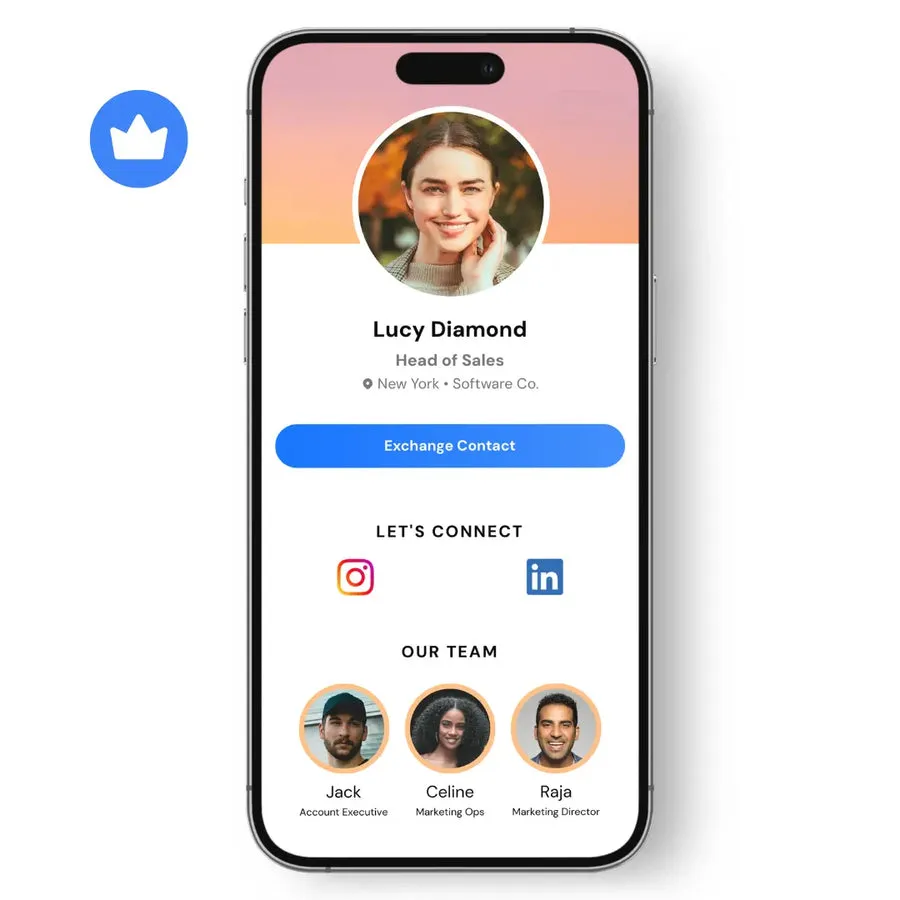
Many customization options
Add background images with your logo, a photo gallery, and an unlimited amount of websites to your digital business card.