Genera firmas de correo electrónico de marca para todo tu equipo.
Extrae información de contacto de tu tarjeta de presentación digital. Personaliza tu diseño. Despliega en Gmail o Outlook con un clic.
Emocionados de compartir que ahora todos tenemos firmas de correo electrónico personalizadas. ¡Mira la mía a continuación!

Mia Santos
Event Director
Nexus Events
El problema
Tus firmas de correo electrónico son un desastre.
Sin una herramienta de firma centralizada, los correos electrónicos de tu equipo se ven inconsistentes, desactualizados y fuera de marca.
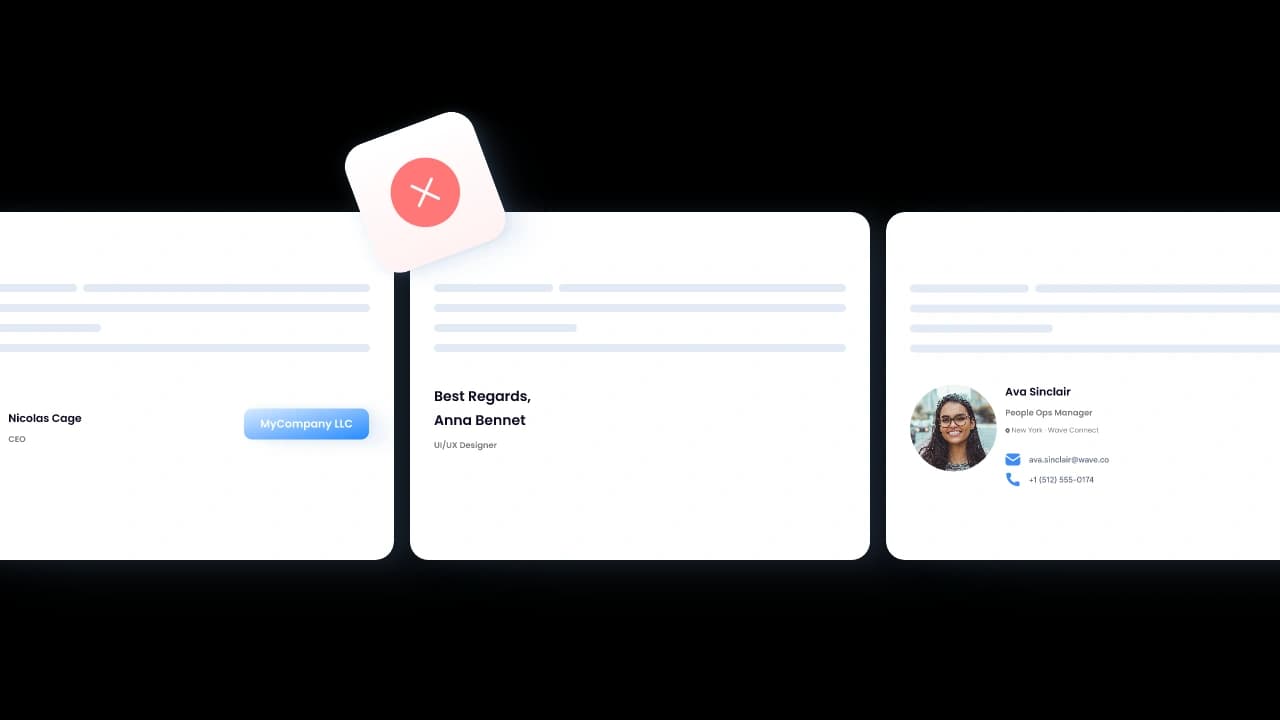
Cada firma se ve diferente
Algunas tienen logotipos, otras no. Diferentes fuentes, colores incorrectos, números de teléfono desactualizados. Cada correo electrónico que envía tu equipo parece que viene de una empresa diferente.
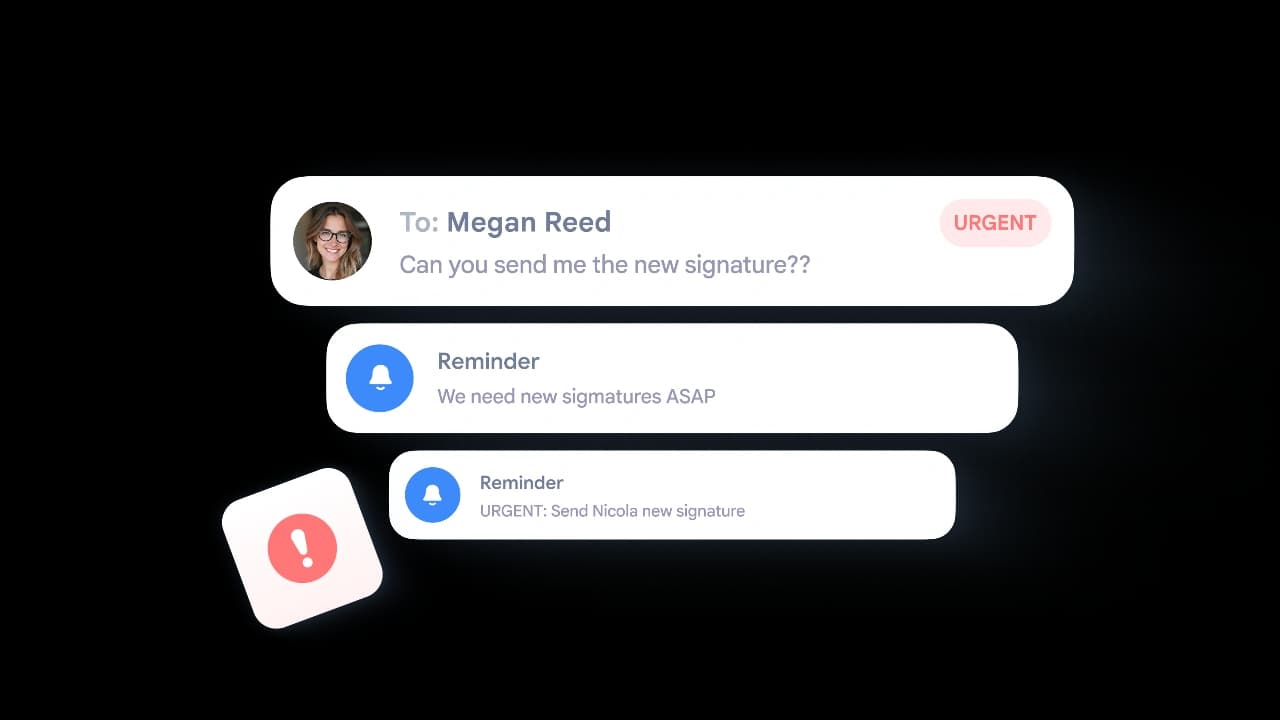
Las actualizaciones tardan una eternidad
¿Alguien es ascendido? ¿Nuevo número de oficina? Estás enviando correos a 50 personas pidiéndoles que copien y peguen una nueva firma. La mitad nunca lo hace.
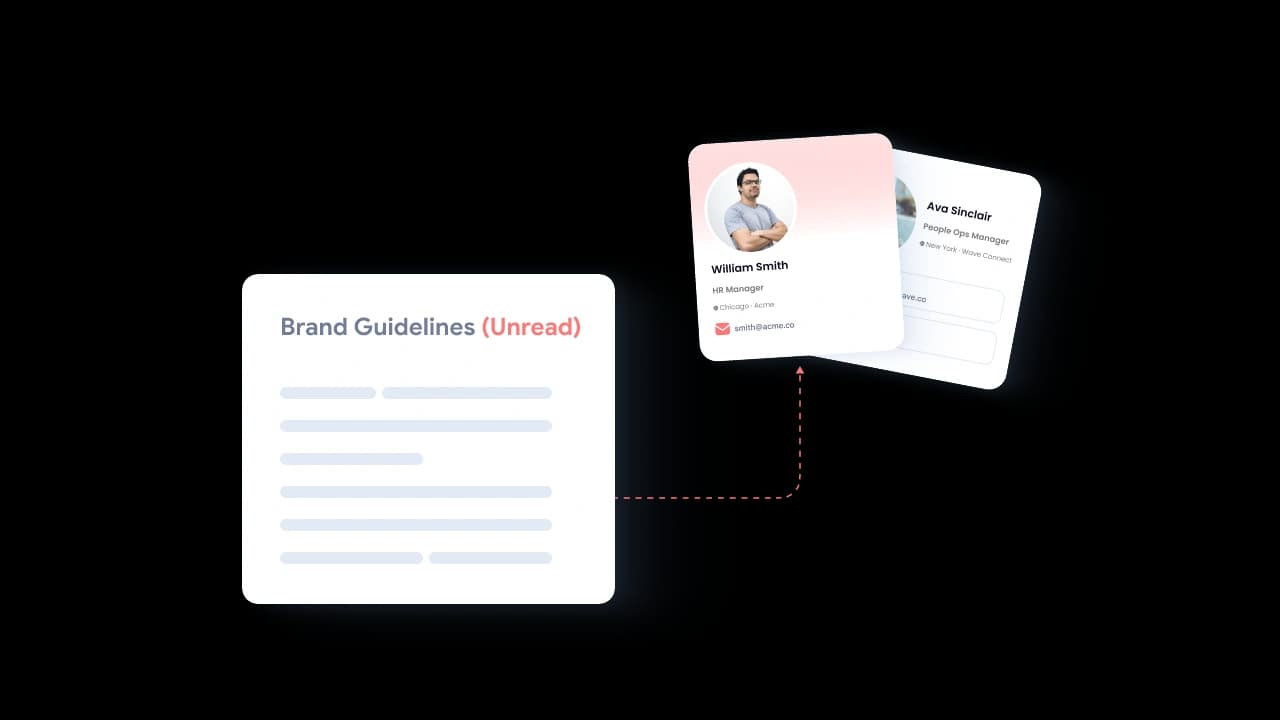
Sin estándares de marca
El marketing pasa semanas en las pautas de marca que nadie sigue en su pie de correo electrónico. Tu firma es el activo de marketing más visto que nunca diseñaste.
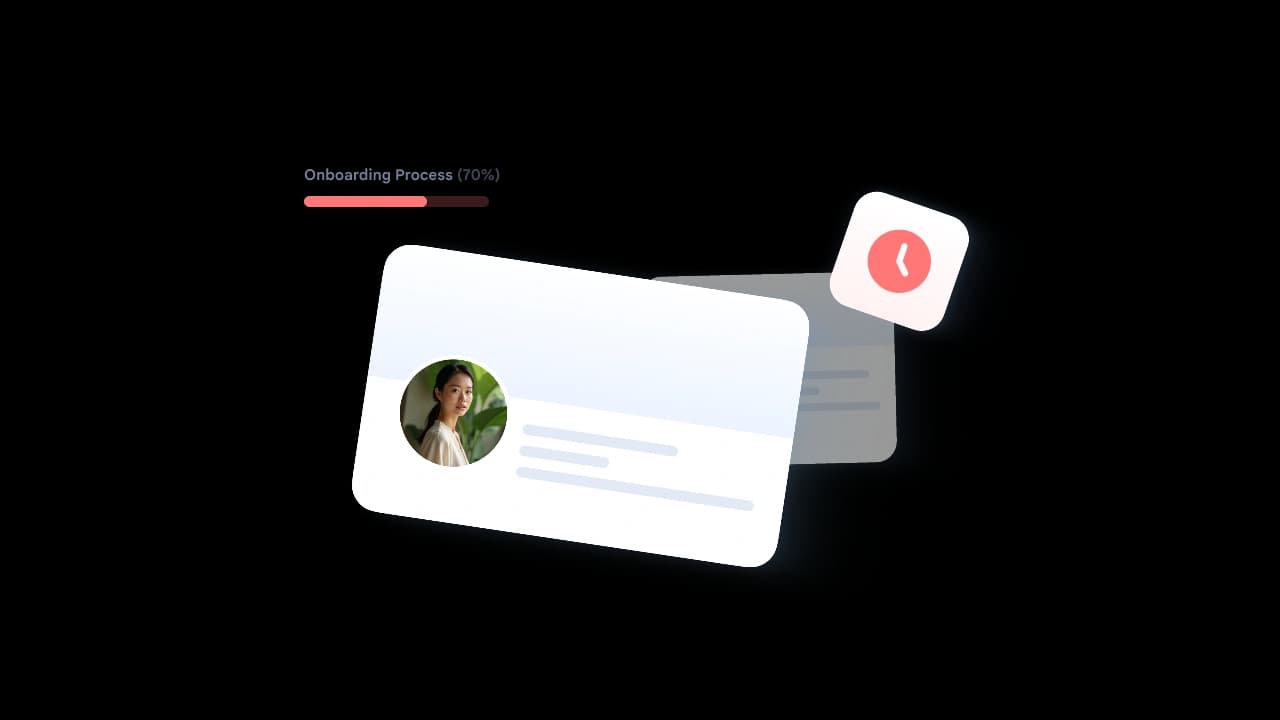
Nuevas contrataciones empiezan sin una
Cada nuevo empleado envía correos por días — a veces semanas — antes de que alguien configure su firma. ¿Primeras impresiones con clientes? Ya arruinadas.
Cómo funciona
De tarjeta de presentación a firma de correo en 60 segundos
Tres pasos. Sin codificación HTML. Sin tickets de TI. Solo firmas de marca, desplegadas en todas partes.
Crear Firma Gratis
Crear
Construye tu tarjeta de presentación digital con tu nombre, cargo, teléfono, correo, foto y enlaces sociales. O importa tu tarjeta existente.

Personalice
Elige un diseño de firma. Escoge tus colores y fuentes. Añade tu logotipo, banner o enlace CTA. Previsualízalo en tiempo real.
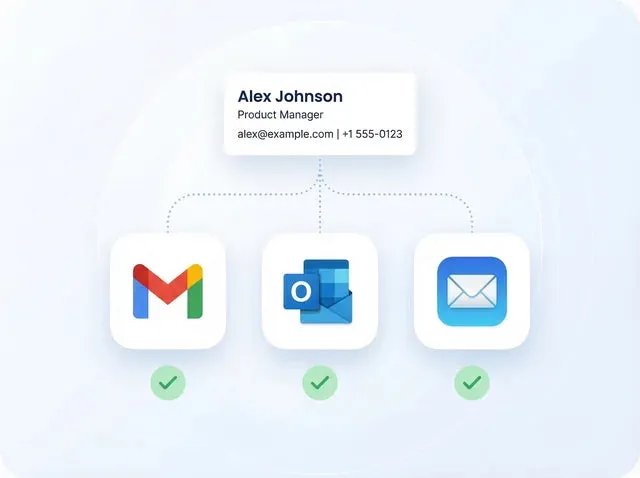
Despliega
Instalación de un clic para Gmail, Outlook y Apple Mail. Copia el HTML para cualquier otro cliente. Hecho en segundos.
Características
Todo lo que necesitas para firmas de correo electrónico profesionales.
Genera firmas desde tu tarjeta de presentación digital, personaliza el diseño, desplígalas en todos los clientes de correo — y gestiona todo desde un único panel de control.
Crear Firma GratisTu firma se extrae directamente de tu tarjeta de presentación digital
Nombre, cargo, teléfono, correo, foto, enlaces a redes sociales — tu firma se mantiene actualizada porque está respaldada por tu tarjeta Wave. Actualiza la tarjeta, y cada firma se actualiza automáticamente.
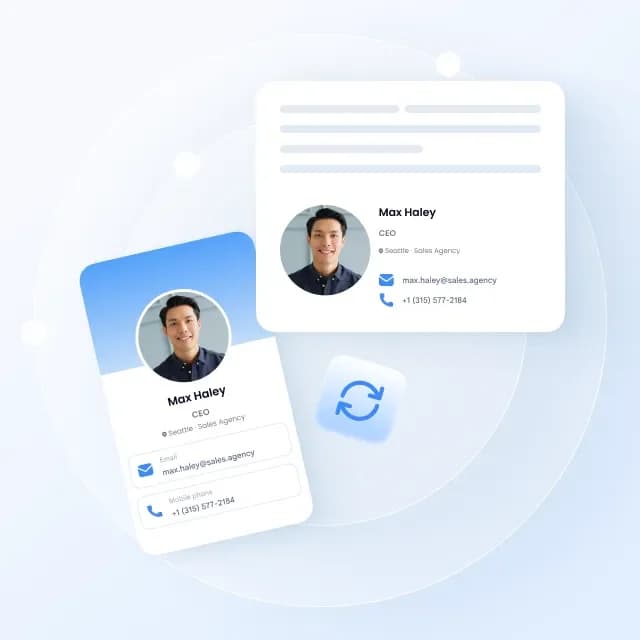
Concuerda perfectamente con tu marca
Elige un diseño. Configura tus colores y fuentes. Añade tu logotipo, imagen de banner, o enlace de llamada a la acción. Previsualiza cambios en tiempo real.
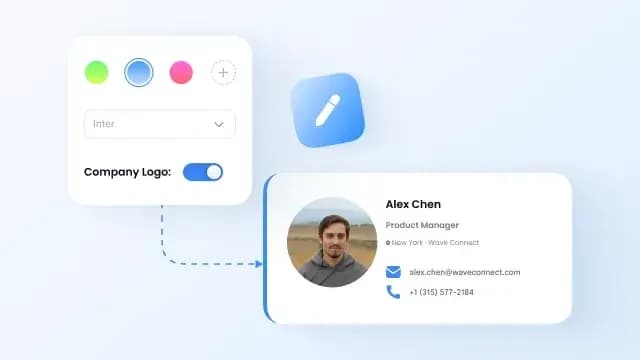
Instala en Gmail al instante
Despliegue de un clic en Gmail. Sin extensiones del navegador. Sin tickets de TI. Funciona con Google Workspace y cuentas personales.
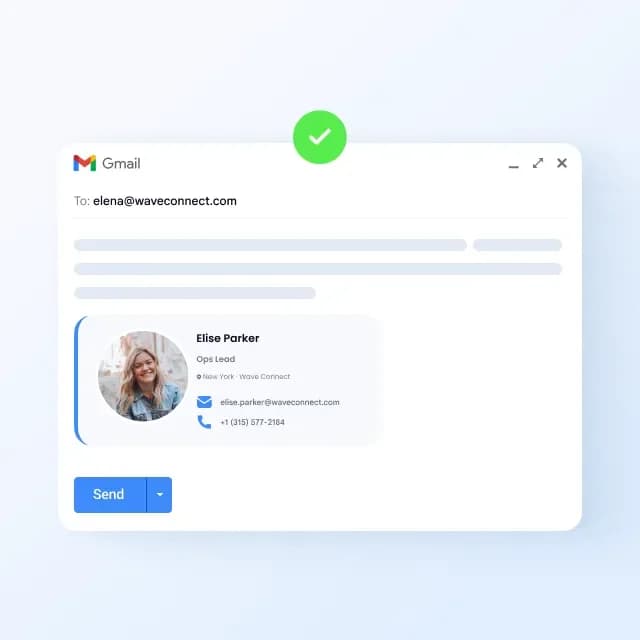
Despliega en Outlook en segundos
Funciona con Outlook de escritorio, Outlook web y Microsoft 365. Copia y pega o usa nuestro instalador de un clic.
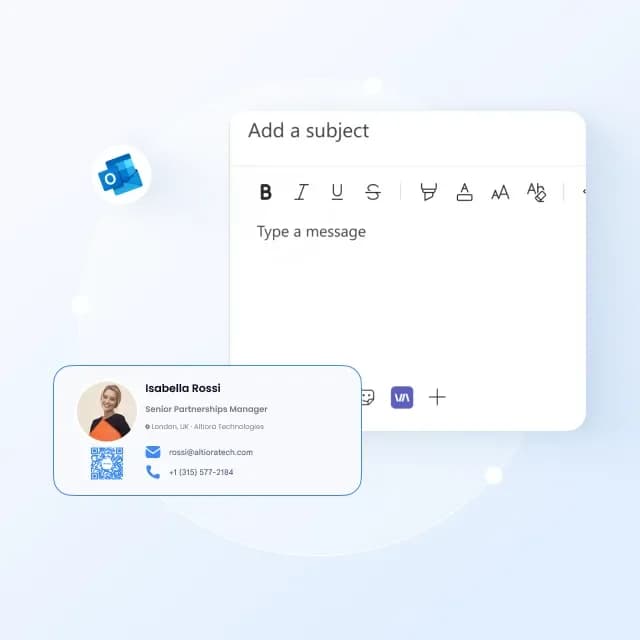
Añade un código QR a tu firma
Los destinatarios escanean el código QR y guardan instantáneamente tu información de contacto completa. Sin mecanografía, sin archivos adjuntos, sin vCards.

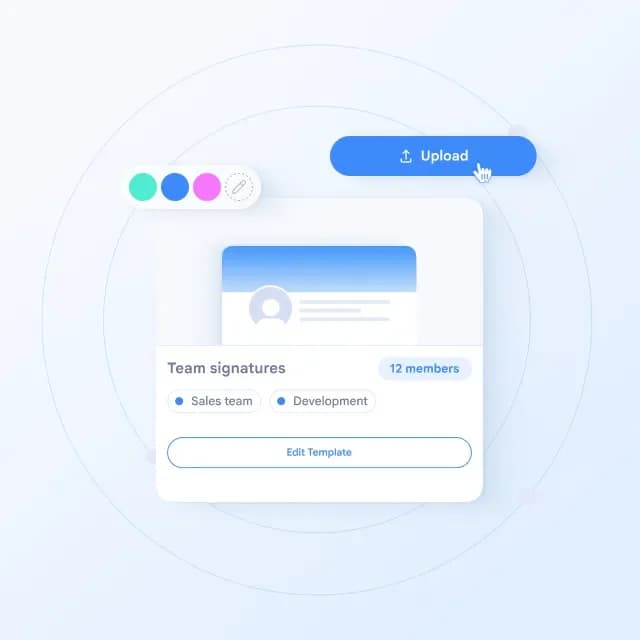
Despliega firmas de marca en todo tu equipo
Sube tu equipo a través de Excel. Bloquea elementos de marca — logotipo, colores, fuentes, enlaces sociales. Envía actualizaciones de firma a todos de inmediato. No más correteos pidiendo a la gente que cambie su pie de página.
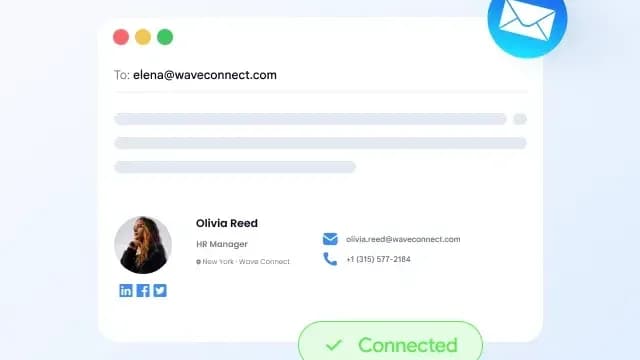
Funciona también con Apple Mail
Copia la firma en HTML e instálala en Apple Mail en Mac o iPhone. Se incluye una guía paso a paso.
Para quién es
Firmas profesionales para cada rol.
Ya sea que seas un profesional individual o manejes firmas para 500 personas, Wave lo hace simple.
Destaca en cada correo que envías.
- Gratis para siempre — Firma profesional con foto, enlaces y código QR sin costo.
- Sincronización Automática — Actualiza tu tarjeta una vez, la firma se actualiza en todas partes.
- Instalación de un Clic — Despliega en Gmail, Outlook o Apple Mail en segundos.
Gratis
para individuos para siempre
Consistencia de marca en cada bandeja de entrada.
- Bloquear Elementos de Marca — Configura colores, fuentes, logotipo y diseño que nadie puede alterar.
- Banners de Campaña — Añade banners promocionales a cada firma en toda la empresa.
- Analítica de Firmas — Tracking de impresiones, clics de enlaces y participación en banners.
100%
cumplimiento de la marca en todos los correos electrónicos del equipo
Despliega y gestiona a escala.
- Despliegue Masivo — Sube 200 usuarios a través de Excel. Todos obtienen una firma en minutos.
- Enviar Actualizaciones — Cambia un número de teléfono, cargo, o banner — se despliega a todos instantáneamente.
- Certificado SOC 2 — Seguridad empresarial con acceso basado en roles y seguimiento de auditoría.
5 min
para desplegar firmas para 200 personas
Un plan para cada profesional y equipo.
Gratis para individuos. Potente para equipos. Comienza en minutos.
Gratis
Mejor para uso personal
Pro
Mejor para profesionales modernos
Todo en Gratis, más
Equipos
Mejor para equipos pequeños
3 asientos mínimos
Todo en Pro, más
Precio en USD. Facturado anualmente.
Aprende más sobre las Firmas de Correo Electrónico
Consejos, guías y mejores prácticas para firmas de correo electrónico profesionales.


FAQ
Preguntas frecuentes sobre firmas de correo electrónico
Crea. Personaliza. Despliega.
Firmas de correo electrónico profesionales para todo tu equipo — gratis para empezar.
No se necesita tarjeta de crédito · Certificado SOC 2 Tipo II · Configuración en 2 min