> ## Documentation Index
> Fetch the complete documentation index at: https://wavecnct.com/docs/llms.txt
> Use this file to discover all available pages before exploring further.
# Unique Fields
> Understand how unique and locked fields work in Wave templates
Available on the **Teams** and **Enterprise** plans.
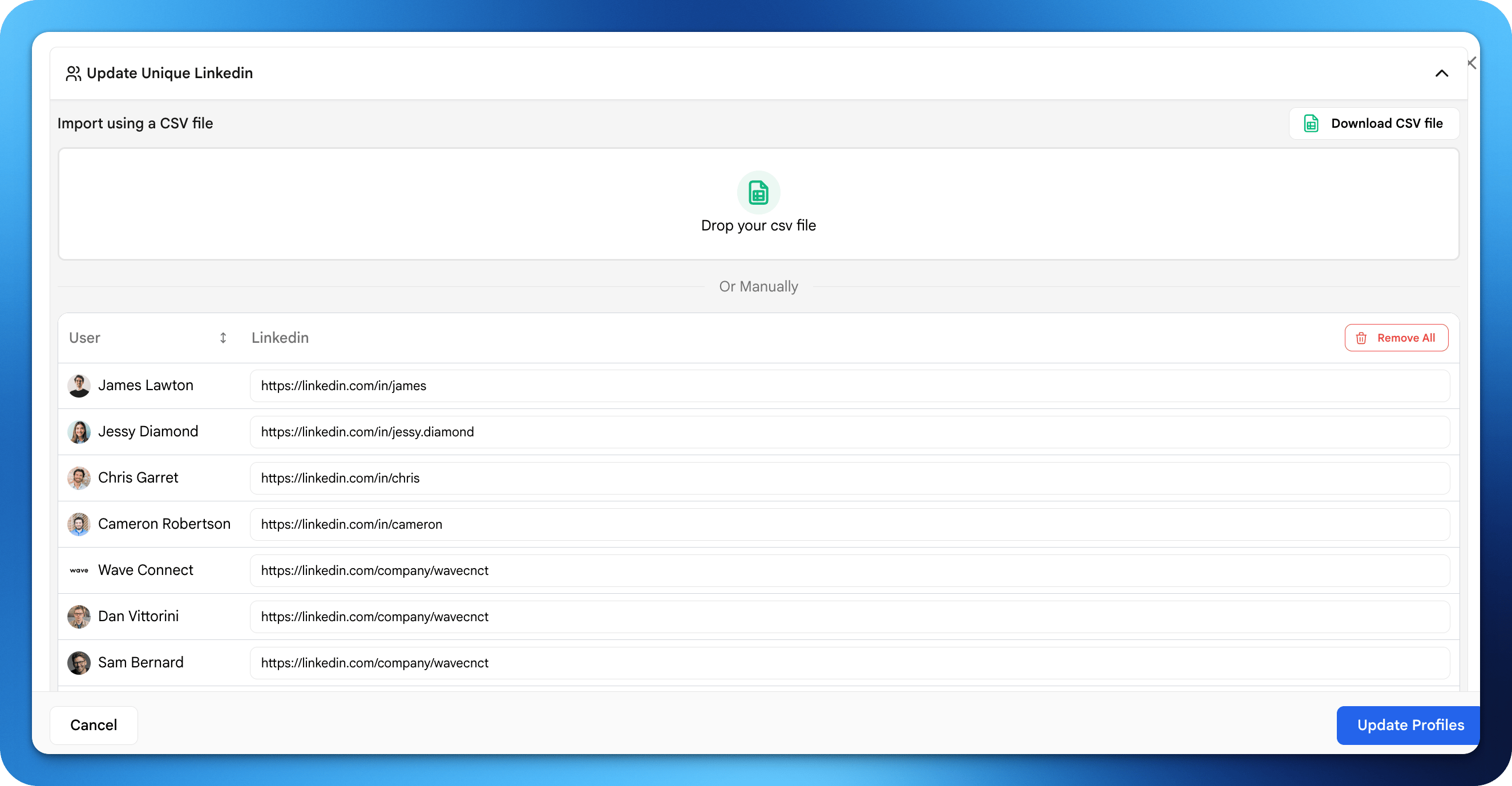 Unique Fields allow the Admin to perform individual changes in the template. For instance, each user in a template still has a unique email.
## Examples
| Field | Typical Setting | Why |
| ------------- | --------------- | ----------------------------- |
| User Name | Unique | Different for each person |
| Job Title | Unique | Each user has their own title |
| Profile Photo | Unique | Personal headshot |
| Phone Number | Unique | Individual contact info |
| Email | Unique | Individual email address |
Use unique fields for personal information that varies per user.
Unique Fields allow the Admin to perform individual changes in the template. For instance, each user in a template still has a unique email.
## Examples
| Field | Typical Setting | Why |
| ------------- | --------------- | ----------------------------- |
| User Name | Unique | Different for each person |
| Job Title | Unique | Each user has their own title |
| Profile Photo | Unique | Personal headshot |
| Phone Number | Unique | Individual contact info |
| Email | Unique | Individual email address |
Use unique fields for personal information that varies per user.