> ## Documentation Index
> Fetch the complete documentation index at: https://wavecnct.com/docs/llms.txt
> Use this file to discover all available pages before exploring further.
# Email
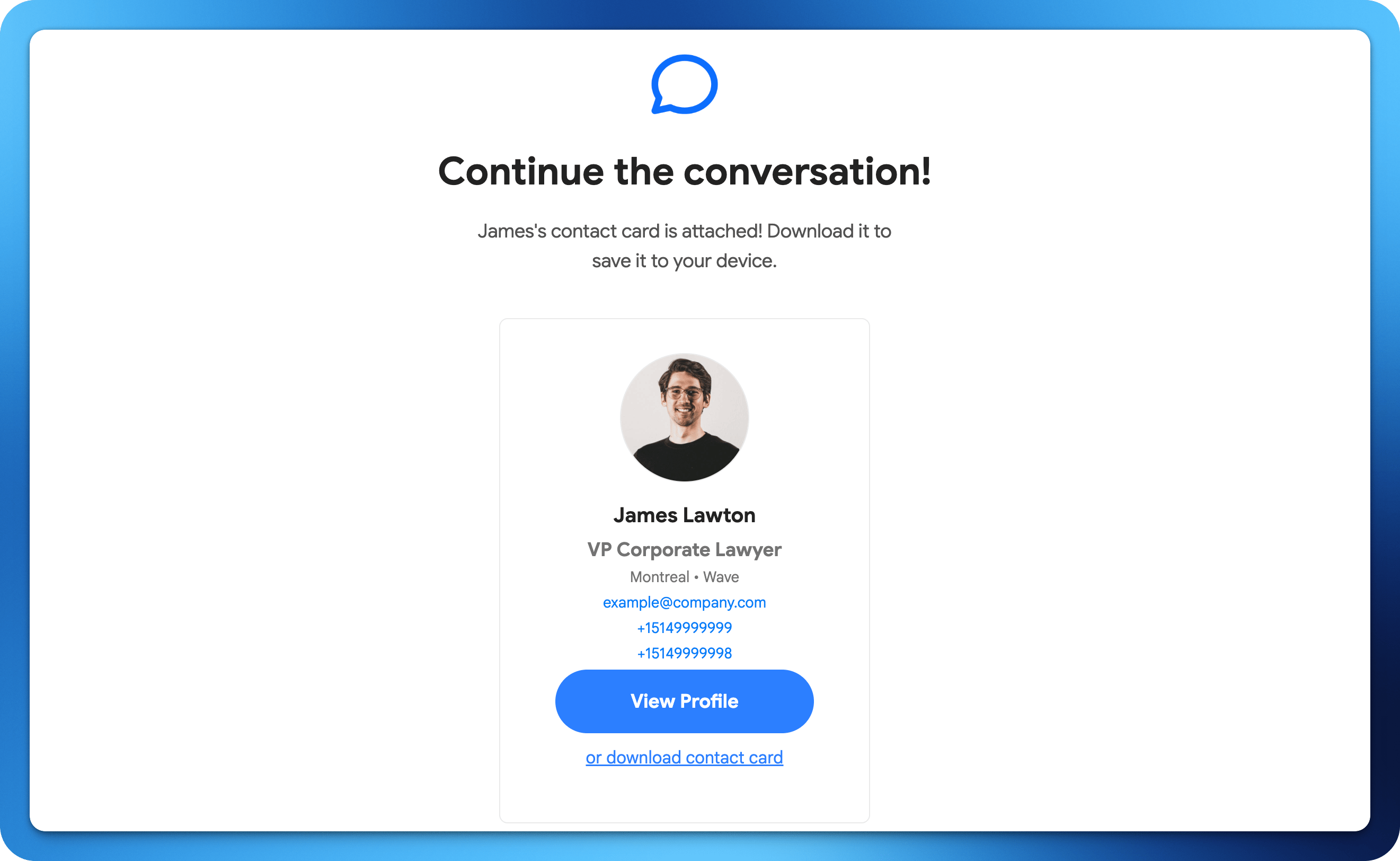
> Send your Wave digital business card to anyone via email. This is perfect for follow-ups after meetings or reaching out to new contacts remotely.
 Send your Wave digital business card to anyone via email. This is perfect for follow-ups after meetings or reaching out to new contacts remotely.
## How to Share via Email
From your Wave profile, tap the Share button.
Choose the email sharing option.
Enter the recipient's email address or choose from your contacts.
Wave sends an email with a link to your digital business card.
Send your Wave digital business card to anyone via email. This is perfect for follow-ups after meetings or reaching out to new contacts remotely.
## How to Share via Email
From your Wave profile, tap the Share button.
Choose the email sharing option.
Enter the recipient's email address or choose from your contacts.
Wave sends an email with a link to your digital business card.