> ## Documentation Index
> Fetch the complete documentation index at: https://wavecnct.com/docs/llms.txt
> Use this file to discover all available pages before exploring further.
# ユニークフィールド
> Waveテンプレートのユニークフィールドとロックされたフィールドの仕組みを理解する
**Teams** および **Enterprise** プランでご利用いただけます。
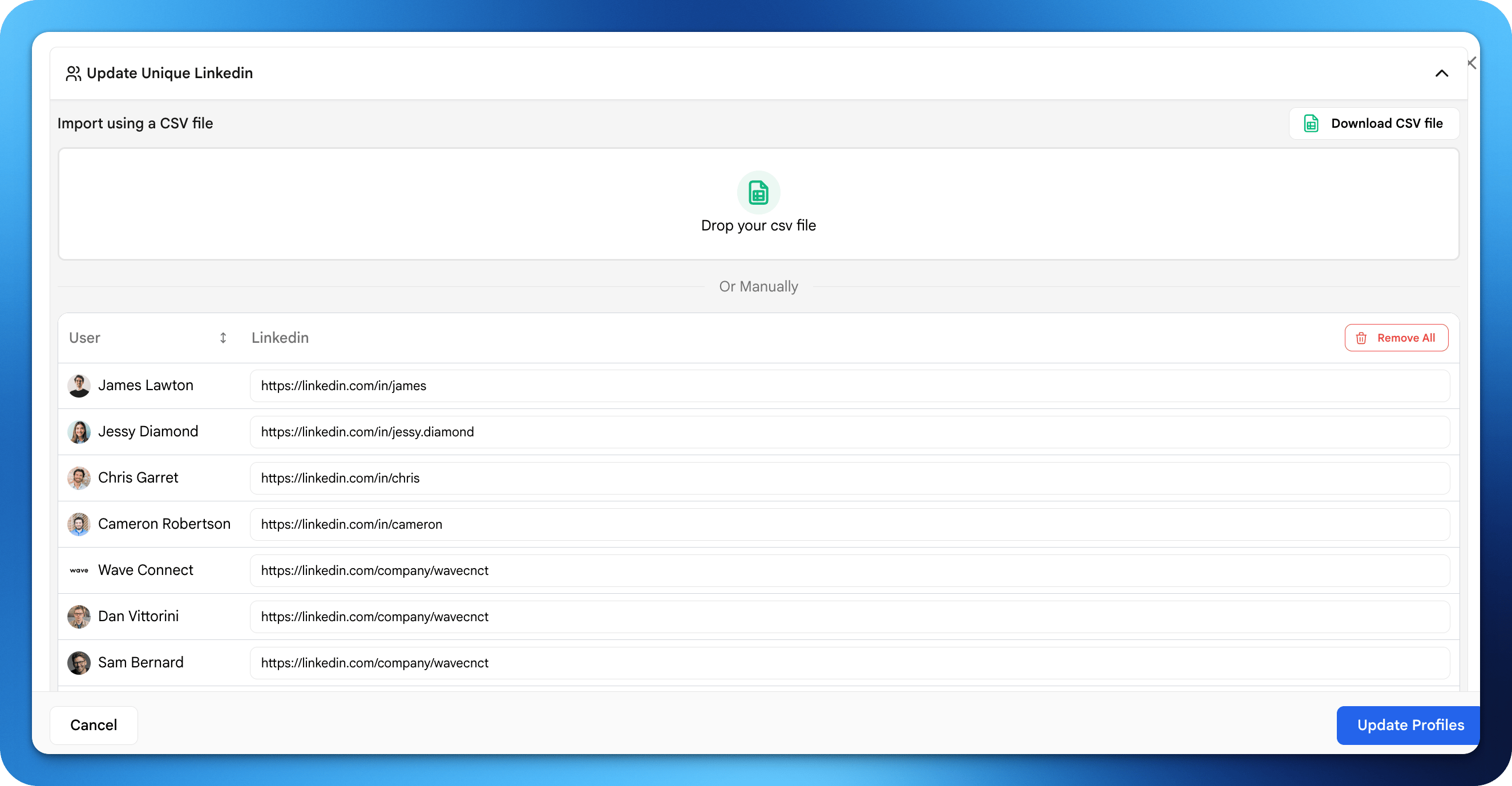 ユニークフィールドにより、管理者はテンプレート内で個別の変更を行えます。たとえば、テンプレート内の各ユーザーは依然として固有のメールアドレスを持ちます。
## 例
| フィールド | 一般的な設定 | 理由 |
| -------- | ------ | -------------- |
| ユーザー名 | ユニーク | 人ごとに異なる |
| 役職 | ユニーク | 各ユーザーが独自の役職を持つ |
| プロフィール写真 | ユニーク | 個人の顔写真 |
| 電話番号 | ユニーク | 個人の連絡先情報 |
| メール | ユニーク | 個人のメールアドレス |
ユーザーごとに異なる個人情報にはユニークフィールドを使用してください。
ユニークフィールドにより、管理者はテンプレート内で個別の変更を行えます。たとえば、テンプレート内の各ユーザーは依然として固有のメールアドレスを持ちます。
## 例
| フィールド | 一般的な設定 | 理由 |
| -------- | ------ | -------------- |
| ユーザー名 | ユニーク | 人ごとに異なる |
| 役職 | ユニーク | 各ユーザーが独自の役職を持つ |
| プロフィール写真 | ユニーク | 個人の顔写真 |
| 電話番号 | ユニーク | 個人の連絡先情報 |
| メール | ユニーク | 個人のメールアドレス |
ユーザーごとに異なる個人情報にはユニークフィールドを使用してください。