> ## Documentation Index
> Fetch the complete documentation index at: https://wavecnct.com/docs/llms.txt
> Use this file to discover all available pages before exploring further.
# メール
> Wave のデジタル名刺をメールで送信する。会議後のフォローアップやリモートで新しいコンタクトに連絡するときに便利です。
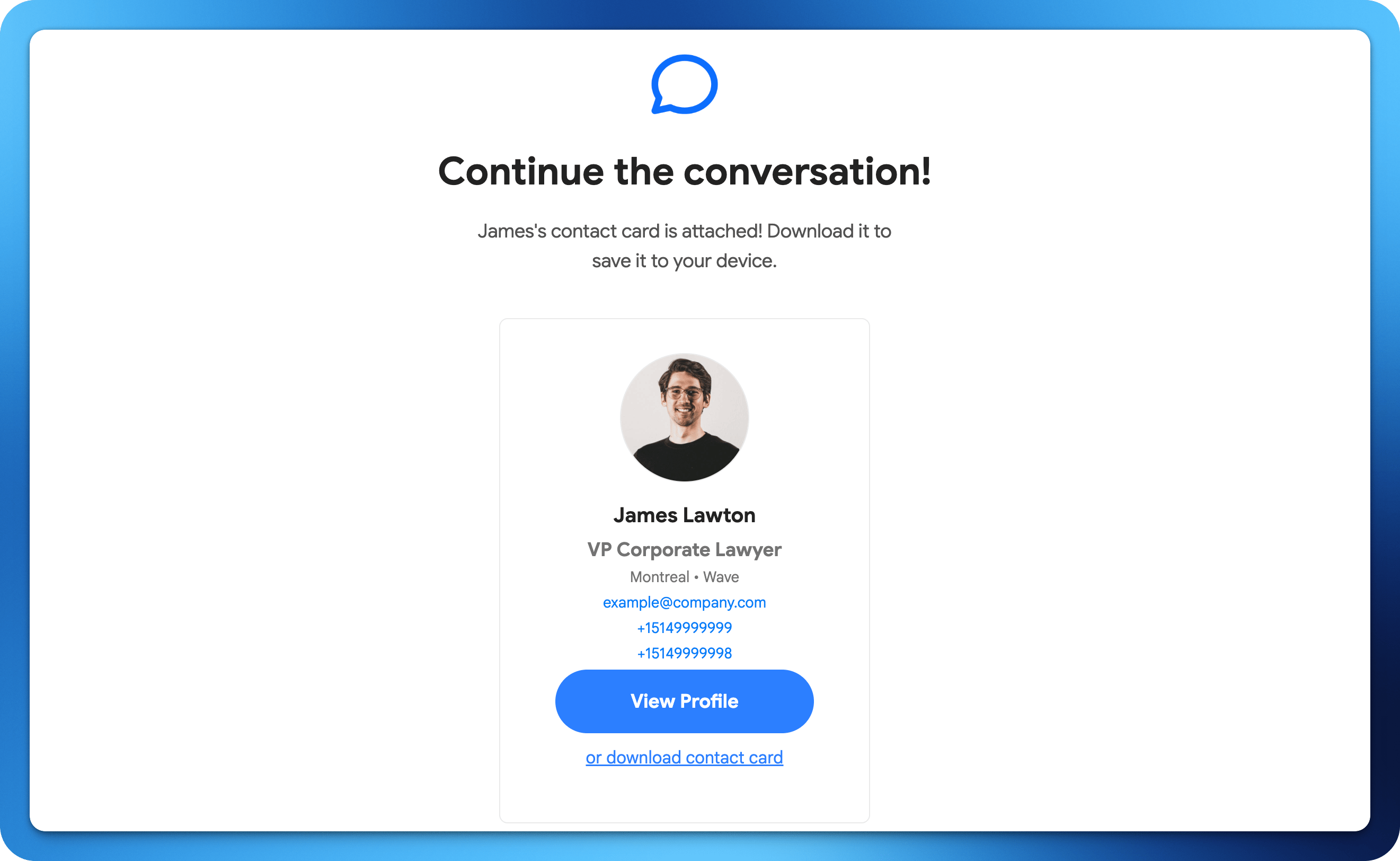 WaveのデジタルデジタルWaveをメールで誰にでも送信できます。会議後のフォローアップやリモートで新しいコンタクトに連絡するときに便利です。
## メールで共有する方法
Waveプロフィールから共有ボタンをタップします。
メール共有オプションを選択します。
受信者のメールアドレスを入力するか、連絡先から選択します。
WaveがデジタルWaveへのリンクを含むメールを送信します。
WaveのデジタルデジタルWaveをメールで誰にでも送信できます。会議後のフォローアップやリモートで新しいコンタクトに連絡するときに便利です。
## メールで共有する方法
Waveプロフィールから共有ボタンをタップします。
メール共有オプションを選択します。
受信者のメールアドレスを入力するか、連絡先から選択します。
WaveがデジタルWaveへのリンクを含むメールを送信します。