> ## Documentation Index
> Fetch the complete documentation index at: https://wavecnct.com/docs/llms.txt
> Use this file to discover all available pages before exploring further.
# 連携
> WaveをCRM、メール、ディレクトリ、HRツールと連携する
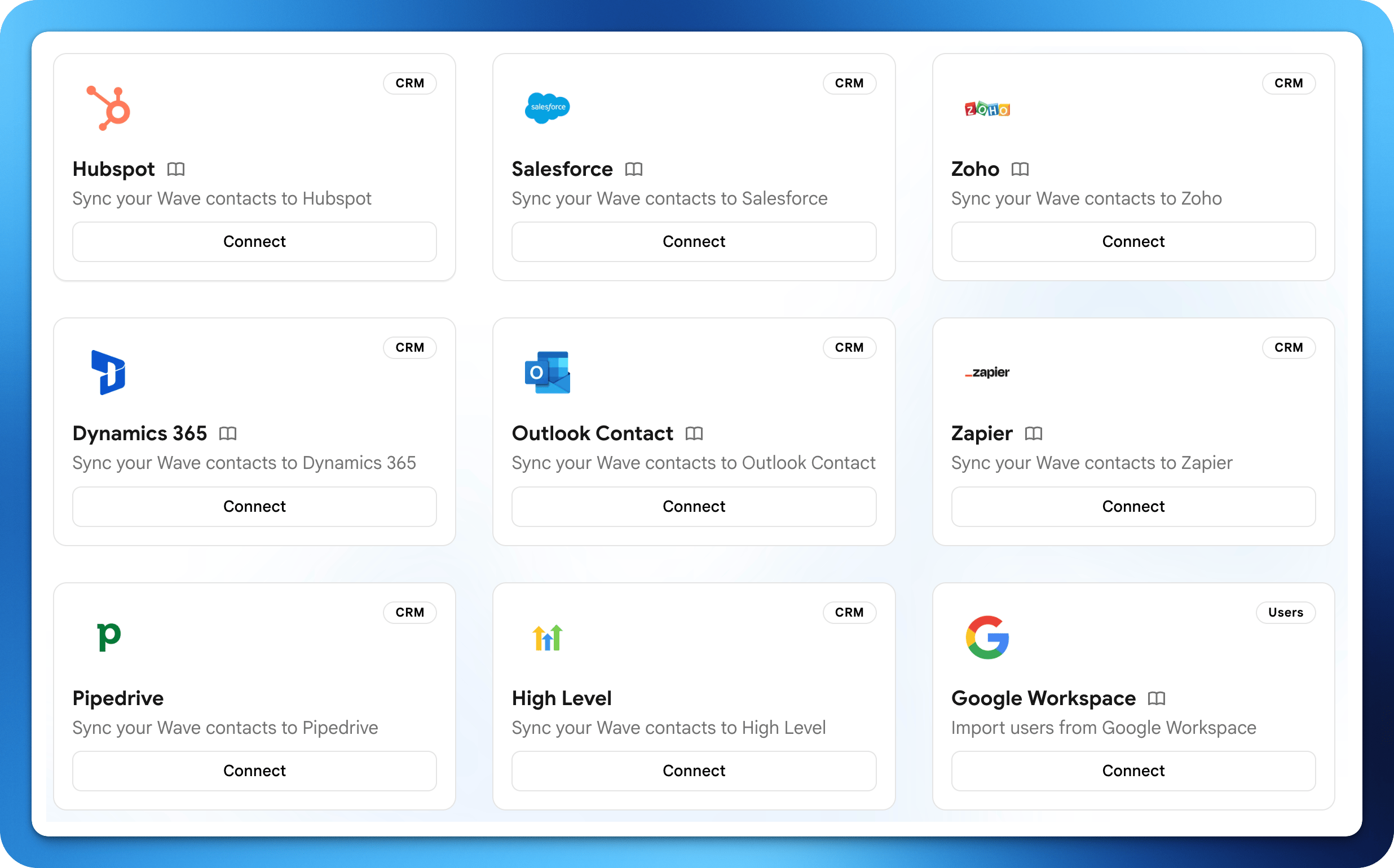 Waveは、コンタクト、メール署名、チームディレクトリを同期するために、すでに使用しているツールと連携します。ほとんどの連携は **Settings → Integrations** で設定します。
## CRM
Waveを通じてキャプチャしたコンタクトをリアルタイムでCRMに直接同期します。
コンタクトをHubSpotのContactsとして同期。
コンタクトをLeadsまたはContactsとして同期。
コンタクトをZohoのContactsまたはLeadsとして同期。
コンタクトをDynamics 365 Salesに同期。
コンタクトをGoogleアカウントに保存。
写真付きでコンタクトをOutlookに保存。
PipedriveにPersonsとLeadsを作成。
コンタクトをHighLevelのロケーションに同期。
コンタクトイベントで6,000以上のアプリのZapをトリガー。
## メール送信
Wave専用アドレスではなく、自分のアドレスからWaveメールを送信します。
GmailアドレスからWaveメールを送信。
SMTP経由でExchangeから送信。
Microsoft Graph APIから送信。
任意のSMTPメールサーバーに接続。
## メール署名
Waveのメールシグネチャをチームのメールクライアントに直接展開します。
Google WorkspaceユーザーにシグネチャをPush。
Wave Outlookアドインでシグネチャを配信。
## ユーザー管理
WaveチームディレクトリをIDプロバイダーと同期させます。
Googleディレクトリからユーザーを同期。
Entra ID(Azure AD)からユーザーを同期。
Waveは、コンタクト、メール署名、チームディレクトリを同期するために、すでに使用しているツールと連携します。ほとんどの連携は **Settings → Integrations** で設定します。
## CRM
Waveを通じてキャプチャしたコンタクトをリアルタイムでCRMに直接同期します。
コンタクトをHubSpotのContactsとして同期。
コンタクトをLeadsまたはContactsとして同期。
コンタクトをZohoのContactsまたはLeadsとして同期。
コンタクトをDynamics 365 Salesに同期。
コンタクトをGoogleアカウントに保存。
写真付きでコンタクトをOutlookに保存。
PipedriveにPersonsとLeadsを作成。
コンタクトをHighLevelのロケーションに同期。
コンタクトイベントで6,000以上のアプリのZapをトリガー。
## メール送信
Wave専用アドレスではなく、自分のアドレスからWaveメールを送信します。
GmailアドレスからWaveメールを送信。
SMTP経由でExchangeから送信。
Microsoft Graph APIから送信。
任意のSMTPメールサーバーに接続。
## メール署名
Waveのメールシグネチャをチームのメールクライアントに直接展開します。
Google WorkspaceユーザーにシグネチャをPush。
Wave Outlookアドインでシグネチャを配信。
## ユーザー管理
WaveチームディレクトリをIDプロバイダーと同期させます。
Googleディレクトリからユーザーを同期。
Entra ID(Azure AD)からユーザーを同期。