> ## Documentation Index
> Fetch the complete documentation index at: https://wavecnct.com/docs/llms.txt
> Use this file to discover all available pages before exploring further.
# Integrations
> Connect Wave to your CRM, email, directory, and HR tools
Wave integrates with the tools you already use to keep contacts, email signatures, and your team directory in sync. Most integrations are configured in **Settings → Integrations**.
## CRM
Sync contacts captured through Wave directly into your CRM in real time.
Sync contacts to HubSpot as Contacts.
Sync contacts as Leads or Contacts.
Sync contacts to Zoho as Contacts or Leads.
Sync contacts into Dynamics 365 Sales.
Save contacts to your Google account.
Save contacts to Outlook, with photos.
Create Persons and Leads in Pipedrive.
Sync contacts into your HighLevel location.
Trigger Zaps across 6,000+ apps on contact events.
## Email Sending
Send Wave emails from your own address instead of a generic Wave address.
Send from your Gmail address.
Send via Exchange over SMTP.
Send via the Microsoft Graph API.
Connect any SMTP mail server.
## Email Signatures
Push your Wave signature directly into your team's email client.
Push signatures to Google Workspace users.
Deliver signatures via the Wave Outlook add-in.
## User Management
Keep your Wave team directory in sync with your identity provider.
Sync users from your Google directory.
Sync users from Entra ID (Azure AD).
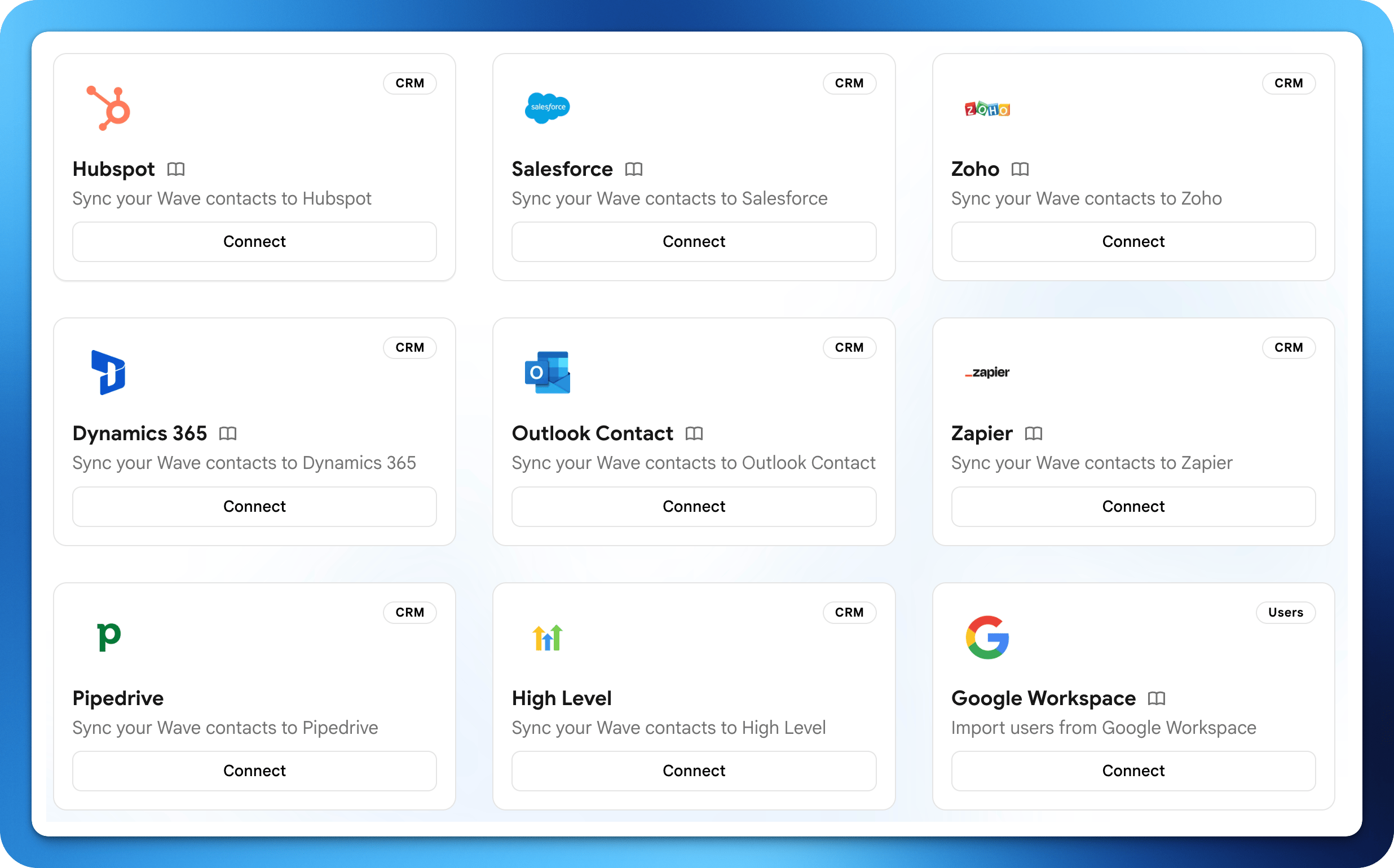 Wave integrates with the tools you already use to keep contacts, email signatures, and your team directory in sync. Most integrations are configured in **Settings → Integrations**.
## CRM
Sync contacts captured through Wave directly into your CRM in real time.
Wave integrates with the tools you already use to keep contacts, email signatures, and your team directory in sync. Most integrations are configured in **Settings → Integrations**.
## CRM
Sync contacts captured through Wave directly into your CRM in real time.