> ## Documentation Index
> Fetch the complete documentation index at: https://wavecnct.com/docs/llms.txt
> Use this file to discover all available pages before exploring further.
# Integrationen
> Wave mit Ihrem CRM, E-Mail-Client, Verzeichnis und HR-Tools verbinden
Wave integriert sich mit den Tools, die Sie bereits verwenden, um Kontakte, E-Mail-Signaturen und Ihr Teamverzeichnis synchron zu halten. Die meisten Integrationen werden unter **Einstellungen → Integrationen** konfiguriert.
## CRM
Synchronisieren Sie über Wave erfasste Kontakte in Echtzeit direkt in Ihr CRM.
Kontakte als Contacts in HubSpot synchronisieren.
Kontakte als Leads oder Contacts synchronisieren.
Kontakte als Contacts oder Leads in Zoho synchronisieren.
Kontakte in Dynamics 365 Sales synchronisieren.
Kontakte in Ihrem Google-Konto speichern.
Kontakte mit Fotos in Outlook speichern.
Personen und Leads in Pipedrive erstellen.
Kontakte in Ihren HighLevel-Standort synchronisieren.
Zaps über 6.000+ Apps bei Kontaktereignissen auslösen.
## E-Mail-Versand
Senden Sie Wave-E-Mails von Ihrer eigenen Adresse statt von einer generischen Wave-Adresse.
Von Ihrer Gmail-Adresse senden.
Über Exchange per SMTP senden.
Über die Microsoft Graph API senden.
Beliebigen SMTP-Mailserver verbinden.
## E-Mail-Signaturen
Wave-Signaturen direkt in den E-Mail-Client Ihres Teams übertragen.
Signaturen an Google Workspace-Benutzer übertragen.
Signaturen über das Wave Outlook-Add-In bereitstellen.
## Benutzerverwaltung
Halten Sie Ihr Wave-Teamverzeichnis mit Ihrem Identity Provider synchron.
Benutzer aus Ihrem Google-Verzeichnis synchronisieren.
Benutzer aus Entra ID (Azure AD) synchronisieren.
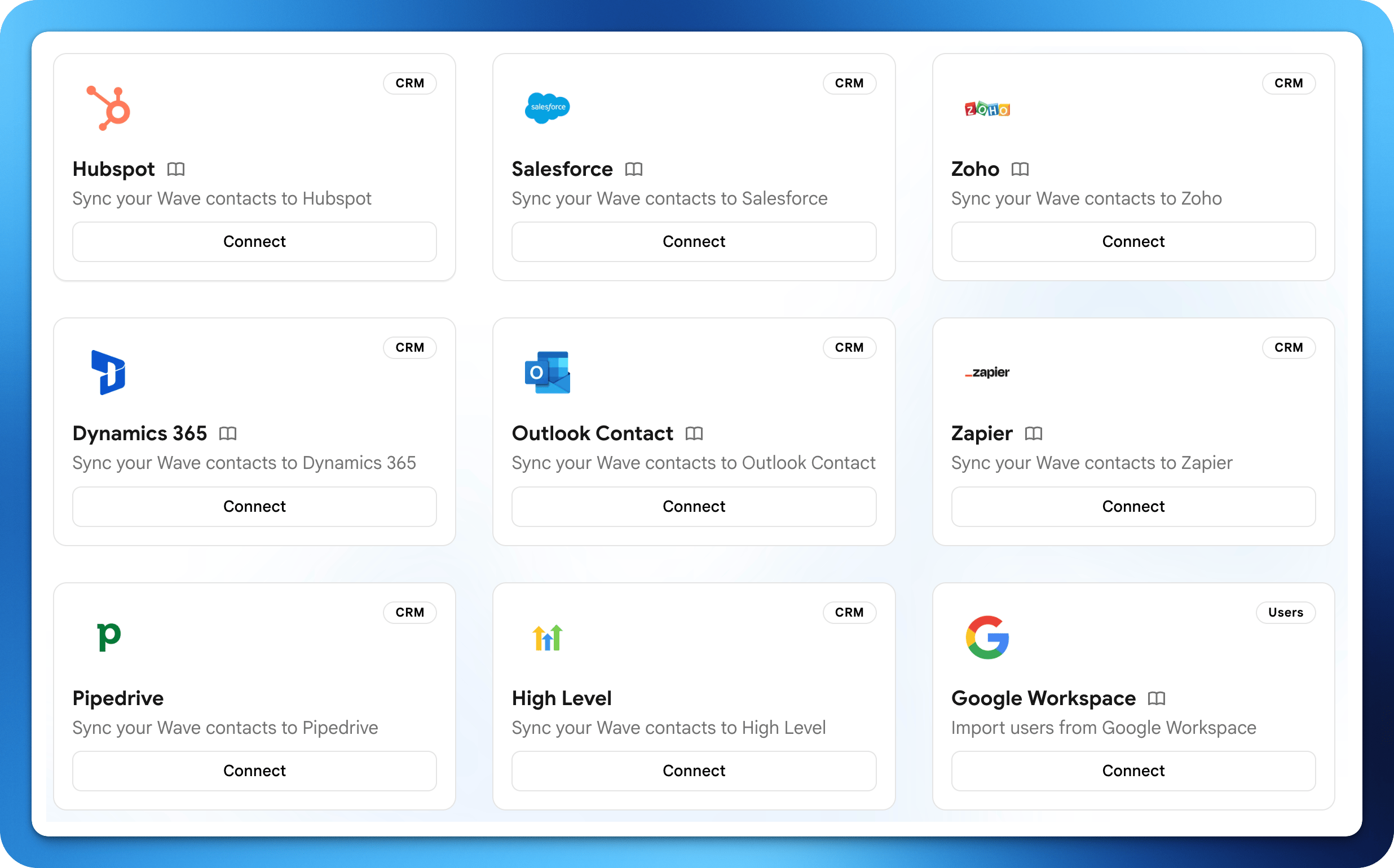 Wave integriert sich mit den Tools, die Sie bereits verwenden, um Kontakte, E-Mail-Signaturen und Ihr Teamverzeichnis synchron zu halten. Die meisten Integrationen werden unter **Einstellungen → Integrationen** konfiguriert.
## CRM
Synchronisieren Sie über Wave erfasste Kontakte in Echtzeit direkt in Ihr CRM.
Wave integriert sich mit den Tools, die Sie bereits verwenden, um Kontakte, E-Mail-Signaturen und Ihr Teamverzeichnis synchron zu halten. Die meisten Integrationen werden unter **Einstellungen → Integrationen** konfiguriert.
## CRM
Synchronisieren Sie über Wave erfasste Kontakte in Echtzeit direkt in Ihr CRM.