> ## Documentation Index
> Fetch the complete documentation index at: https://wavecnct.com/docs/llms.txt
> Use this file to discover all available pages before exploring further.
# 钱包
> 将您的 Wave 名片添加到 Apple Wallet 或 Google Wallet,实现即时分享
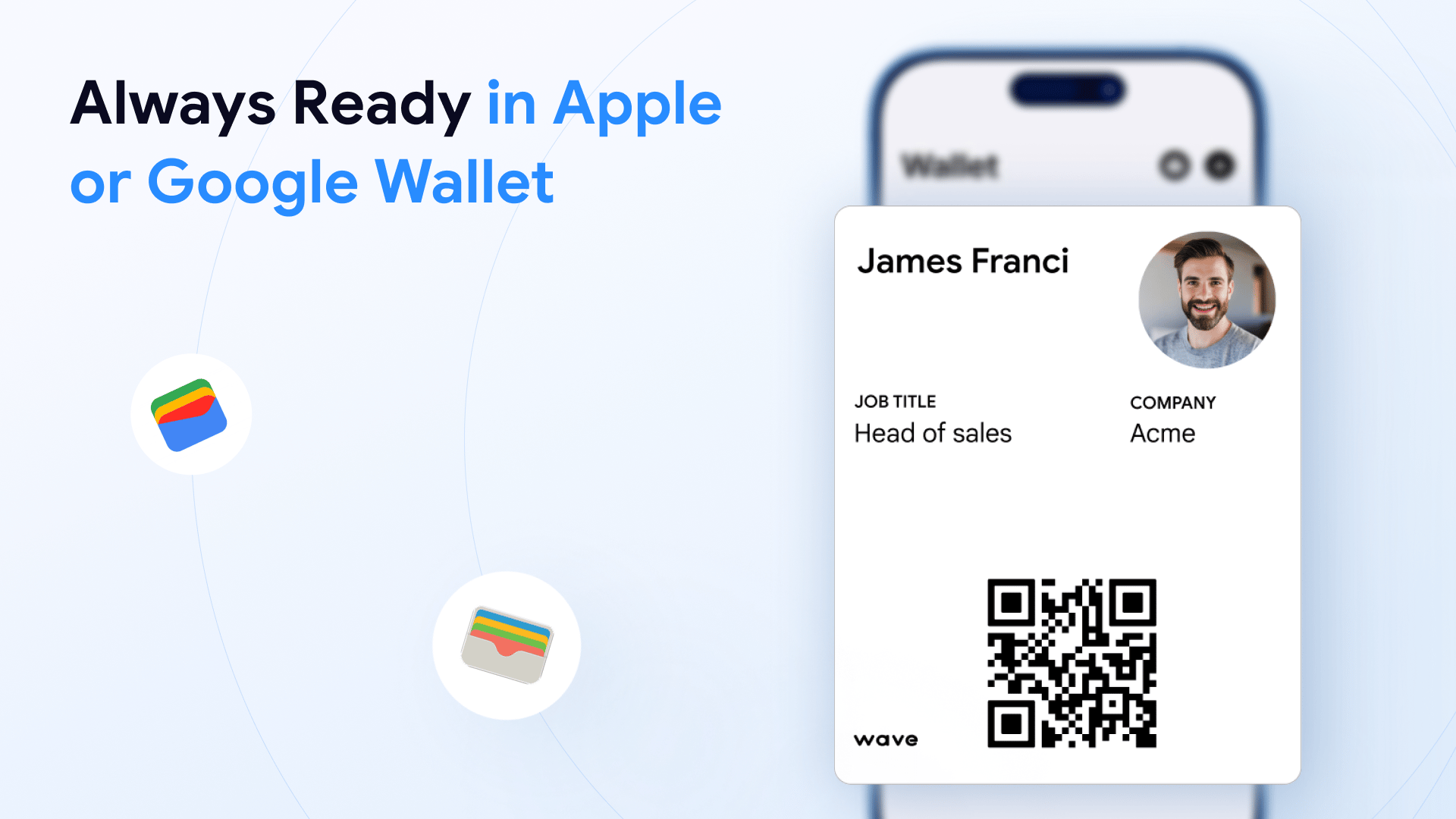 将您的 Wave 数字名片添加到 Apple Wallet 或 Google Wallet,即使不打开 Wave 应用,也可随时在手机上访问。
## 添加到钱包
**添加到钱包** 按钮位于个人资料的 **分享** 部分。
* **桌面端**:显示在分享面板的右侧
* **移动端**:点击分享图标后显示
点击按钮并按照提示将名片添加到 Apple Wallet 或 Google Wallet。
## 从钱包分享
添加后,您可以通过以下方式分享您的数字名片:
在手机上打开 Apple Wallet 或 Google Wallet
选择您的 Wave 名片
向对方展示名片上的 QR code
将您的 Wave 数字名片添加到 Apple Wallet 或 Google Wallet,即使不打开 Wave 应用,也可随时在手机上访问。
## 添加到钱包
**添加到钱包** 按钮位于个人资料的 **分享** 部分。
* **桌面端**:显示在分享面板的右侧
* **移动端**:点击分享图标后显示
点击按钮并按照提示将名片添加到 Apple Wallet 或 Google Wallet。
## 从钱包分享
添加后,您可以通过以下方式分享您的数字名片:
在手机上打开 Apple Wallet 或 Google Wallet
选择您的 Wave 名片
向对方展示名片上的 QR code
 ## 编辑您的钱包名片
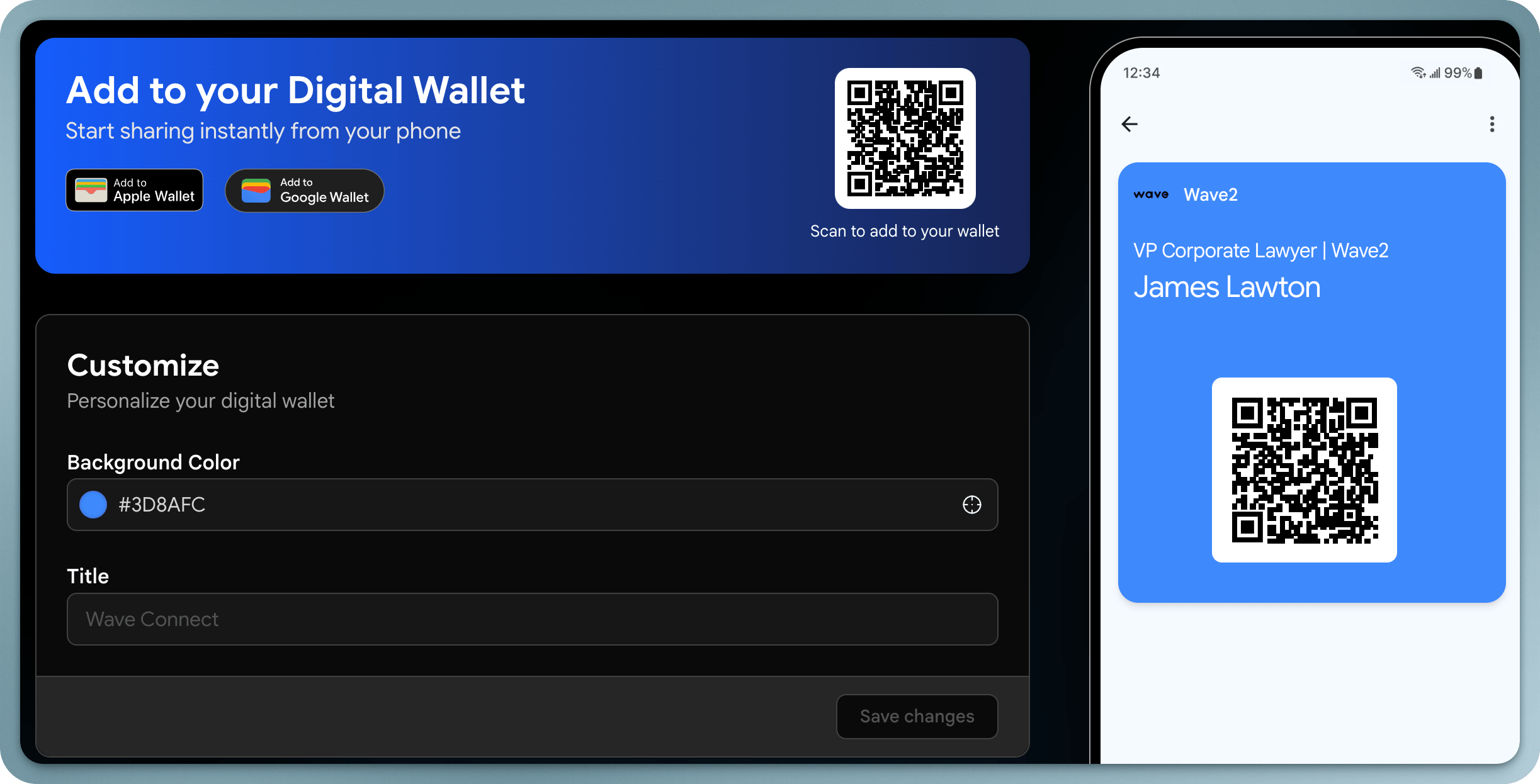
当您更新 Wave 个人资料时,更改会反映在您的钱包名片上。您也可以在 Wave 个人资料设置中自定义钱包名片的外观。
钱包名片包含您的 QR code,即使不打开 Wave 应用也能轻松分享。
## 编辑您的钱包名片
当您更新 Wave 个人资料时,更改会反映在您的钱包名片上。您也可以在 Wave 个人资料设置中自定义钱包名片的外观。
钱包名片包含您的 QR code,即使不打开 Wave 应用也能轻松分享。