> ## Documentation Index
> Fetch the complete documentation index at: https://wavecnct.com/docs/llms.txt
> Use this file to discover all available pages before exploring further.
# 邮件
> 通过邮件将您的 Wave 数字名片发送给任何人。非常适合会议后的跟进或远程联系新客户。
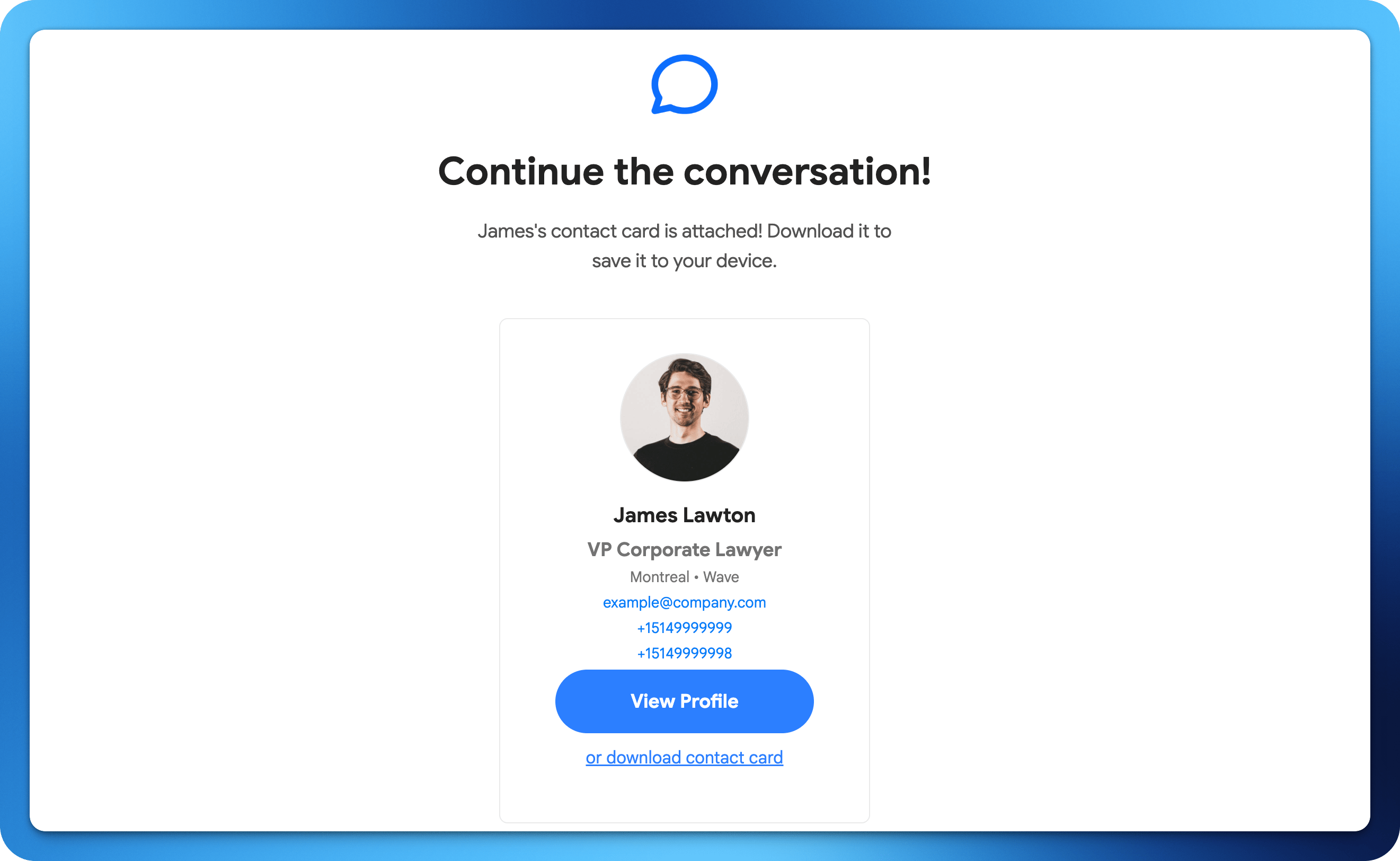 通过邮件将您的 Wave 数字名片发送给任何人。非常适合会议后的跟进或远程联系新客户。
## 如何通过邮件分享
在您的 Wave 个人资料中,点击分享按钮。
选择邮件分享选项。
输入收件人的邮箱地址或从联系人中选择。
Wave 会发送一封包含您数字名片链接的邮件。
通过邮件将您的 Wave 数字名片发送给任何人。非常适合会议后的跟进或远程联系新客户。
## 如何通过邮件分享
在您的 Wave 个人资料中,点击分享按钮。
选择邮件分享选项。
输入收件人的邮箱地址或从联系人中选择。
Wave 会发送一封包含您数字名片链接的邮件。