> ## Documentation Index
> Fetch the complete documentation index at: https://wavecnct.com/docs/llms.txt
> Use this file to discover all available pages before exploring further.

# 集成

> 将 Wave 连接到您的 CRM、邮件、目录和 HR 工具
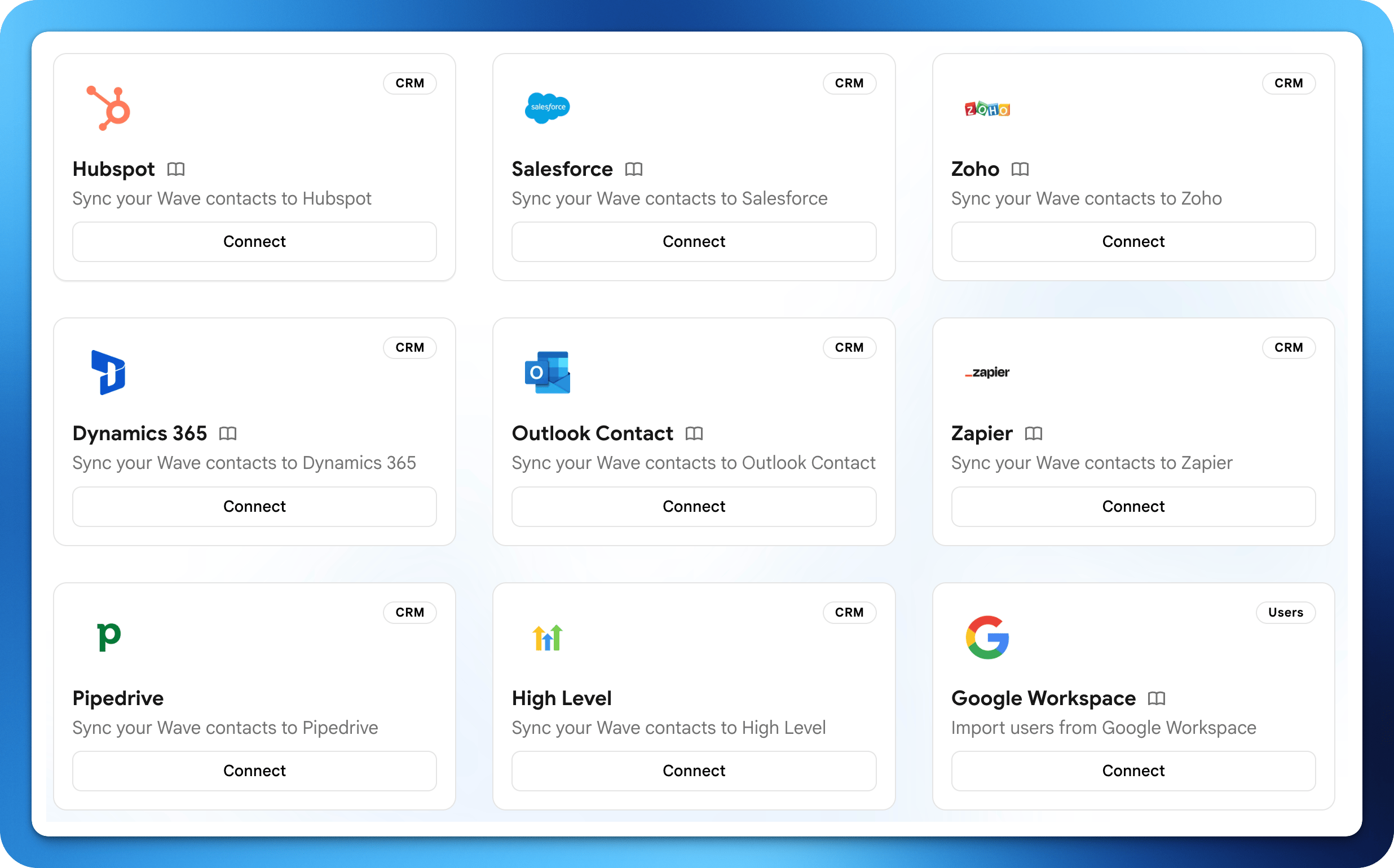
<img src="https://mintcdn.com/waveconnect/RY9ZLnYoWstwKemi/images/integrations.png?fit=max&auto=format&n=RY9ZLnYoWstwKemi&q=85&s=8238fe6d1313543e4a4b8a245465e5f0" alt="集成仪表板" width="2472" height="1540" data-path="images/integrations.png" />

Wave 可与您日常使用的工具集成，保持联系人、电子邮件签名和团队目录的同步。大多数集成在 **设置 → 集成** 中配置。

<iframe className="w-full aspect-video rounded-xl" src="https://www.youtube.com/embed/kAvxvrfE_Bo" title="Digital Business Cards and CRMs (HubSpot, Salesforce, Microsoft Dynamics)" allow="accelerometer; autoplay; clipboard-write; encrypted-media; gyroscope; picture-in-picture" allowFullScreen />

## CRM

将通过 Wave 捕获的联系人实时直接同步到您的 CRM。

<CardGroup cols={3}>
  <Card title="HubSpot" icon="hubspot" href="/integrations/hubspot">
    将联系人同步到 HubSpot 的联系人记录。
  </Card>

  <Card title="Salesforce" icon="salesforce" href="/integrations/salesforce">
    将联系人同步为 Leads 或 Contacts。
  </Card>

  <Card title="Zoho CRM" icon="database" href="/integrations/zoho-crm">
    将联系人同步到 Zoho 的 Contacts 或 Leads。
  </Card>

  <Card title="Dynamics 365" icon="microsoft" href="/integrations/dynamics-365">
    将联系人同步到 Dynamics 365 Sales。
  </Card>

  <Card title="Google Contacts" icon="address-book" href="/integrations/google-contacts">
    将联系人保存到您的 Google 账户。
  </Card>

  <Card title="Outlook 联系人" icon="address-card" href="/integrations/outlook-contacts">
    将联系人（含照片）保存到 Outlook。
  </Card>

  <Card title="Pipedrive" icon="filter" href="/integrations/pipedrive">
    在 Pipedrive 中创建 Persons 和 Leads。
  </Card>

  <Card title="HighLevel" icon="chart-line" href="/integrations/highlevel">
    将联系人同步到您的 HighLevel 位置。
  </Card>

  <Card title="Zapier" icon="bolt" href="/integrations/zapier">
    在联系人事件上触发 6,000+ 个应用的 Zap。
  </Card>
</CardGroup>

## 邮件发送

从您自己的邮箱地址发送 Wave 邮件，而非使用通用的 Wave 地址。

<CardGroup cols={3}>
  <Card title="Gmail" icon="envelope" href="/integrations/gmail-sending">
    从您的 Gmail 地址发送。
  </Card>

  <Card title="Microsoft Exchange" icon="envelope" href="/integrations/exchange-sending">
    通过 Exchange SMTP 发送。
  </Card>

  <Card title="Office 365" icon="envelope" href="/integrations/office365-sending">
    通过 Microsoft Graph API 发送。
  </Card>

  <Card title="SMTP" icon="server" href="/integrations/smtp-sending">
    连接任意 SMTP 邮件服务器。
  </Card>
</CardGroup>

## 电子邮件签名

将您的 Wave 签名直接推送到团队的邮件客户端。

<CardGroup cols={2}>
  <Card title="Gmail 签名" icon="signature" href="/integrations/gmail-signature">
    将签名推送到 Google Workspace 用户。
  </Card>

  <Card title="Outlook 签名" icon="signature" href="/integrations/outlook-signature">
    通过 Wave Outlook 插件分发签名。
  </Card>
</CardGroup>

## 用户管理

将您的 Wave 团队目录与身份提供商保持同步。

<CardGroup cols={2}>
  <Card title="Google Workspace" icon="google" href="/integrations/google-workspace">
    从 Google 目录同步用户。
  </Card>

  <Card title="Microsoft Entra ID" icon="microsoft" href="/integrations/entra-id">
    从 Entra ID（Azure AD）同步用户。
  </Card>
</CardGroup>
