> ## Documentation Index
> Fetch the complete documentation index at: https://wavecnct.com/docs/llms.txt
> Use this file to discover all available pages before exploring further.
# User Management
> Manage user accounts, profiles, and settings from the admin dashboard
Available on the **Teams** and **Enterprise** plans.
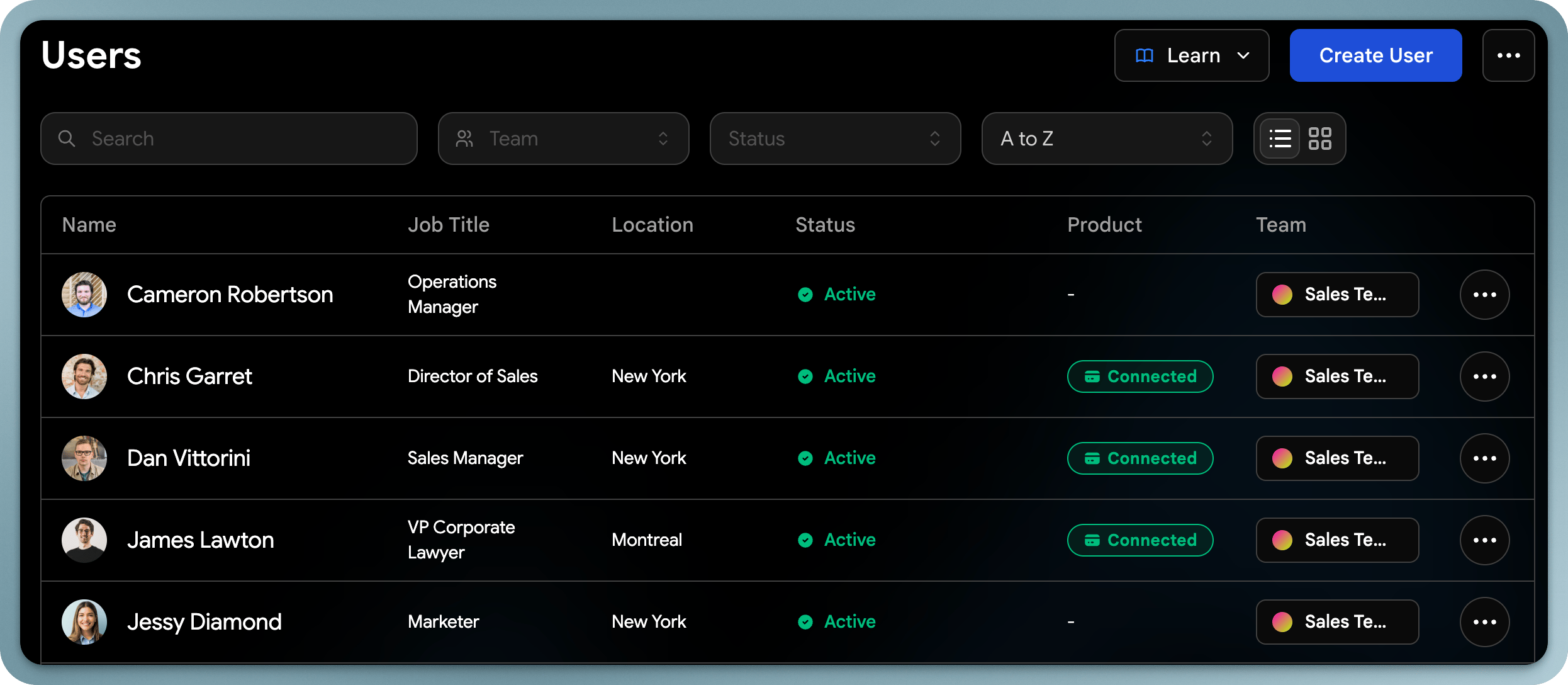 The admin dashboard gives you full control over your team's user accounts. You can update profiles, manage NFC card assignments, and configure user-level settings.
## Updating User Profiles
As an admin, you can edit any user's profile information:
* **Contact info**: Name, email, phone, address
* **Job details**: Title, department, company
* **Profile picture**: Upload or change the user's photo
* **Websites & social media**: Add or update links
* **About section**: Edit the user's bio or description
### Assign a Team to a user
You can assign a user to a specific team to track analytics and apply templates
## Viewing User Contacts & Leads
Admins can view and manage contacts captured by each user from the admin dashboard. This includes the ability to:
* View a user's full contact list
* Tag contacts on behalf of users
* Export contacts per user or for the entire team
The admin dashboard gives you full control over your team's user accounts. You can update profiles, manage NFC card assignments, and configure user-level settings.
## Updating User Profiles
As an admin, you can edit any user's profile information:
* **Contact info**: Name, email, phone, address
* **Job details**: Title, department, company
* **Profile picture**: Upload or change the user's photo
* **Websites & social media**: Add or update links
* **About section**: Edit the user's bio or description
### Assign a Team to a user
You can assign a user to a specific team to track analytics and apply templates
## Viewing User Contacts & Leads
Admins can view and manage contacts captured by each user from the admin dashboard. This includes the ability to:
* View a user's full contact list
* Tag contacts on behalf of users
* Export contacts per user or for the entire team