George El-Hage
Figuring out how to host a networking event is one of those things that sounds straightforward until you're actually doing it. You book a venue, invite some people, put out some appetizers, and hope everyone talks to each other. Right? Not exactly. After hosting 20+ events while building Wave Connect, I've learned that the difference between an event people rave about and one they quietly leave early comes down to a handful of decisions you make weeks before anyone walks through the door.
This guide covers everything from setting your goal and budget to choosing a venue, filling the room, running icebreakers, setting up your tech, managing the day-of chaos, and - the part most hosts completely drop the ball on - following up afterward. Networking data shows that structured events generate significantly more meaningful connections than unstructured ones, and I've seen it firsthand. Let's get into it.
To host a networking event, start by defining a clear goal and matching it to the right format - open mixer, speed networking, or roundtable. Set a budget (even $0 works with the right venue), promote through LinkedIn and email 6 weeks out, plan structured icebreakers instead of "just mingle," set up a frictionless contact exchange method, and follow up with attendees within 24 hours. The hosts who plan structured activities and send follow-up emails are the ones people actually come back to.
- Goal and format: How to pick the right event type for your audience and objectives
- Budget and venue: What things actually cost and where to save money without cutting quality
- Promotion: How to fill the room (hint: register 2-3x your target number)
- Icebreakers: Structured activities that prevent the "everyone standing around on their phones" problem
- Tech and logistics: The tools and day-of checklist that keep things running smoothly
- Follow-up: What to do after the event to build lasting community momentum
Define Your Event Goal and Format
The single most important decision when hosting a networking event is defining why you're hosting it - because that determines everything else. A community-building mixer requires a different format, venue, and promotion strategy than a lead-generation event or an industry education night. Most first-time hosts skip this step and end up with a room full of people who aren't sure why they're there. Nail the goal first, then match it to the right format and audience size.
Here's what I mean. I've hosted events with three very different goals:
- Community building: Open mixer, casual vibe, anyone can show up. Goal is just getting people in the same industry to know each other.
- Lead generation: More targeted guest list, structured conversations, clear call-to-action. You want people to walk out with a reason to follow up.
- Industry education: Fireside chat or panel with a speaker, followed by networking. The content is the draw, the networking is the bonus.
Once you know your goal, pick the format that matches it:
- Open mixer (50-200 people): Best for community building. Low structure, high volume.
- Speed networking (20-60 people): Timed rotations, 3-5 minutes per conversation. Forces everyone to meet everyone. Great for lead gen.
- Roundtable discussion (10-25 people): Intimate, topic-driven. Best for senior professionals or niche industries.
- Fireside chat + networking (30-100 people): Speaker draws the crowd, networking time after keeps them there.
- Workshop + networking (15-40 people): Teach something useful, then let people connect over what they just learned.
- Hybrid (any size): In-person plus virtual attendees via Zoom breakout rooms. Harder to pull off, but widens your reach.
The format matters more than most hosts realize. I've hosted 200-person open mixers where the energy was electric, and I've hosted 200-person open mixers where half the room was staring at their phones by 7 PM. The difference wasn't the venue or the food. It was whether the format matched the audience.
A room full of senior executives doesn't want speed networking. A room full of early-career professionals doesn't want a sit-down roundtable. Networking and career growth are deeply connected, but only when the format actually encourages real conversation. Match the format to the people.
💡 From My Experience: I hosted a 30-person roundtable dinner in Miami in late 2024 for SaaS founders. Everyone had a nametag with their company and one "thing they need help with" written on it. That one small addition turned the entire dinner into problem-solving conversations instead of surface-level small talk. Three attendees told me afterward it was the best networking event they'd ever been to. Format made the difference.
Set a Budget (Even a Small One)
You can host a great networking event for $0 or $5,000+ - what matters is being honest about your budget upfront so you don't overspend on the wrong things. The biggest cost categories are venue, food and drinks, tech/AV, marketing materials, and photography. Most first-time hosts blow their budget on a fancy venue and then can't afford decent appetizers, which is exactly backward. Food and drinks are what keep people in the room.
Here's a rough breakdown by event size:
- $0 - Free events: Use your office, a coworking space, or a public park. Bring coffee and ask attendees to BYOB. I've done this and it works surprisingly well for groups under 30.
- $500-1,500: Rent a private room at a restaurant or bar. Appetizers and a drink ticket per person. This is the sweet spot for 30-60 person events.
- $1,500-3,000: Dedicated venue, catered food, AV setup, signage, photographer. Good for 60-150 people.
- $3,000-5,000+: Full production - venue rental, full catering, branded signage, professional photography/video, AV tech, event staff. For 150+ people or high-profile industry events.
Where to save money without cutting quality:
- Co-host with another organization. Split the cost, combine your guest lists. I've co-hosted with local business groups and it cuts costs in half while doubling your reach.
- Get sponsors. Local businesses, tech companies, or even the venue itself might sponsor food or drinks in exchange for a logo on your marketing.
- Partner with a venue. Some bars and restaurants will give you the space free if you guarantee a minimum food/drink spend. Ask.
- Skip the DJ. A Spotify playlist on a Bluetooth speaker works fine for background music. Save that $500 for better food.
Choose a Venue and Pick the Right Date
The right venue has enough space for people to move around, is easy to get to, and has a noise level that allows actual conversation - everything else is secondary. I've seen hosts pick beautiful rooftop bars where nobody could hear each other, and I've seen hosts pick boring conference rooms where the conversations were incredible. Prioritize layout and acoustics over aesthetics. And when it comes to dates, avoid Mondays and Fridays like the plague.
Venue Criteria That Actually Matter
- Capacity and layout: You want enough room that people aren't bumping elbows, but not so much space that 50 people feel lost in a room built for 300. Standing-room events need about 10-12 square feet per person.
- Noise level: This kills more networking events than anything else. If you can't have a conversation at normal volume, the venue is wrong. Visit during a busy night before you book.
- Location and parking/transit: If it's hard to get to, people won't come. Central locations near public transit or with free parking win every time.
- AV capability: Only matters if you're doing a speaker or presentation. Most mixers don't need a projector.
Date and Time Strategy
Timing is everything. Here's what I've learned after hosting events on just about every day of the week:
- Best days: Tuesday, Wednesday, Thursday. These are the days professionals are most willing to stay out for an event after work.
- Worst days: Monday (everyone's recovering), Friday (everyone's checked out), Sunday (nobody wants to think about work).
- Best time for professionals: 5:30-7:30 PM or 6:00-8:00 PM. After work, before dinner plans.
- Best time for B2B lunch events: 11:30 AM-1:00 PM. Shorter, more focused.
- Lead time: Give yourself 6-8 weeks from announcement to event day. Less than that and you won't fill the room.
One more thing: check for competing events. A quick search on Eventbrite and Meetup for your city on your target date will tell you if there's a major event the same night. Don't compete with a 500-person industry mixer down the street.
💡 From My Experience: I once hosted a networking event on a Thursday in January in Toronto. What I didn't check was that there was a massive snowstorm forecasted that afternoon. Out of 85 registrations, 22 people showed up. The event was actually great (small group, intimate conversations), but I learned to always check the weather forecast the week before and have a communication plan if conditions are bad. Now I send a "Yes, we're still on!" email the morning of every event.
Promote Your Event and Fill the Room
The golden rule of event registration is to aim for 2-3x your target attendance, because 40-50% of registrants typically don't show up. If you want 50 people in the room, you need 100-150 registrations. Promotion should start 6 weeks before the event and follow a three-wave cadence: announcement, reminder, and final push. Your best channels are LinkedIn Events, your email list, partner organizations, and local business groups.
Registration Tools
Don't overthink this. You need a registration page and a way to track RSVPs. Free options that work great:
- Eventbrite - Free for free events. Good for larger public events.
- Luma (lu.ma) - Clean design, great for professional/tech events. Free tier is generous.
- Google Forms + spreadsheet - Ugly but functional. Works for small private events.
Promotion Channels
- LinkedIn Events: Create a LinkedIn Event and invite your connections. Ask your co-hosts and speakers to share it. This is the #1 channel for professional networking events in 2026. Period.
- Email list: If you have one, use it. If you don't, this event is a great reason to start building one.
- Partner organizations: Business groups, chambers of commerce, industry associations, coworking spaces. Most are happy to share events with their members if you ask.
- Meetup.com: Still works for certain audiences, especially local professional groups.
- Word of mouth: Don't underestimate this. Ask 10 people to each bring one friend. That's 10 new attendees with built-in social comfort.
For a full breakdown of how to build a promotional strategy, check out our event marketing plan template - it's got the week-by-week timeline.
Promotion Timeline
- 6 weeks out: Announce the event. Open registration. Share on LinkedIn, email your list.
- 3-4 weeks out: First reminder. Share attendee count ("75 people already registered!"). Social proof works.
- 2 weeks out: Second push. Tag speakers or featured guests. Share behind-the-scenes prep.
- 3 days out: Final push. "Last chance to register" with a sense of urgency.
- Morning of: Confirmation email with venue address, parking info, and what to expect.
Early-bird pricing works if you're charging. Even a $5 discount for registering in the first week creates urgency. And referral incentives - "bring a friend, both get free drinks" - are surprisingly effective at filling seats.
Plan Icebreakers and Networking Activities
Structured networking activities beat "just mingle" every single time, and it's not even close. When you tell 50 people to "go network," what actually happens is 30% talk to people they already know, 30% stand in awkward clusters of two, and 30% pull out their phones. Planned icebreakers give people a reason to approach strangers, a framework for the conversation, and permission to move on after a few minutes. You don't need elaborate games - just enough structure to break the initial awkwardness.
Here are the formats I've used that consistently work:
Speed Networking (My Favorite)
Set up chairs facing each other in two rows. Ring a bell every 3-5 minutes. Everyone rotates one seat. Give people conversation prompts on cards at each station so they're not starting from zero every time. For great prompt ideas, check out our list of speed networking questions - I've tested most of them at real events.
Speed networking works best for groups of 20-60 people. Any larger and the rotations take too long. Any smaller and you run out of people to meet too quickly.
Roundtable Discussions
Assign 5-8 people per table with a specific topic and a discussion leader. Topics should be questions, not statements. "How are you handling [industry challenge]?" beats "Best practices in [industry]." Rotate tables every 15-20 minutes.
Conversation Starter Cards
Print cards with interesting questions and place them at every table and standing area. Things like: "What's the best professional advice you've ever received?" or "What's a problem in your industry nobody's talking about?" These give people an easy on-ramp into conversation.
Human Bingo (for Larger Groups)
Create bingo cards where each square is something like "Has started a business," "Speaks three languages," "Has attended this event before." Attendees have to find someone who matches each square and get their name. It's a little cheesy, but it forces people to talk to strangers, and it works.
💡 From My Experience: The events where I skip icebreakers always have about 30% of the room standing alone on their phones within the first 20 minutes. I learned this the hard way at a 70-person mixer I hosted in New York in 2023. No structured activities, just "go network." By 6:30 PM, the room had naturally sorted into clusters of people who already knew each other, and the newcomers were standing by the bar alone. The next month, same venue, same crowd size, but I added 20 minutes of speed networking at the start. Completely different energy. Everyone had already met 6-8 people before the open networking even began. Night and day. 🔥
Set Up Your Event Tech Stack
Your event tech stack should solve three problems: getting people checked in, helping them exchange contact info, and keeping them engaged during the event. You don't need a dozen apps. A solid check-in tool, a frictionless contact-sharing method, and maybe a live polling tool if you're doing presentations. Keep it simple. The more tech you layer on, the more things can break, and tech problems during an event are the fastest way to kill momentum.
Check-In
If you used Eventbrite or Luma for registration, they both have QR code check-in built in. Attendee shows up, scans a code on their phone, you see them marked as "checked in" on your dashboard. Simple. For smaller events, a sign-in sheet on an iPad works just fine.
Contact Exchange
This is the part most hosts overlook completely, and honestly, it's the thing that determines whether your event generates lasting connections or just a fun evening that leads nowhere.
I've hosted events where the contact exchange was the biggest friction point. People fumble with phones trying to find each other on LinkedIn, someone's battery dies, paper cards end up crumpled in jacket pockets, or people just... don't exchange info at all because it feels awkward to ask.
Here's what I've found works:
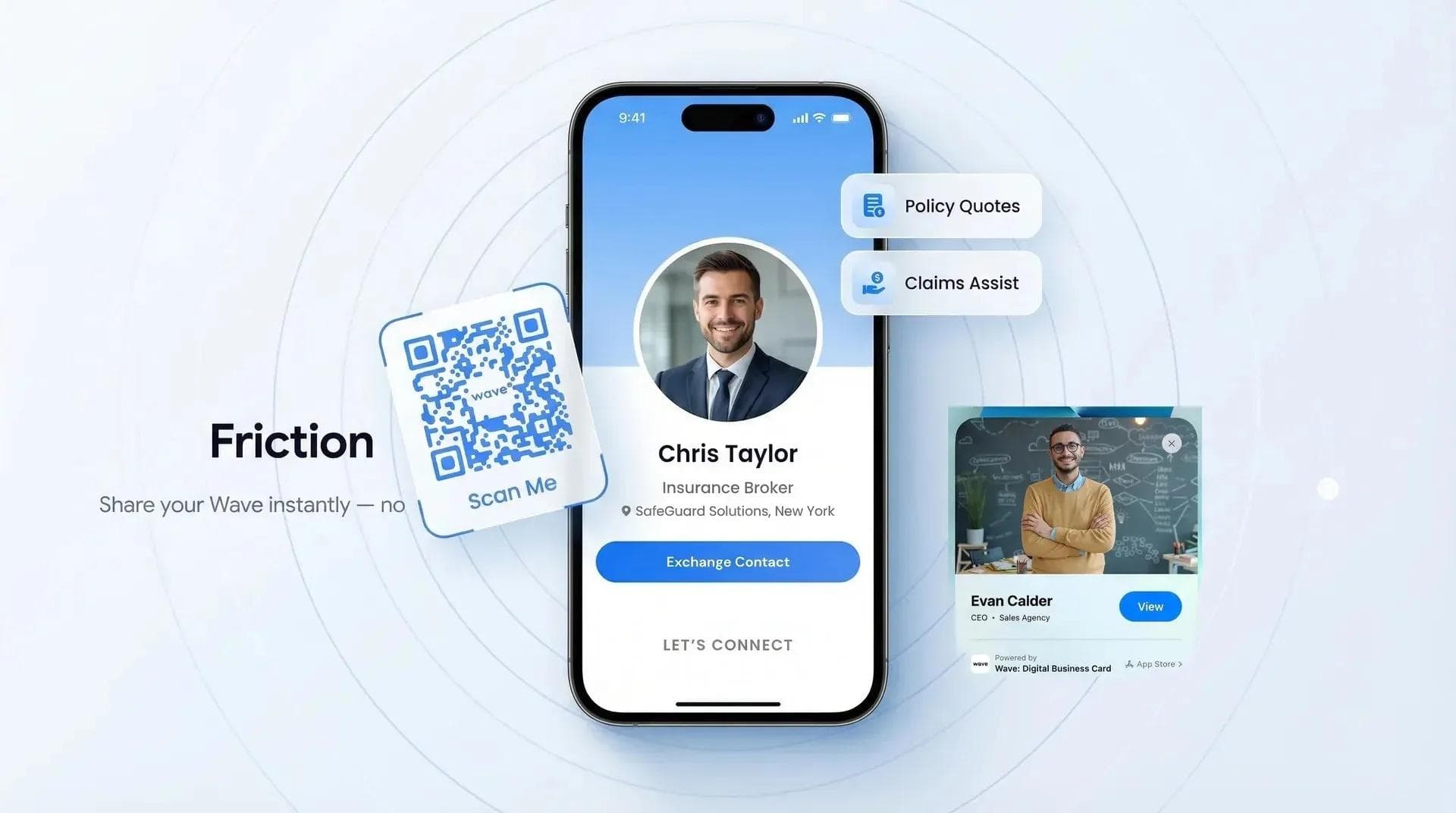
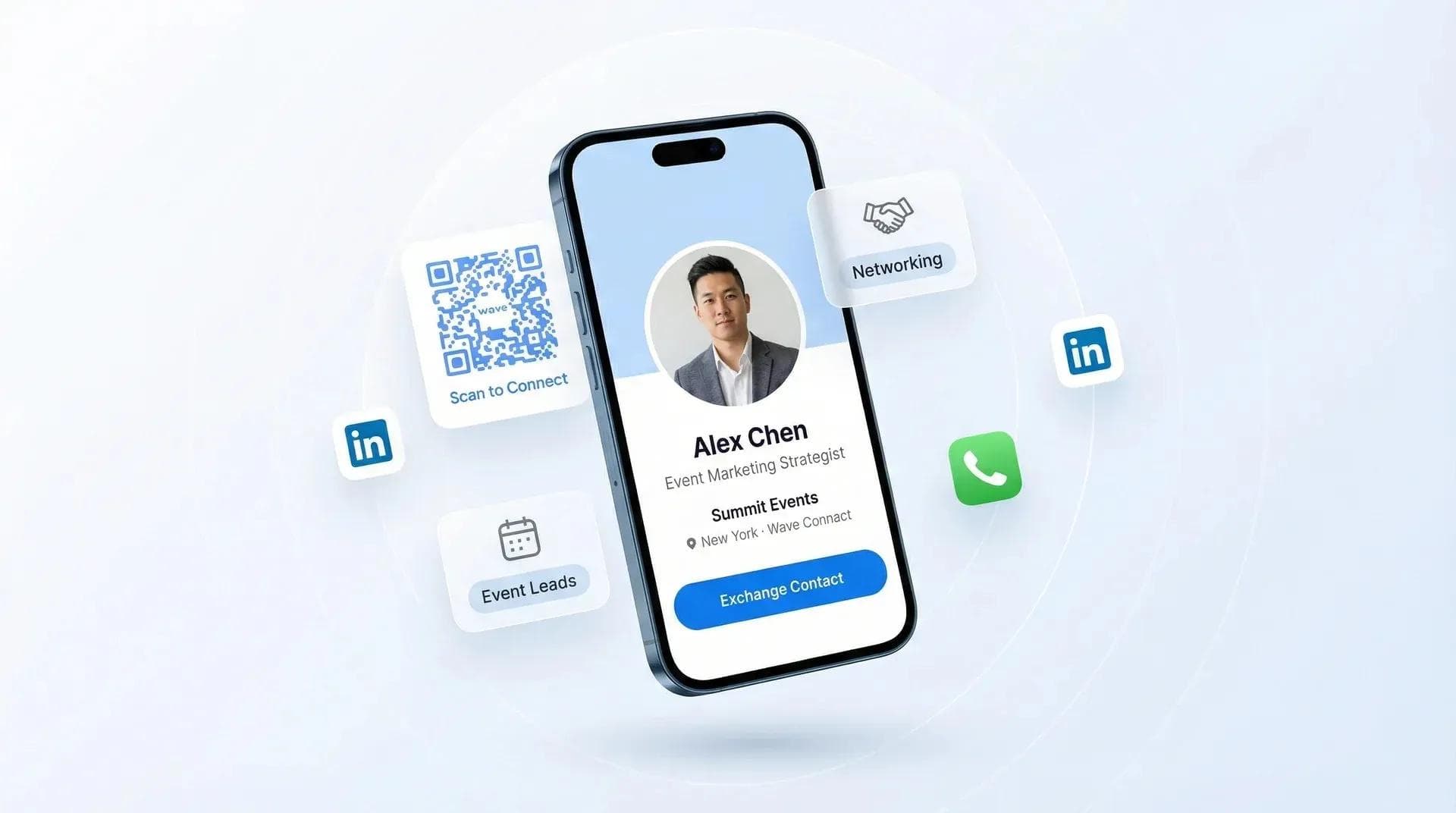
- Digital business cards with QR codes or NFC: Attendees pull up a QR code on their phone, the other person scans it, and contact info is saved in seconds. No app download needed on the recipient's end. I use digital business cards at every event I host and recommend attendees set one up before coming.
- QR code check-in station: Set up a station near the entrance where attendees can scan a code that saves the event's shared contact list or your company's info. This doubles as a branding touchpoint.
- LinkedIn QR codes: Every LinkedIn profile has a QR code. It's free and works, but it only shares LinkedIn - not email, phone, or website.
- Paper name tags with QR codes: Print name tags with each attendee's QR code on them. People can scan each other's badges to swap info. Takes some prep but it's a great touch.
Live Engagement
If your event has a speaker or panel, live polling tools like Slido or Mentimeter let the audience ask questions and vote on topics in real time. They're free for basic use and add interactivity without much setup.
Other nice-to-haves: an event hashtag for social sharing, a photo wall or branded backdrop, and designating someone to take photos throughout the night. You'll want those photos for promoting the next event.
Want to see how other hosts stand out at networking events? A lot of the tips apply to the host side too.
Day-of Logistics and Running the Event
The secret to a smooth event is arriving 1-2 hours early and having a written run-of-show with time blocks for every segment. Most day-of problems happen because the host is scrambling to set up while guests are already arriving. Get there early, test the AV, set out the name tags, brief your helpers, and be standing at the door with a smile when the first person walks in. If you're stressed and rushing, the entire room will feel it.
Setup Checklist (1-2 Hours Before)
- Test the AV and microphone (if applicable)
- Set out name tags, conversation starter cards, and signage
- Confirm food and drink timing with the venue or caterer
- Brief your 2-3 "connectors" - people you've designated to introduce strangers to each other
- Set up your check-in station (iPad, QR code, or sign-in sheet)
- Start the background music. Conversation-friendly volume. Not a nightclub.
- Take a photo of the space before anyone arrives (good for marketing later)
Running the Show
Opening remarks: Keep them to 2-3 minutes max. Welcome everyone, explain the format ("We'll start with 20 minutes of speed networking, then open it up for free mingling"), point out where the food and drinks are, and let people go. Nobody came to hear a speech.
Connectors: This is the most underrated event hosting hack. Designate 2-3 outgoing people (friends, colleagues, co-hosts) whose sole job is to walk around and introduce people to each other. "Hey Sarah, you're in fintech right? You need to meet Marcus - he's doing something really interesting with payment automation." These connectors are the secret weapon that prevents wallflowers and dead zones.
Timing: The sweet spot is 2-3 hours total. Start with a structured activity (speed networking, roundtable, or speaker), transition to open networking, and have a clear end time. Events without an end time fizzle out awkwardly. Events with a hard stop at 8 PM give people permission to leave without feeling rude.
Food and drinks: Passed appetizers or stations beat sit-down meals. You want people moving around, not anchored to a table for 45 minutes. Finger food they can eat while talking. And make sure you have non-alcoholic options visible and accessible - not everyone drinks, and they shouldn't have to ask.
💡 From My Experience: At a mixer I hosted in Austin in March 2025, I tried something new: I put conversation prompt cards inside everyone's name tag holder. Three prompts per card. People would glance at their badge, see the prompts, and use them as conversation starters. The feedback was incredible - multiple people told me it was the first networking event where they didn't feel awkward approaching strangers. Cost me about $15 in card stock. Sometimes the smallest details make the biggest impact. 💡
Follow Up After the Event (This Is Where Most Hosts Drop the Ball)
The follow-up is what separates a one-time event from a community, and most hosts completely skip it. Send a thank-you email within 24 hours with photos, a feedback survey, and a link to a shared contact list or LinkedIn group. Ask for testimonials, measure your results, and start planning the next event while the momentum is still fresh. The events that become recurring series - the ones people mark on their calendars months ahead - all have one thing in common: the host follows up fast and follows up well.
Within 24 Hours
- Thank-you email: Short, genuine, and include 3-5 photos from the event. People love seeing themselves at events - it creates social proof when they share those photos.
- Feedback survey: 3-5 questions max. What did you enjoy? What could be better? Would you come to the next one? Use Google Forms or Typeform. Keep it under 2 minutes.
- Shared contact list or LinkedIn group: With attendee permission, share a contact list so people can follow up with each other. Or create a LinkedIn group for the community. This extends the networking beyond the one-night event.
Within One Week
- Ask for testimonials: Reach out to 5-10 people who seemed to have a great time and ask for a quick quote. Use these for promoting your next event.
- Share a recap: Post photos and highlights on LinkedIn. Tag attendees. This serves double duty: it makes current attendees feel valued and creates FOMO for people who didn't come.
Planning the Next One
Recurring events build community. A one-time event creates connections. A monthly or quarterly event creates a community that people identify with. If your first event went well, announce the next date before the momentum fades.
Measure your results so you know what's working:
- Attendance rate: What percentage of registrants showed up? (Target: 50-60%)
- New connections made: Ask in your survey. "How many new people did you meet tonight?"
- Feedback scores: Average rating on your survey. Anything above 4/5 is great.
- Repeat attendance: This is the ultimate metric. If people come back, you're doing something right.
For a deeper dive on the follow-up side, I wrote a complete guide on how to follow up after a networking event - it covers the exact templates and timing I use.
Frequently Asked Questions
How much does it cost to host a networking event?
Anywhere from $0 to $5,000+, depending on venue, food, and event size. You can host a free event at a coworking space with coffee, or spend thousands on a dedicated venue with full catering and AV setup.
How many people should you invite to a networking event?
Register 2-3x your target attendance to account for no-shows. If you want 50 people in the room, aim for 100-150 registrations since 40-50% typically don't show up.
How long should a networking event last?
2-3 hours is the sweet spot for most networking events. Shorter than that and people feel rushed. Longer and the energy drops off significantly after the two-hour mark.
What food should you serve at a networking event?
Passed appetizers or food stations that people can eat while standing and talking. Avoid sit-down meals - they anchor people to tables and kill the room's movement and energy.
How do you break the ice at a networking event?
Use structured activities like speed networking, roundtable discussions, or conversation starter cards. Telling people to "just mingle" doesn't work - structure gives people permission to approach strangers.
Should you charge for a networking event?
Charging even a small fee ($10-25) reduces no-shows by 30-40% because people value what they pay for. Free events get more registrations but much lower attendance rates.
How far in advance should you plan a networking event?
Give yourself 6-8 weeks from announcement to event day. You need time to secure a venue, promote the event, and build enough registrations to fill the room.
Make Every Connection Count at Your Next Event
Set up digital business cards for your attendees so contact exchange takes 3 seconds, not 3 minutes. No app required for the recipient.
Create My Free CardAbout the Author: George El-Hage is the Founder of Wave Connect, an event lead capture platform with a full digital business card built in, serving 200,000+ professionals worldwide. With 6+ years helping organizations transition from paper to digital networking, George has hosted 20+ networking events and has deep expertise in what makes in-person events generate real, lasting connections. Connect with him on LinkedIn.